▲
▼
▲▼
▲▼
You can customize some of the
vehicle control settings to your
preference. Here are the settings
you can customize:
METER SETUP
LIGHTING SETUP
POSITION SETUP
DOOR/WINDOW SETUP
Each time you press the INFO ( /
) button, the screen changes as
shownonthenextpage.Pressthe
INFO( / )buttonuntilyousee
the setup you want to customize,
then press the SEL/RESET button
to enter your selection.
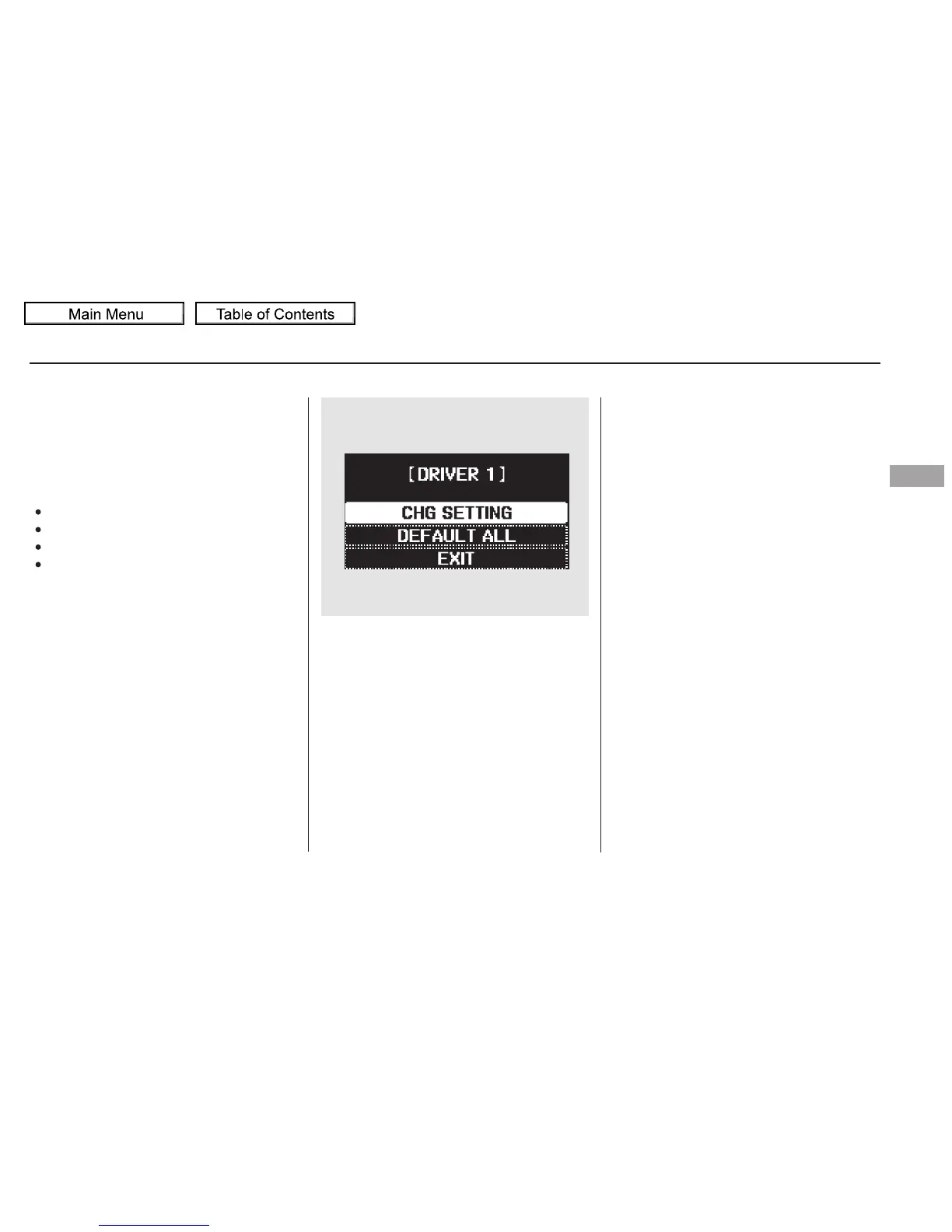
When you want to change the
vehicle control settings, press the
INFO ( / ) button to select CHG
SETTING, then press the SEL/
RESET button.
CONTINUED
Multi-Information Display
Customize Settings
Instruments and Controls
101
Touring model is shown.
10/01/26 18:40:54 31SZA620_106


 To Next Page
 Loading...