−
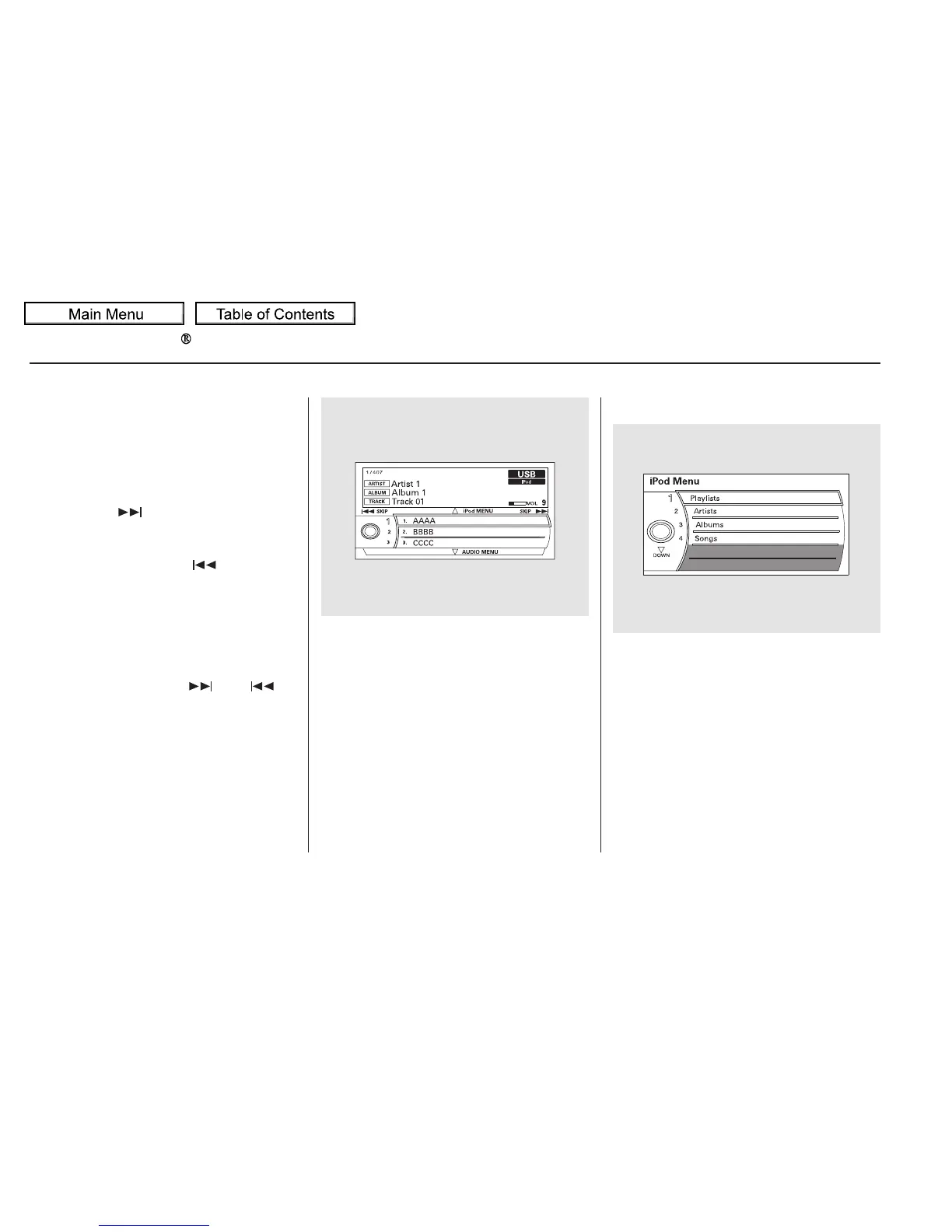
You can also change files with the
interface dial. Press the AUDIO
button to show the audio control
display on the navigation screen.
Push the selector to the right side to
skip forward and to the left side to
skip backward.
You can also select a file from any of
the iPod menus: playlists, artists,
albums and songs, by using the
interface dial. Press the AUDIO
button to display the audio control
display on the navigation screen.
Push up the interface selector to
display the iPod menu. Turn the
knob on the interface dial to select a
desired list.
Use the SKIP bar or button while an
iPod is playing to select passages and
change files.
Each time you press and
releasethe sideoftheSKIPbar
or button, the system skips forward
to the beginning of the next file.
Press and release the side of
the bar or button, to skip backward
to the beginning of the current file.
Press it again to skip to the
beginning of the previous file.
To move rapidly within a file, press
andholdeitherside( or )
of the SKIP bar or button.
To Change or Select Files To Select a File from iPod Menu
Playing an iPod (Models with navigation system)
SKIP
292
10/01/26 19:13:11 31SZA620_297















 To Next Page