−
To turn it off, have this mode
highlighted and press ENTER again.
You can also select another list from
theiPodmenuwhilekeepingthe
random function.
Available operating functions vary on
models or versions. Some functions
may not be available on the vehicle’s
audio system.
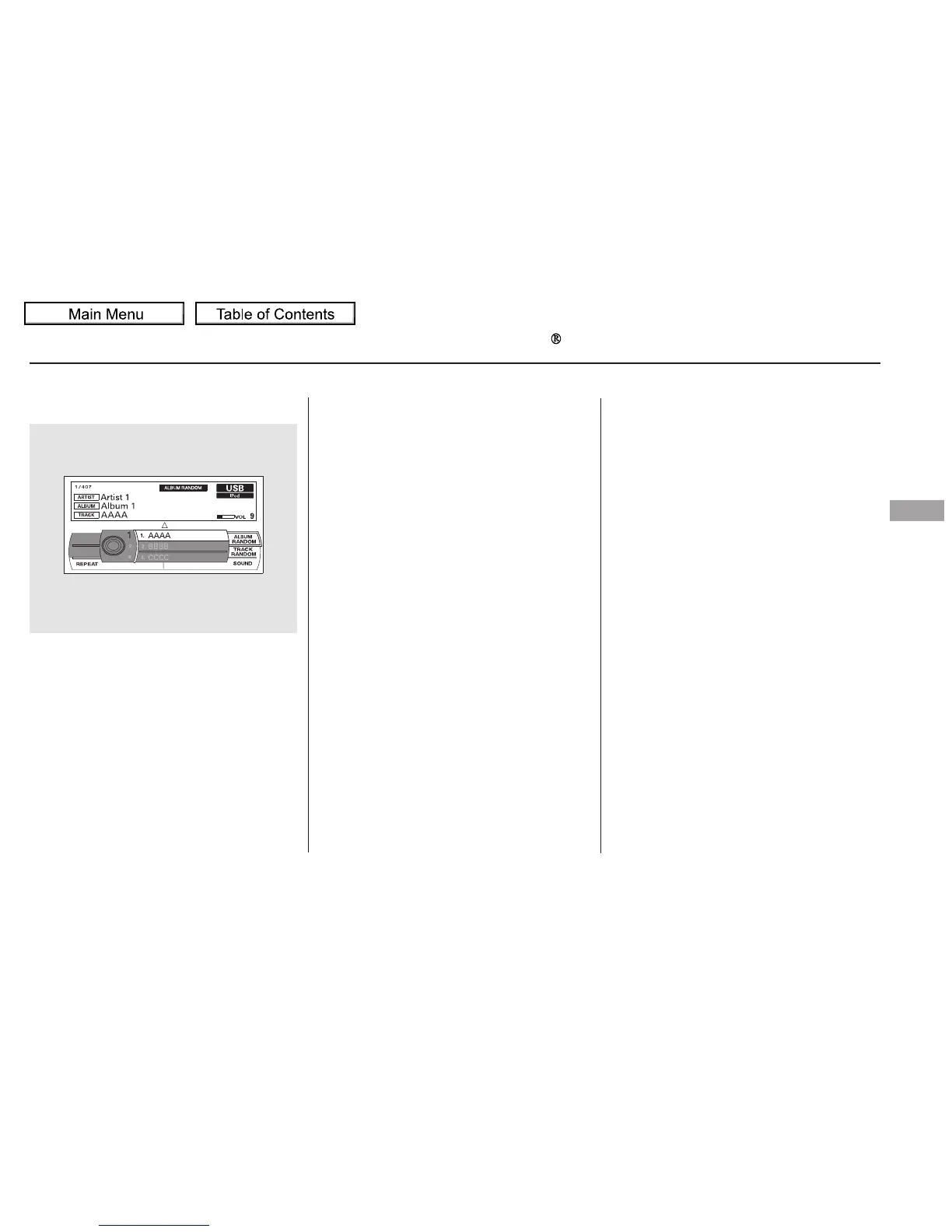
This feature
plays all available albums from the
selected items in the iPod menu list
(playlists, artists, albums or songs)
in random order. The files in each
album are played in the recorded
order. You will see ALBUM
RANDOM on the screen.
To play the radio, press the AM, FM,
or XM button. Press the CD or CD/
AUX button to switch to the disc
mode (if a disc is loaded).
CONTINUED
To Stop Playing Your iPod
ALBUM RANDOM
Playing an iPod (Models with navigation system)
Features
295
NOTE:
10/01/26 19:13:39 31SZA620_300








 To Next Page