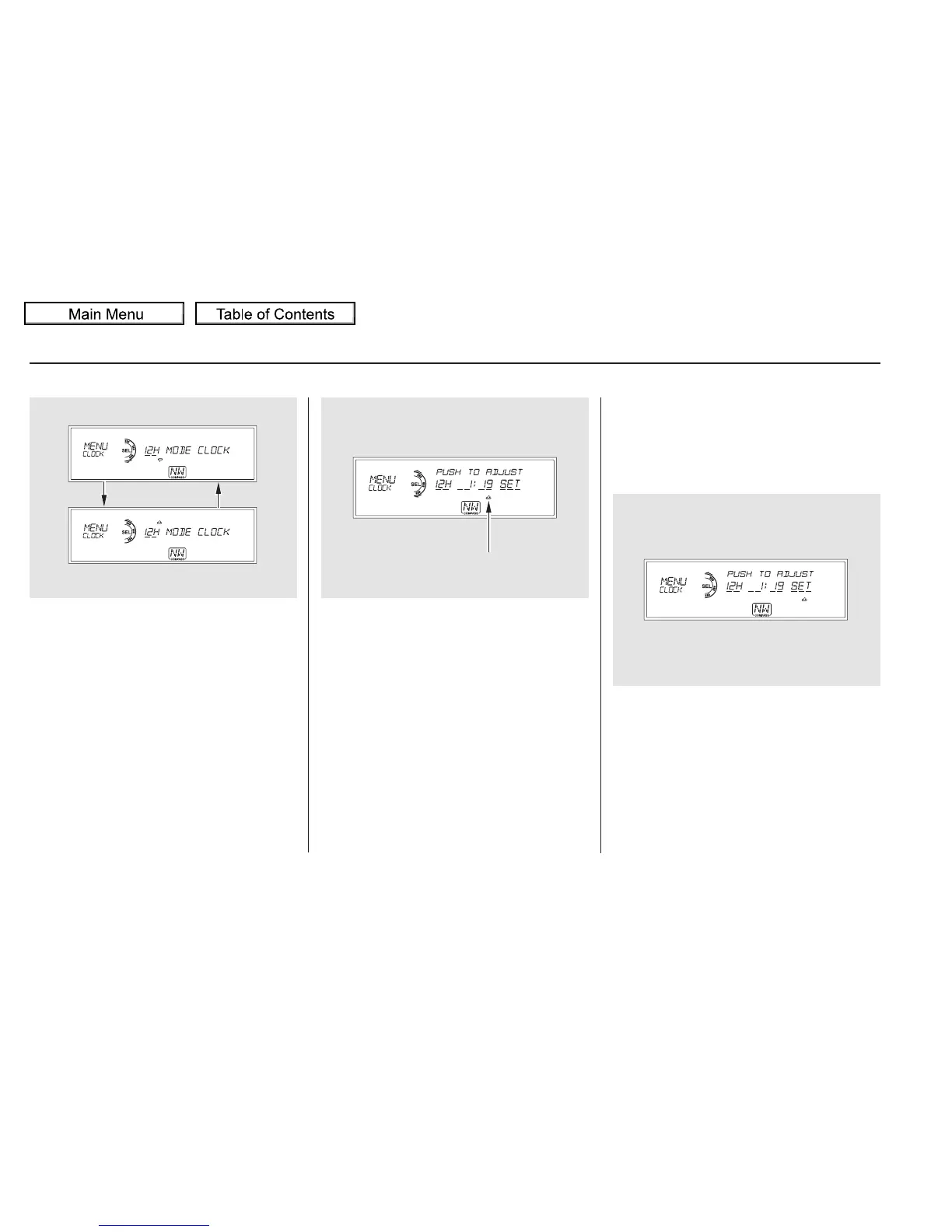
Turn the selector knob to count
the numbers up or down.
While setting the clock, pressing
the RETURN button will go back
to the previous display.
Pressing the MENU button again
will cancel this setting mode.
Press either the RETURN or
MENUbuttontogobacktothe
normal display.
To set the time, turn the selector
knob and select the hours or the
minutes, then press the knob to
enter your selection. The display
changes to the setting display.
Press the selector knob (ENTER)
to enter your selection. The
display will return to the clock
adjusting display.
Turn the selector knob to change
the setting between 12H and 24H.
Press the selector knob (ENTER)
to enter your selection. The
display will return to the clock
adjusting display.
To enter the clock setting, turn
the selector knob to select ‘‘SET,’’
then press the knob. The display
will return to the menu item
display.
5.
6.
7.
8.
9.
11.
10.
Setting the Clock
316
MINUTE SETTING
10/01/26 19:17:03 31SZA620_321















 To Next Page