▲
▼
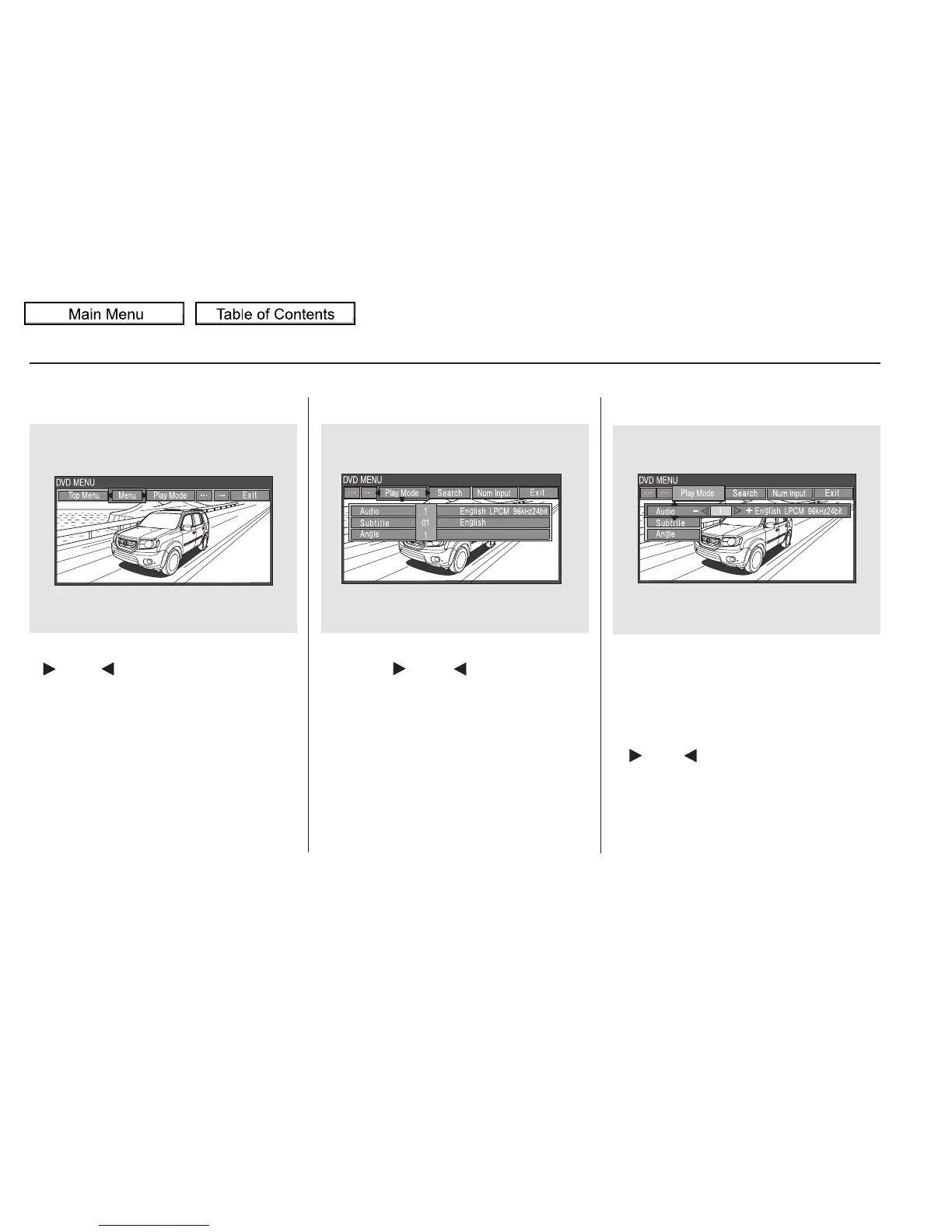
Menu Play Mode
When you select ‘‘MENU’’ with the
or button, the screen
changes to the DVD’s title menu.
When you select ‘‘PLAY MODE’’
with the or button, you
can change the DVD’s Audio,
Subtitle or Angle setting.
To change the Audio setting,
highlight ‘‘Audio’’ from the play
mode menu with the or
button. A submenu of dubbed
languages appears. You can select
another language by pressing the
or button. The sound
characteristics (Dolby Digital,
LPCM, MPEG Audio, dts) recorded
with the selected language is also
displayed next to the language.
‘‘Audio’’
Rear Entertainment System
326
10/01/26 19:18:52 31SZA620_331















 To Next Page