▲▼
CONTINUED
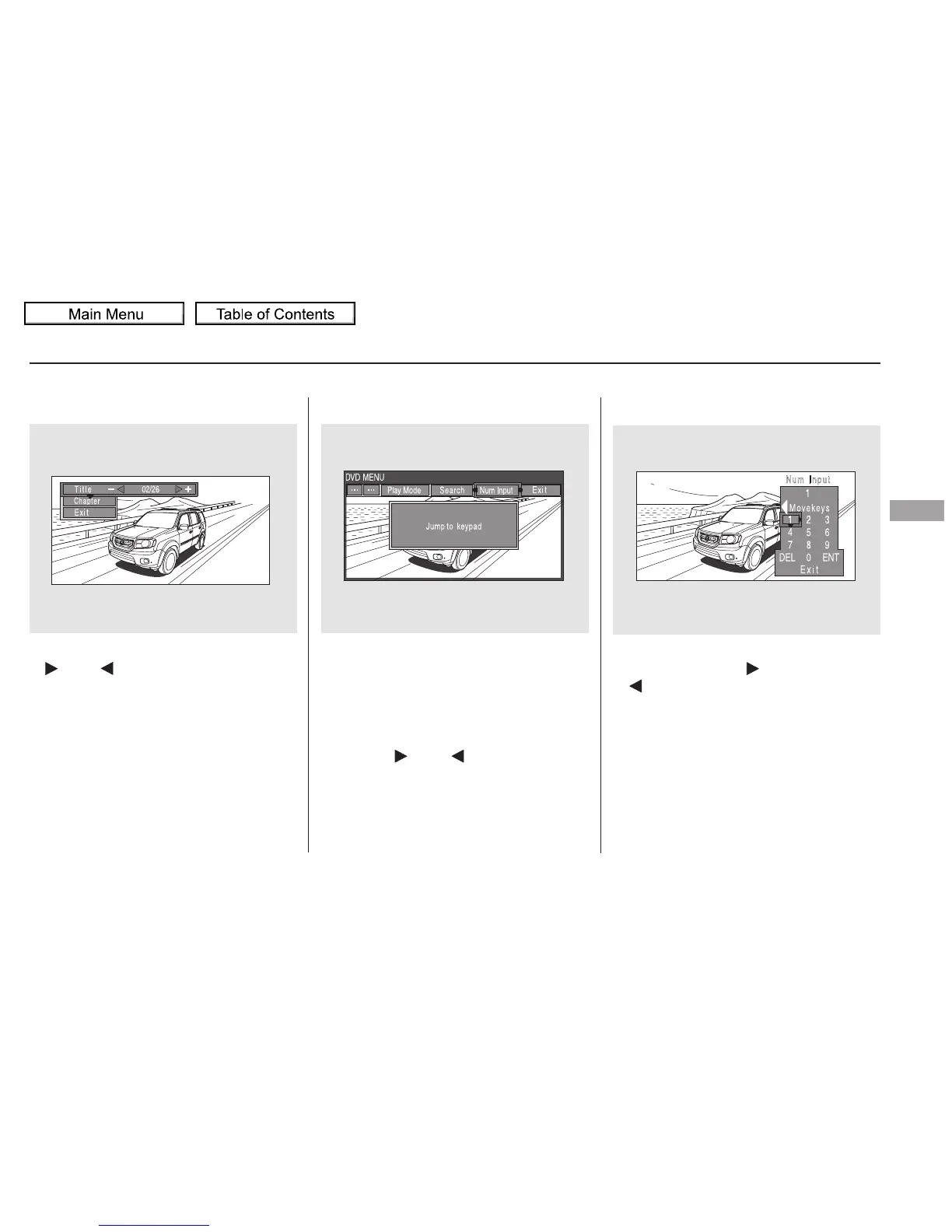
‘‘Title/Chapter Search’’
With ‘‘Title’’ highlighted, use the
or buttontojumptoyour
desired title and press the ENT
button. When ‘‘Chapter’’ is
highlighted, follow the same
procedure for the chapter search.
A numerical command can be issued
to a DVD by inputting a two digit
number, and a button number can be
selected on the screen.
Select the first digit number using
the , , , or
button, and enter it by pressing
the ENT button. If you want to
change the number, select ‘‘DEL,’’
and press the ENT button, then
select and enter the new number.
When you highlight, ‘‘NumInput’’
with the or button, the
‘‘Jump to keypad’’ message appears.
PresstheENTbuttontogotothe
NumInput selection screen.
Num Input
Rear Entertainment System
Features
329
10/01/26 19:19:22 31SZA620_334















 To Next Page