▼▲
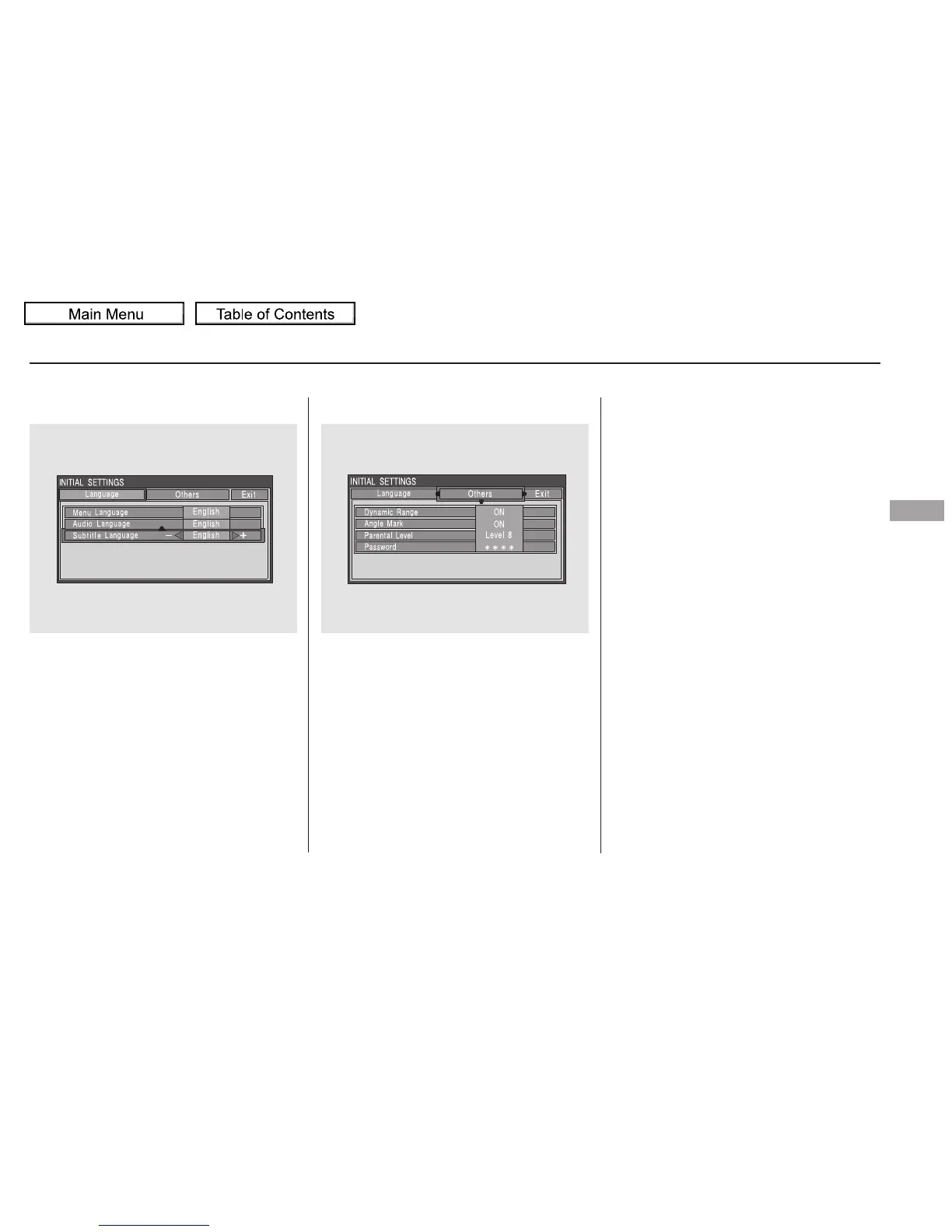
Subtitle Language
You can select the subtitle language
before playing DVDs.
Select ‘‘Subtitle Language’’ by
pressing the or button. You will
see the submenu next to the
‘‘Subtitle Language.’’
Dynamic Range
‘‘Dynamic Range’’ reduces the
differences between the loud and
quiet sound levels throughout the
disc. When this is on, the louder
sounds are lowered, and quieter
sounds are increased.
When you select ‘‘Others’’ at the top
of the ‘‘INITIAL SETTINGS’’ screen,
the above menu appears on the
screen.
Follow the same instructions you
used to set the menu language.
CONTINUED
INITIAL SETTINGS (Others)
Rear Entertainment System
Features
337
10/01/26 19:20:40 31SZA620_342















 To Next Page