VEHICLE CONTROLS
n Walk Away Auto Lock
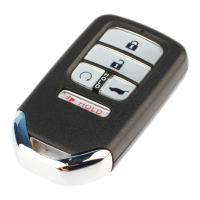
When you walk away from the vehicle while carrying the smart entry
remote, the doors can automatically lock if the following conditions are met:
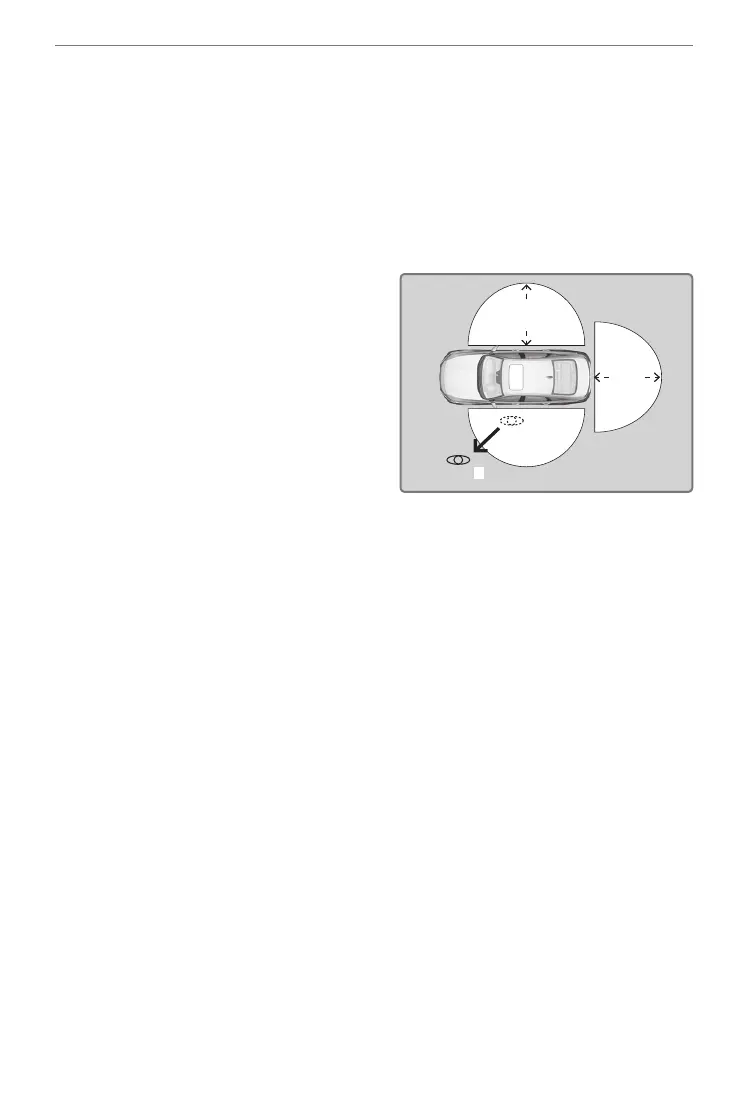
• The smart entry remote is within a range of 5 feet (1.5 m).
• All doors and the hood are closed.
• There is not an additional remote transmitter inside the vehicle.
Follow these steps (see diagram):
1. Carry the smart entry remote while
you exit the vehicle. Close all the
doors and stay near the vehicle.
Listen for a beep. The system is
activated.
2. Walk at least 5 feet (1.5 m) away.
3. Listen for a beep and look for the
lights to flash. The doors lock.
Models with Color Audio:
To turn on this feature, follow these steps with vehicle stopped and the
power mode set to ON:
1. Press the MENU/CLOCK button, then select Settings.
2. Select Vehicle.
3. Select Door/Window Setup.
4. Select Walk Away Auto Lock.
5. Select On.
Models with Display Audio:
To turn on this feature, follow these steps with the vehicle stopped and the
power mode set to ON:
1. From the audio/information screen, select Settings.
2. Select Vehicle.
3. Select Door/Window Setup.
4. Select Walk Away Auto Lock.
5. Select ON.


 To Next Page
 Loading...