EasyManua.ls Logo

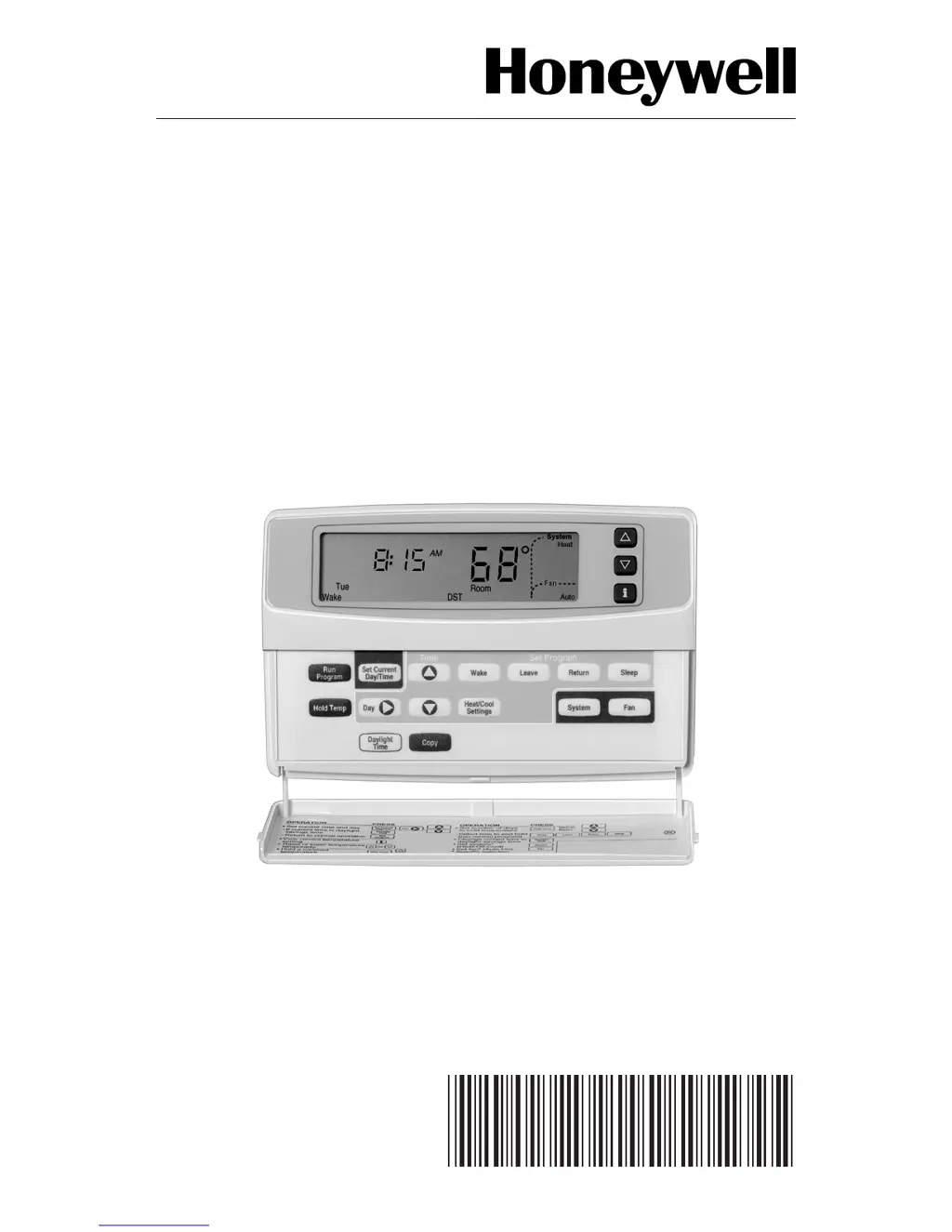
Honeywell Deluxe - User Manual

Honeywell Deluxe
28 pages
Print Icon
To Next Page IconTo Next Page
Loading...
1 69-1400–1
Deluxe
Programmable
Thermostat
69-1400-1

Questions and Answers

  • E
    eringutierrezJul 26, 2025
    How to fix a Honeywell Thermostat when the display will not come on?
    • D
      daviscodyJul 26, 2025
      If your Honeywell Thermostat display won't turn on, try the following: * Ensure the thermostat is properly mounted and latched onto the wallplate. * Check and reset the circuit breaker if it has tripped. * Replace the fuse if it's blown. * Verify the system switch at the equipment is in the On position. * Inspect the wiring between the thermostat and HVAC equipment, replacing any broken wires. * If 24 Vac is present, continue with troubleshooting.
  • L
    Laura OrozcoAug 5, 2025
    Why is my Honeywell Deluxe not heating?
    • B
      Brad McbrideAug 5, 2025
      If your Honeywell Thermostat is not heating, make sure that the setpoint is above the current room temperature. Also, check the following: 1. The circuit breaker and reset it if tripped. 2. Replace the fuse if it is blown. 3. Ensure the system switch at the equipment is in the On position. 4. If 24 Vac is present, proceed with troubleshooting. 5. Wait five minutes for the system to respond. 6. Set the system selection to Heat.
  • M
    Michael MillsAug 16, 2025
    Why is my Honeywell Thermostat not cooling?
    • J
      Jamie CoxAug 16, 2025
      If your Honeywell Thermostat is not cooling, make sure the setpoint is below the room temperature. Also, check the following: 1. The circuit breaker and reset it if tripped. 2. Replace the fuse if it is blown. 3. Ensure the system switch at the equipment is in the On position. 4. If 24 Vac is present, proceed with troubleshooting. 5. Wait five minutes for the system to respond. 6. Set the system selection to Cool.

Summary

PROGRAMMING

Programming the First Day

Guide to programming the initial wake time and temperature for a day.

Operating the Deluxe Programmable Thermostat

Adaptive Intelligent Recovery Control

Explanation of the smart recovery feature for optimized comfort and energy savings.

TROUBLESHOOTING GUIDE

Display will not come on.

Actions to take when the thermostat display remains blank or unlit.

Heating will not come on.

Steps to diagnose and resolve issues with the heating system not activating.

Cooling will not come on.

Steps to diagnose and resolve issues with the cooling system not activating.

Honeywell Deluxe Specifications

General IconGeneral
Stages1 Heat/1 Cool
Programmability7-Day Programmable
Hold FeatureYes
Filter Change AlertYes
Power SourceBattery-powered (2 AA batteries)
DisplayBacklit

Related product manuals