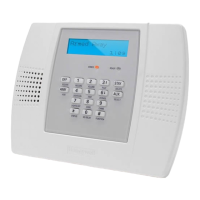
Lynx Touch (L5000, L5100, L5210, L7000)
Quick Start Guide
Throughout Programming anytime the system asks for codes, please use the codes below:
Installer Code- 4112
Master Code- 1234
(Note: These are the default codes and can later be changed. We recommend only
changing the Master Code and do not change the Installer Code. If you change the
installer code, be sure to write it down and remember it, you will not be able to program
the system if you lose that code.)
Zone Information:
Zone 1- Hardwired Only
Zones 2-48 Wireless Device
Zones 49-64 Wireless Buttons
Step 1: NOTE: When connecting your power supply (Power Transformer) to your
Lynx System, be sure to pay attention to the polarity. The positive terminal on the
transformer will be wired to the 9v+ on the Lynx Touch. The negative (-) on the
power transformer will go the Ground (GND) next to the 9v+.
Step 2: Default your System: When the system is powered on and you see the main
screen, touch the tab on the bottom right that says “more”, then touch tools, then enter
4112, then touch “program”, then hit the down arrow on the right, then touch “default
config”, and the hit “default config 1”, and then hit “yes” to confirm.
Then hit the return arrow (top right) one time. We will now set your System Settings.
Step 3: System Settings: Assuming you just defaulted your system, you are now ready
to set your systems settings. Touch the tab the says “System Settings”. The screen will
now display your current settings. NOTE: The main ones you are worried about will be
the top two lines (Entry and Exit delays) and making changes to anything else in this
section will not be covered in this quick start guide.
To Set your Entry and Exit delay times, just simply tap the delay time you are wanting
to change until your desired time is displayed (15, 30, 45, 60, 90, 2 min, none).
When you have entered your times, Hit “Save”. You should then see an up arrow on the
right hand side. Hit the up arrow. (At this time you should see the system programming
menu that displays the installer code, system type, date and time, zones, etc…)

 Need help?
 General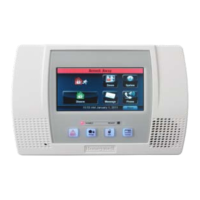








 To Next Page