7
Camera
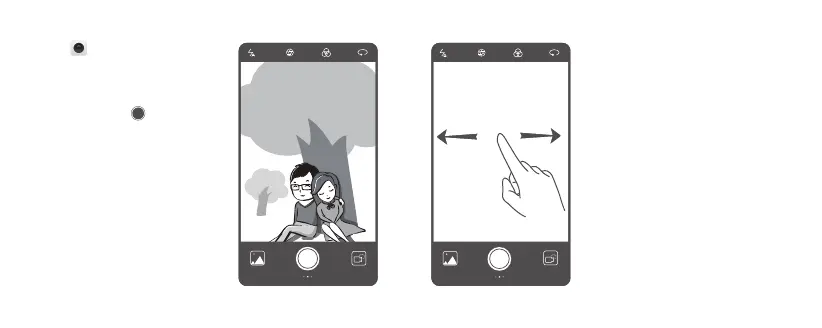
Touch .
Frame the scene you want to capture.
Let your camera focus automatically or
touch the screen to focus on a specific
object. Then touch to take a
photo.
Swipe right on the viewfinder to
change the capture mode, and swipe
left on the screen to access the camera
settings.



 To Next Page