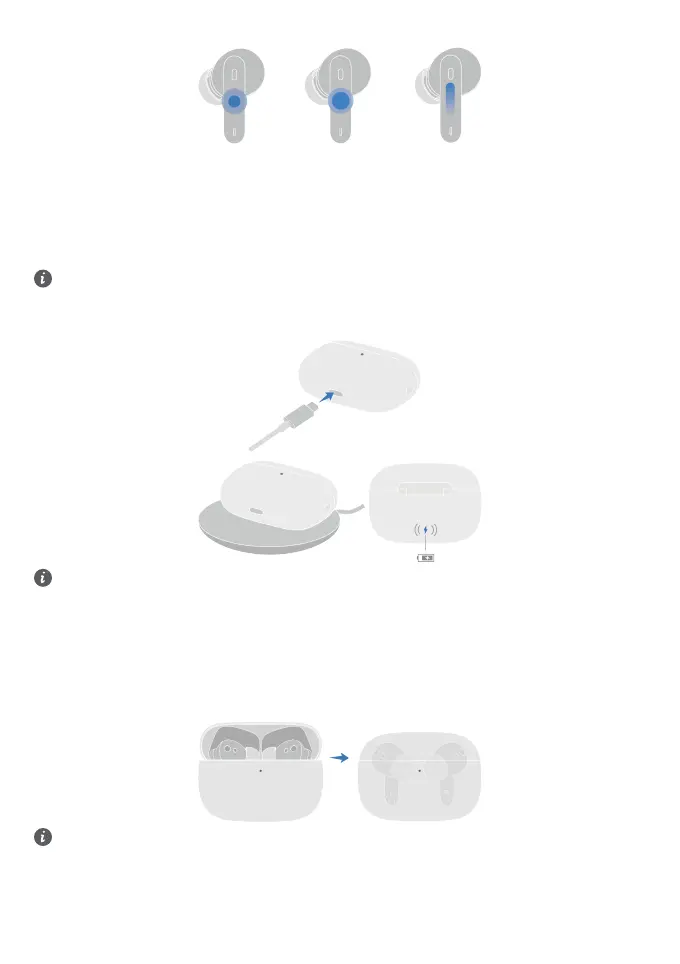
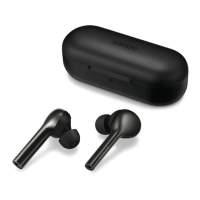
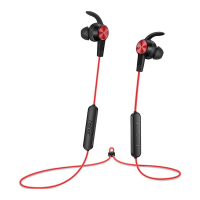
Touch controls
• Tap twice: Play/Pause music.
• Tap twice: Answer/End a call
• Tap triple: Measuring temperature.
• Press and hold: Reject a call.
• Press and hold: Switch noise cancellation mode.
• Swipe up: Turning up the volume.
• Swipe down: Turning down the volume.
You can also customize the shortcut operations in the HONOR AI Space app to suit your needs.
Charging the case
Use the USB-C charging cable to charge the case, or place the case on a compatible wireless charger with the
indicator light facing up.
• When the charging case is charging, the indicator light on it is always on, which indicates that the charging
works ne.
• For best wireless charging eciency, align the lower half of the back of the charging case (the highest
wireless charging eciency point) with the center of the wireless charger while charging. If the case is not
placed properly, it may aect the charging eciency or prevent the charging.
• During wireless charging, if the indicator light ashes abnormally or goes out, please readjust the position
of the charging case until the indicator light is always on.
• To ensure ecient and safe charging, please use quality chargers and cables.
Charging the earbuds
Put the earbuds into the charging case and close the lid. The charging case automatically charges the earbuds.
The earbuds inside will not be charged when the lid is open.
Changing the ear tips
Choose the size which provides your desired noise cancellation eect and comfort level.
2


 To Next Page