English
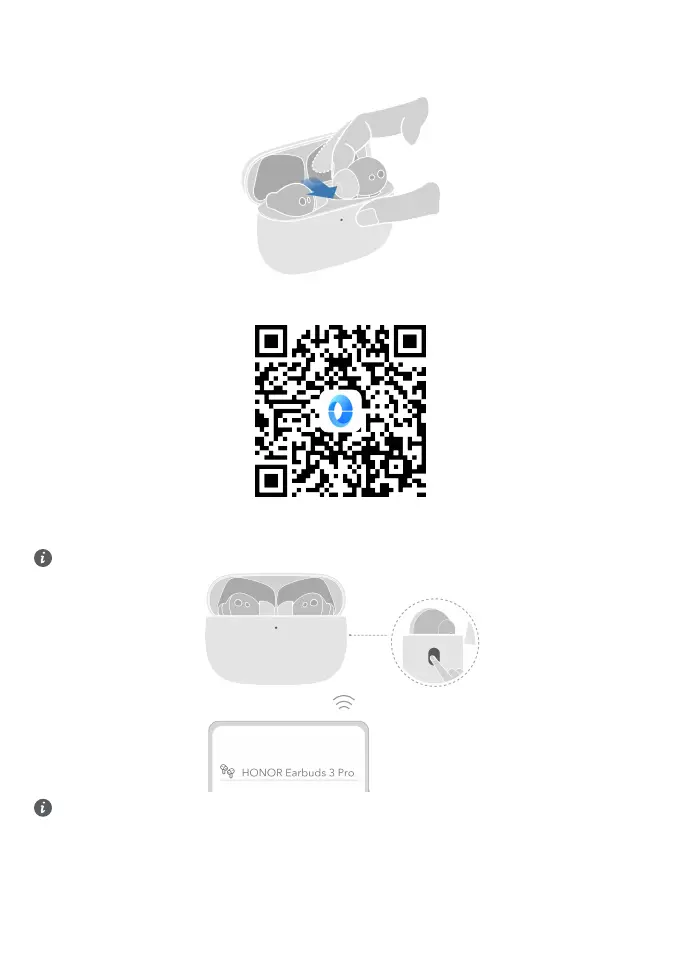
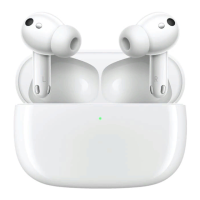
Take out the earbuds
Place your index nger in the groove, bend your nger against the earbuds and push it outward, and lift the headset
with the help of your thumb.
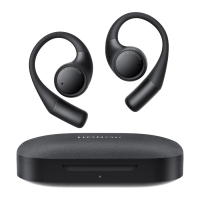
Download and install the app
Download and install the HONOR AI Space app by scanning the QR code to access more features and custom
settings for a better listening experience.
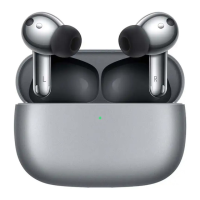
Pairing
Rest the earbuds in the case, keep the lid open, and press the function button for 2 seconds. White light blinking
indicates the earbuds enter the pairing mode.
The rst time you open the case lid, the earbuds enter the pairing mode automatically.
Restore factory settings: Rest the earbuds in the case, keep the lid open, and press the function button for 6
seconds. Red light blinking indicates the earbuds are restored to factory settings and the earbuds re-enter
the pairing mode.
1


 To Next Page