English
Know Your Device
Before using the device, familiarise yourself with its
basic operations.
• To power on your device, press and hold the power
button until the screen turns on.
• To power o your device, press and hold the power
button, and then touch .
• To resta your device, press and hold the power
button, and then touch .
• Press and hold the Power and Volume down buttons
for more than 10 seconds to force resta your device.
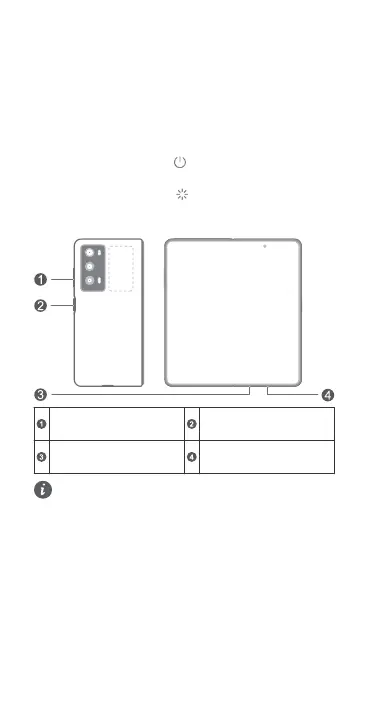
Volume button
Power button /
Fingerprint sensor
Card slot
USB Type-C po/
Headset jack
• Please keep the NFC area close to other devices
or objects while using the NFC function.
• Please use standard Type-C digital headset,
Type-C analog headset is not suppoed.
• e following phenomena are normal: there may
be creases on the folding area of the inner
screen; there may be sound when you fold and
unfold the phone; the unfolded angle may be
slightly dierent. Please rest assured that you can
use the device normally.
• Check out the pre-installed Tips app and master
all the great features on your device.
1















 To Next Page