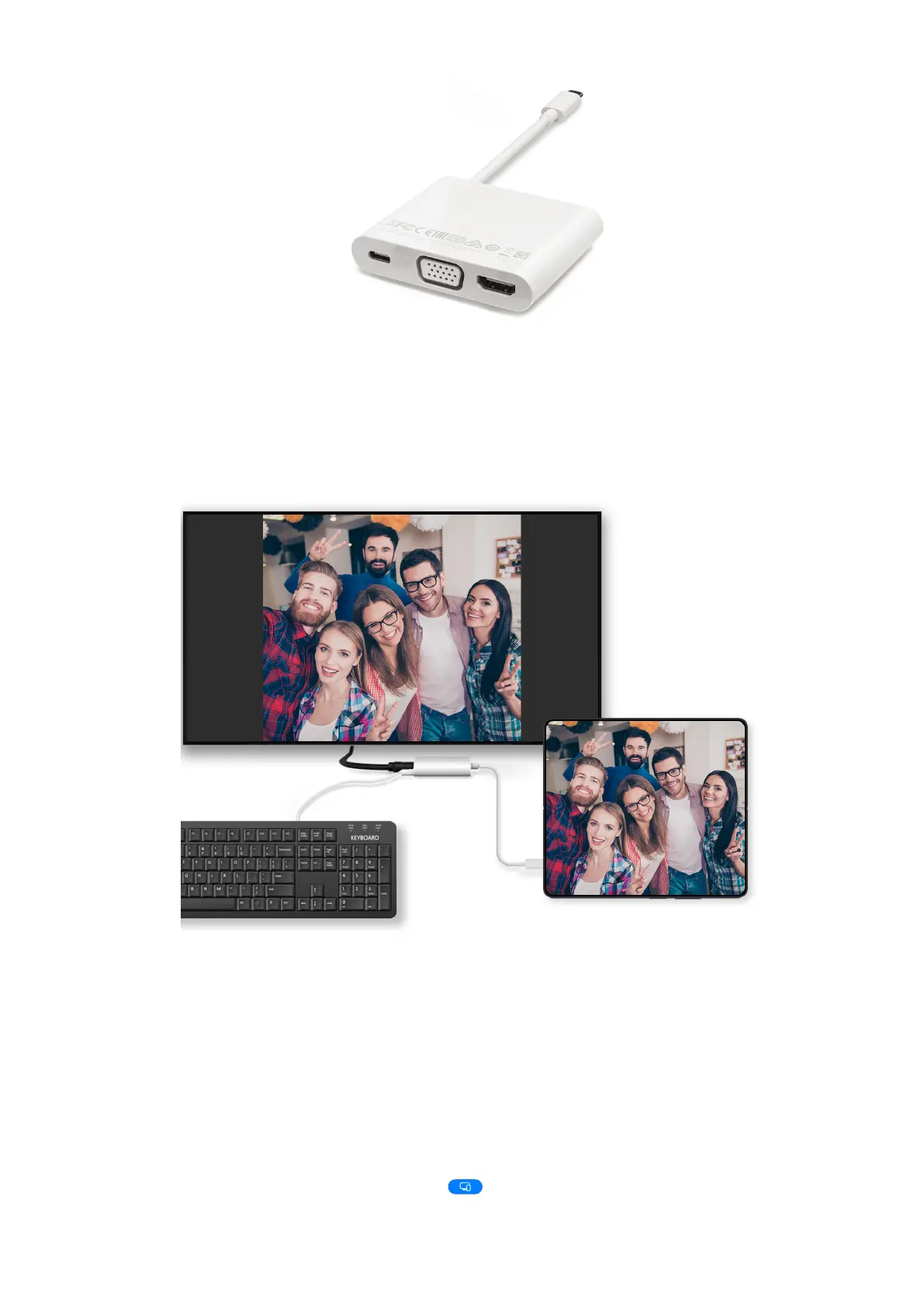
2 Connect your phone and the large display to the docking station, then connect the
wired mouse and keyboard to the docking station.
3 On the external display, set the corresponding HDMI, DP, or MiniDP input as the signal
source.
Use Desktop Mode
After your phone screen is projected, go to > Projection mode on your phone, and
touch Desktop mode.
Collaboration
28















 To Next Page