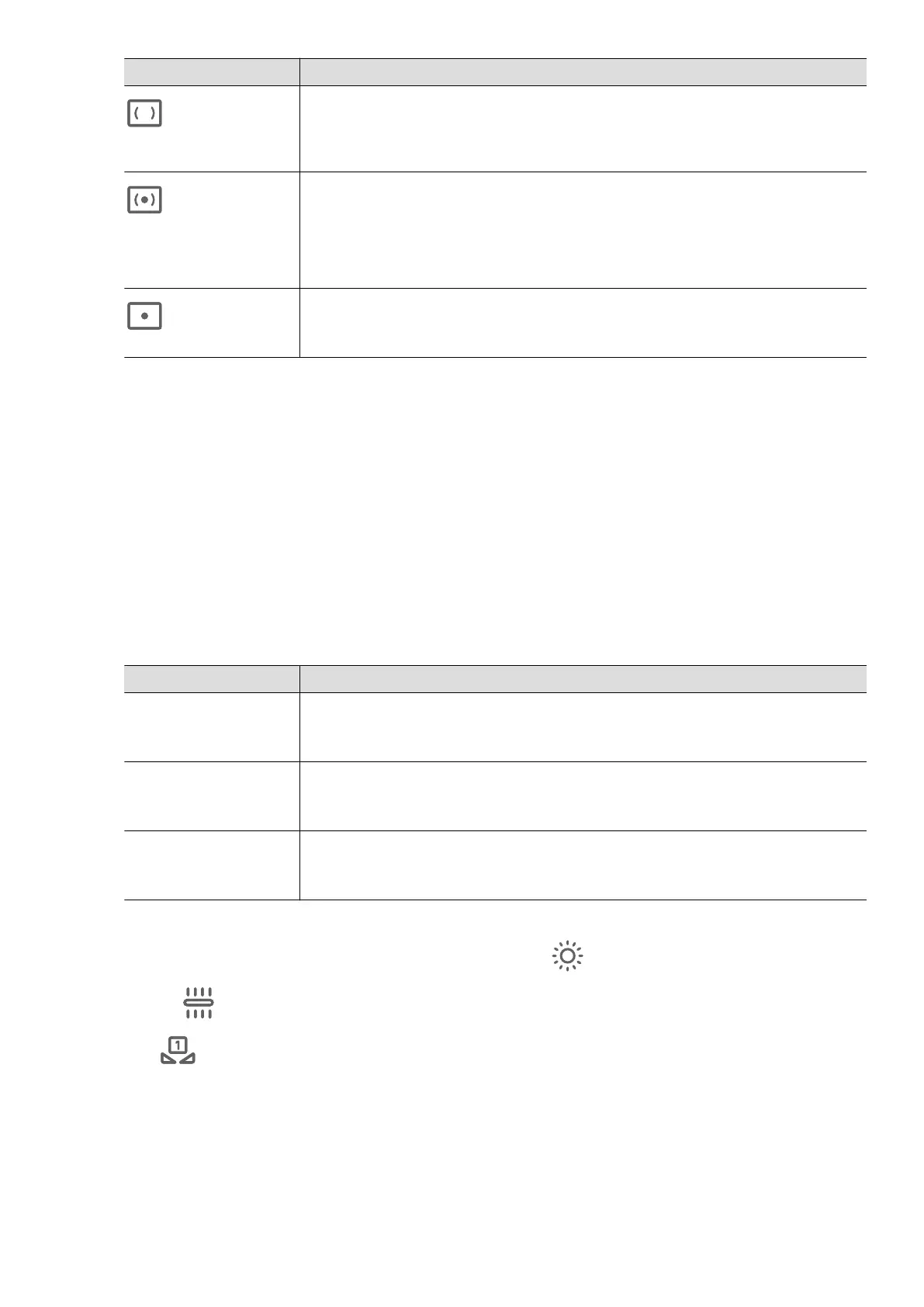
Metering Mode Applicable Scenarios
Matrix
metering
Metering the entire frame. Applicable when shooting
landscapes.
Center-
weighted
metering
Focus on the center of the frame. Applicable when shooting
Spot metering
Concentrate on a small area of the frame, such as the eyes
of a person.
• Adjust the ISO sensitivity: Tap ISO and drag the ISO slider.
In low-light conditions, increase the ISO sensitivity. In well-lit environments, lower
the ISO sensitivity to avoid image noise.
• Adjust the shutter speed: Tap S and drag the shutter speed slider.
shutter speed the amount of light allowed to enter the camera lens.
When shooting scenes or lower the shutter speed. When
shooting moving scenes or objects, increase the shutter speed.
• Adjust the exposure compensation value: Tap EV
·
and drag the EV slider.
Increase EV in low-light conditions, lower the EV in well-lit environments.
• Adjust the focus: Tap AF
·
and select a focus mode.
Focus Mode
Applicable Scenarios
AF-S (Single
focus)
Applicable to scenes or
AF-C (Continuous
focus)
Applicable to moving scenes or
MF (Manual focus) Tap the area you want to focus on (such as the face of a
person).
• Adjust the color tone: Tap WB
·
and select white balance.
When shooting in bright sunlight, you can select . In low-light environments,
select
.
Tap to adjust the color temperature, giving a cooler or warmer tone to the
photo.
• Set the storage format: You can set the photo format to JPG, JPG-L or RAW as
required. Photos in the RAW format retain more detail and are easier to process, but
take up more space; photos in JPG take up less and you can choose to save
them as JPG-L.
Video Creation
39















 To Next Page