Recorder
recorder helps you to save the audio so that you can listen to it at any time.
Audio Recording
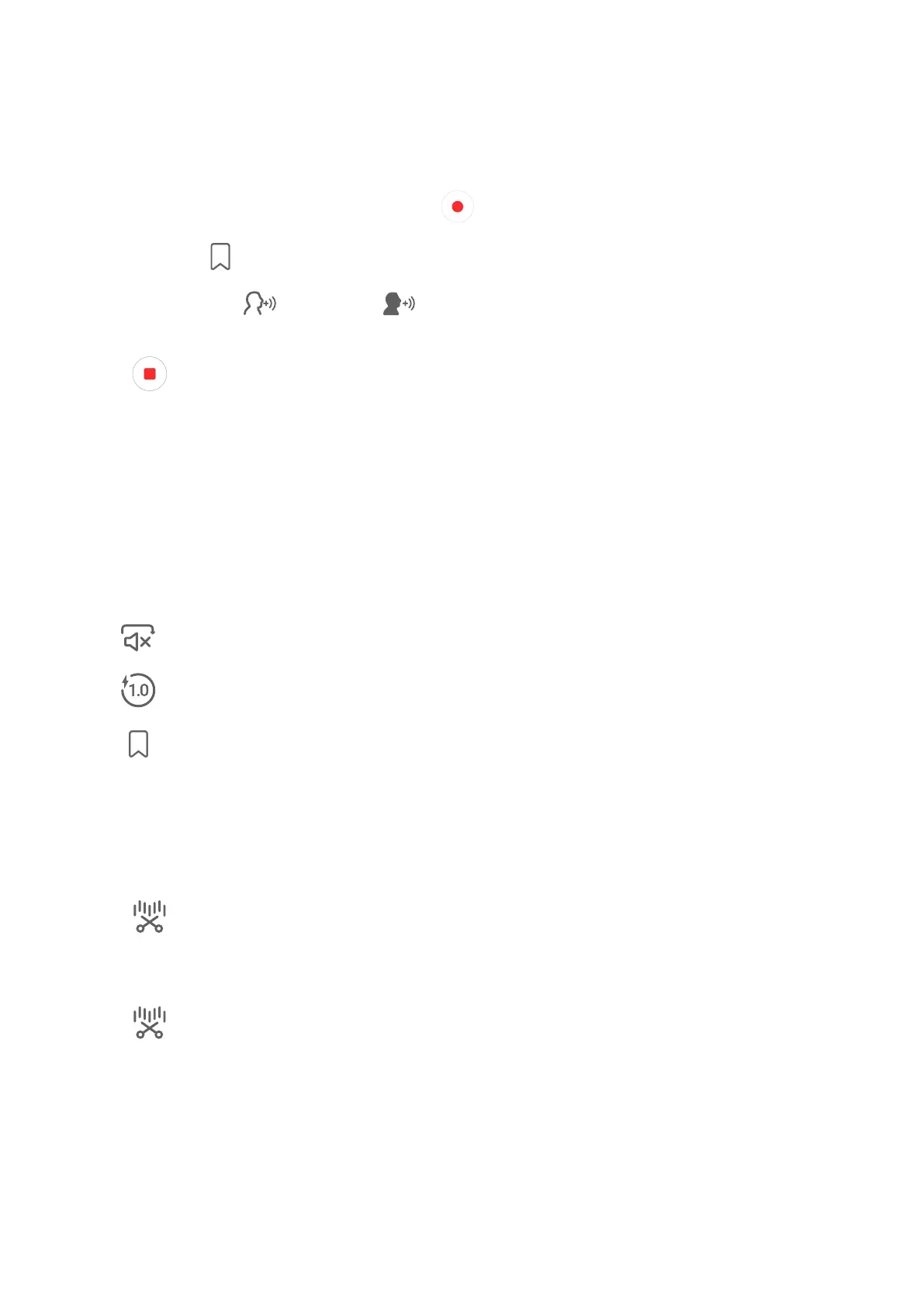
1 Open Recorder in the Tools folder. Tap to recording.
2 You can tap to mark key points during the recording.
3 You can also tap . Turning to indicatesVoice Enhancement has enabled. When
recording, ambient noise is reduced, making the human voice clearer.
4 Tap to end the recording.
5 You can long press the recording to share, rename, and delete it.
You can also enter Files > Browse > Phone > Sounds to view recorded
Play the audio recording
recording will be displayed as a list on the home page of Recorder and can be
played by tapping.
On the player screen, you can:
• Tap to automatically skips the sections with no sound.
• Tap to change the playback speed.
• Tap to mark key points.
• Tap on the name of a mark to rename it.
Edit audio recording les
1 Go to the home page of Recorder. Tap the recording
2 Tap . full waveform of the recording is displayed.
3 Drag the and end time sliders of the recording to select a section. You can also
zoom the waveform area with two to adjust area and then select the section.
4 Tap . Select Keep selected pa or Delete selected pa.
Share audio recording les
Go to the home page of Recorder. You can share audio recording by any of the
following methods:
• Long press the recording to enter multi-selection mode, check the single or multiple
recording you want to share, tap Share, and then select a sharing method.
Apps
67



 To Next Page