After you take a screenshot, a thumbnail will be displayed in the lower left corner of the screen.
You can then:
• Swipe down on the thumbnail to take a scrolling screenshot.
• Swipe up on the thumbnail to select a way to share the screenshot with your friends.
• Touch the thumbnail to edit or delete it. You can also touch Scrollshot to take a scrolling
screenshot.
Screenshots are saved to Gallery by default.
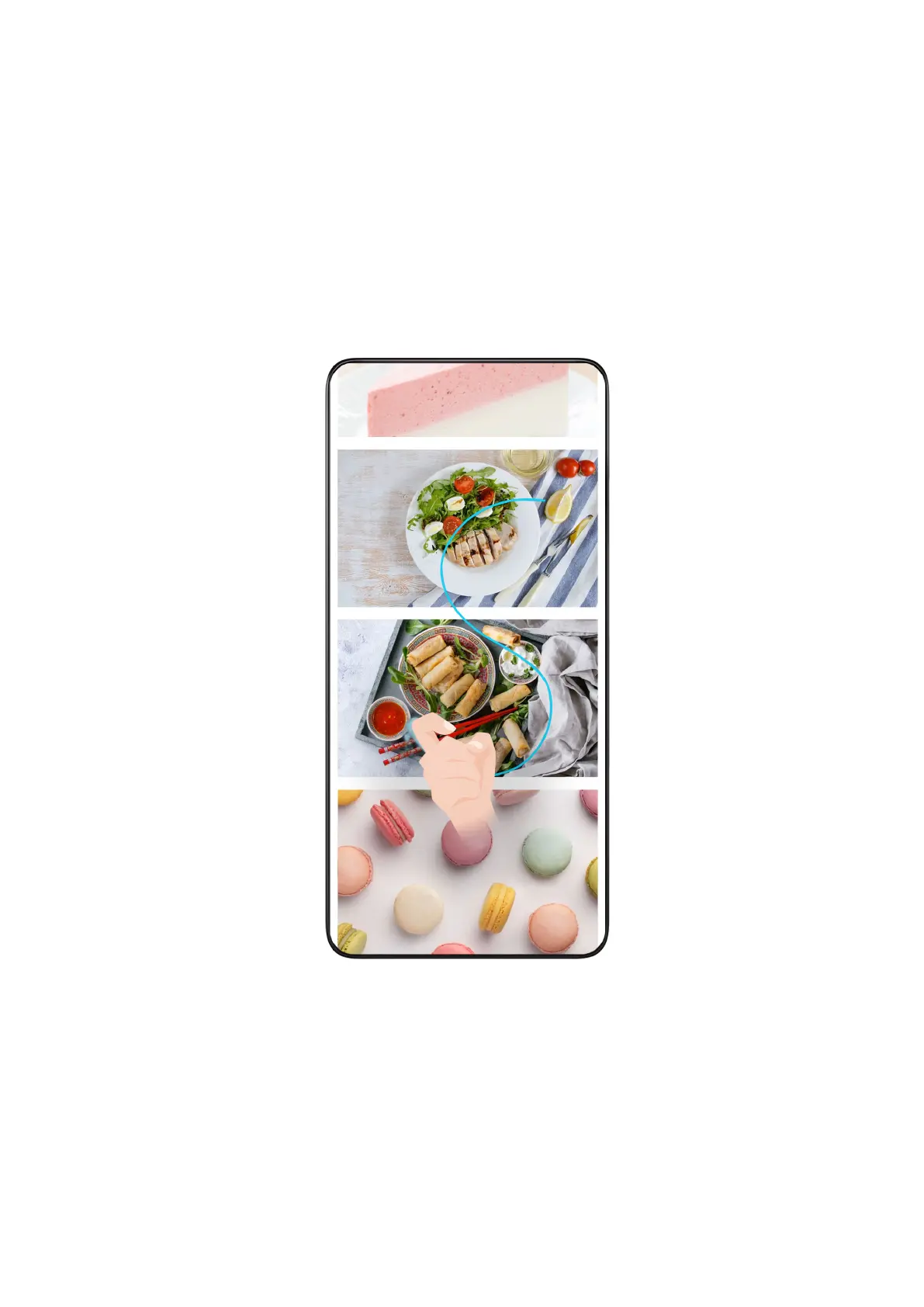
Use Your Knuckle to Take a Scrolling Screenshot
1 Knock the screen with a knuckle and hold to draw an "S". The screen will automatically scroll
down to the bottom for you to capture the entire page.
2 You can touch the screen at any point to stop the screenshot.
Swipe Down Using Three Fingers to Take a Screenshot
1 Go to Settings > Accessibility features > Shortcuts & gestures > Take screenshot, and
ensure that Three-finger screenshot is enabled.
2 Swipe down from the middle of the screen with three fingers to take a screenshot.
Essentials
8



 To Next Page