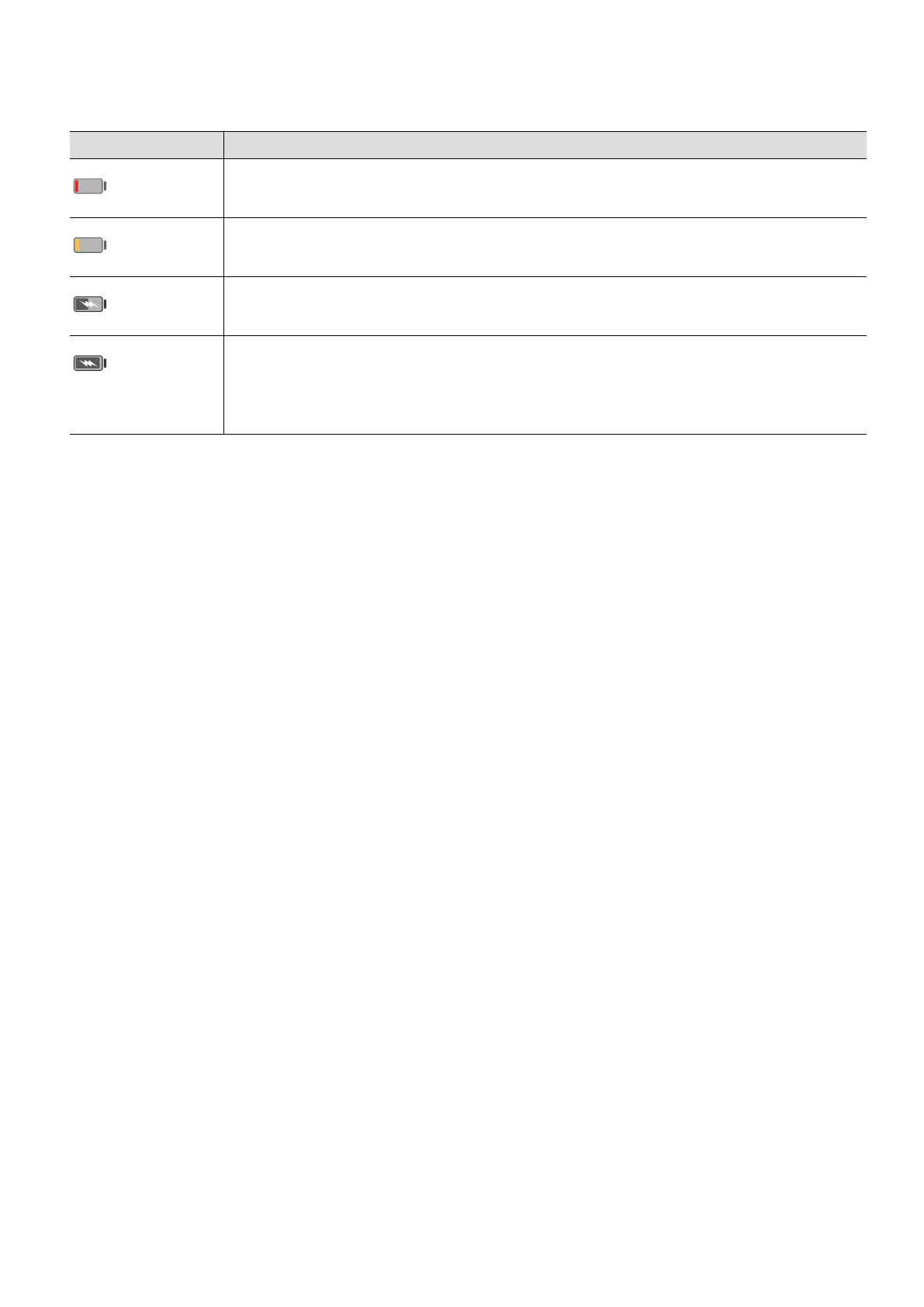
Overview of Battery Icons
You can check the battery level from the battery icon on the phone screen.
Battery Icon Battery Level
Less than 10% battery remaining.
10% to 20% battery remaining.
Charging, 20% to 90% battery remaining.
Charging, at least 90% battery remaining.
If 100% is displayed next to the battery icon, or a charging complete
message is displayed on the lock screen, the battery is fully charged.
Essentials
14



 To Next Page