Shortcut Switches
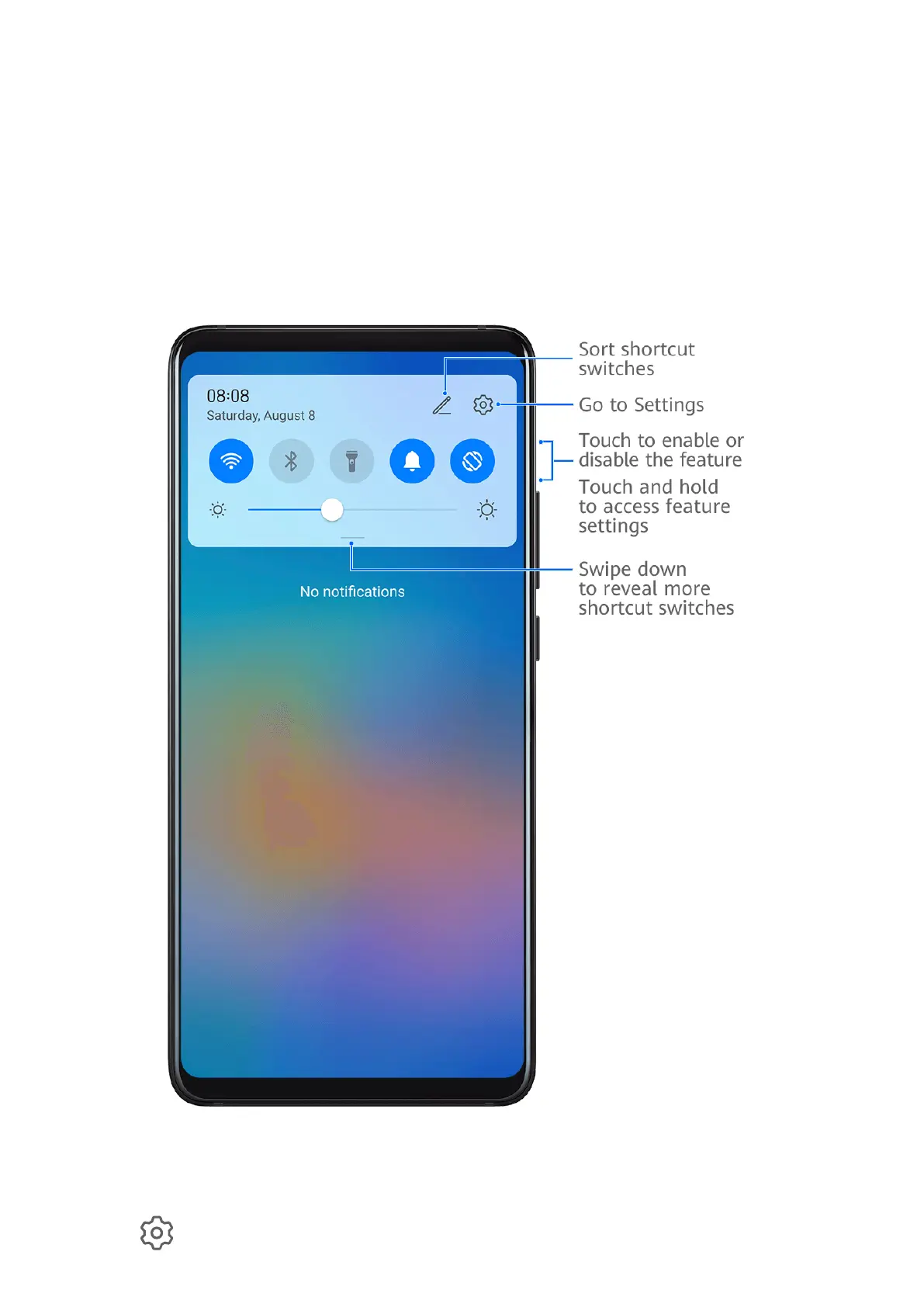
Use Shortcut Switches
Turn on a Shortcut Switch
Swipe down from the status bar to open the notification panel, then swipe down on it again to
show all shortcuts.
• Touch a shortcut switch to enable or disable the corresponding feature.
• Touch and hold a shortcut switch to access the settings screen of the corresponding feature.
(Supported by some features.)
• Touch
to access the system settings screen.
Essentials
8



 To Next Page