EasyManua.ls Logo

Hood Depot KAP Series - User Manual

Default Icon
17 pages
Print Icon
To Next Page IconTo Next Page
Loading...
Installation, Operation and Maintenance Manual
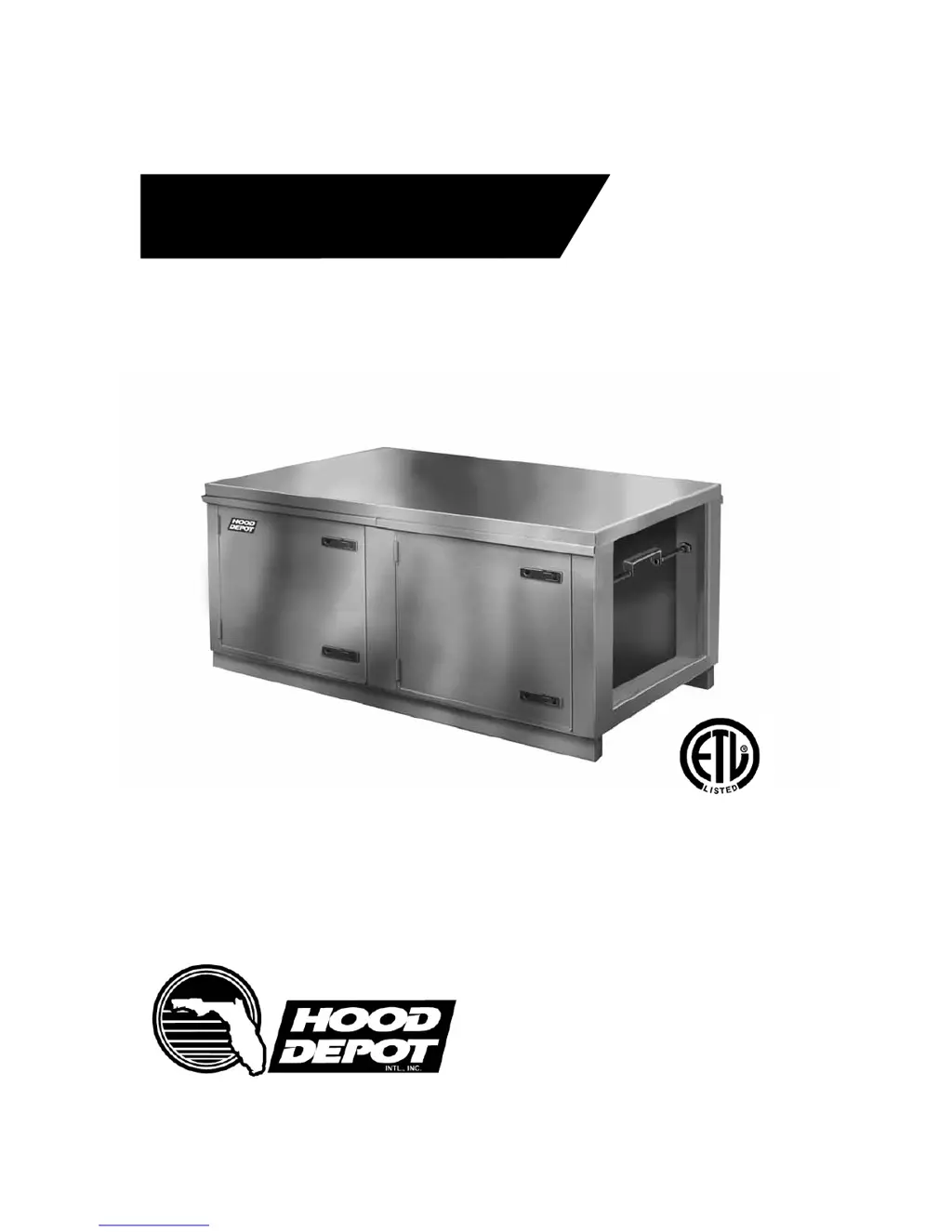
KAP Series -Air Purication Unit
Commercial Kitchen Ventilation Products

Questions and Answers

  • K
    Kayla GarrettJul 27, 2025
    How to increase airflow in my Hood Depot Air Cleaner?
    • B
      Brian SchwartzJul 27, 2025
      Several factors can cause insufficient airflow in your Hood Depot Air Cleaner. Check if the fan is rotating in the correct direction according to the rotation label. Ensure there is a straight, clear duct at the outlet to avoid restrictions. High static pressure in the ductwork can also be a culprit, so repair or reconfigure the ductwork to reduce losses. If the blower speed is too low, increase the fan RPM, but be careful not to overload it. Dirty filters can restrict airflow, so clean or replace them. Lastly, a slipping belt can reduce airflow, so adjust the belt tension.
  • J
    Jamie AlvarezAug 1, 2025
    Why is my Hood Depot KAP Air Cleaner making excessive noise and vibration?
    • N
      nancybutlerAug 1, 2025
      Excessive noise and vibration in your Hood Depot Air Cleaner can stem from several issues. The wheel may be damaged or unbalanced, requiring a replacement. Misaligned pulleys can also cause vibration, so ensure they are properly aligned. The fan might be operating outside of its stable fan curve, so adjust it to the performance curve. Bearings may need lubrication or replacement. If the fan speed is too high, reduce the RPM. Lastly, inspect belts for wear or grease and replace them if needed.
  • K
    Kevin JonesAug 5, 2025
    What to do if my Hood Depot KAP has excessive airflow?
    • H
      Heather JenkinsAug 6, 2025
      Excessive airflow in your Hood Depot Air Cleaner can be addressed by checking a few things. Ensure all filters and doors are installed. If the fan speed is too high, reduce the RPM. Verify that the motor is correctly wired according to the wiring diagram on the fan motor. Also, check if the overload in the starter set is too low and set it to the FLA value. If the duct static pressure is too low, reduce the fan RPM.
  • J
    jennifer39Aug 10, 2025
    Why is the 'Check KAP' filter light on my Hood Depot KAP Air Cleaner?
    • M
      mike62Aug 10, 2025
      The 'Check KAP' filter light on your Hood Depot Air Cleaner indicates that the filters may be dirty or clogged; therefore, you should clean or replace them. The switch setting might be incorrect; set it to .15” w.c. above internal pressure. It's also possible that the internal static pressure is higher than estimated, in that case increase the switch setting by .1” w.c.
  • W
    William RangelAug 15, 2025
    What to do if the 'Check KAP' light on my Hood Depot KAP Air Cleaner won't turn on?
    • J
      joshuamoralesAug 16, 2025
      If the 'Check KAP' light on your Hood Depot Air Cleaner is not turning on, the light bulb may be burned out. Check the light and related wiring with a jumper wire or circuit tester and repair as needed. The switch may also be set incorrectly; set it to .15” w.c. above internal pressure (with a clean unit). It's also possible that the internal static pressure is lower than estimated, so decrease the switch setting by .1” w.c.
  • D
    Deanna MannAug 21, 2025
    Why is there smoke or odor coming from my Hood Depot KAP?
    • R
      Randall RodriguezAug 21, 2025
      If you notice smoke or odor coming from your Hood Depot Air Cleaner, it could be due to the exhaust fan being installed at the wrong end of the KAP unit. Relocate the fan to the discharge end of the KAP unit.

Summary

INSTALLATION

Preparation

Details site preparation, clearances, and ductwork considerations before unit installation.

Air Pressure Switch Function

Explains the function, location, and wiring of the air pressure switch for filter monitoring.

Fire System Requirements

Details requirements for fire suppression systems, interlocking, and post-fire maintenance.

OPERATION

Start-Up Procedure

Step-by-step instructions for initiating the KAP unit's operation.

Troubleshooting Guide

Provides common symptoms, possible causes, and remedies for operational issues.

GENERAL MAINTENANCE

Maintenance Steps

Outlines regular tasks for keeping the KAP unit clean and functioning correctly.

MAINTENANCE INTERVALS

Monthly Maintenance

Routine monthly maintenance procedures for ensuring continuous operation.

DOCUMENTATION

Hood Depot KAP Series Specifications

General IconGeneral
BrandHood Depot
ModelKAP Series
CategoryAir Cleaner
LanguageEnglish