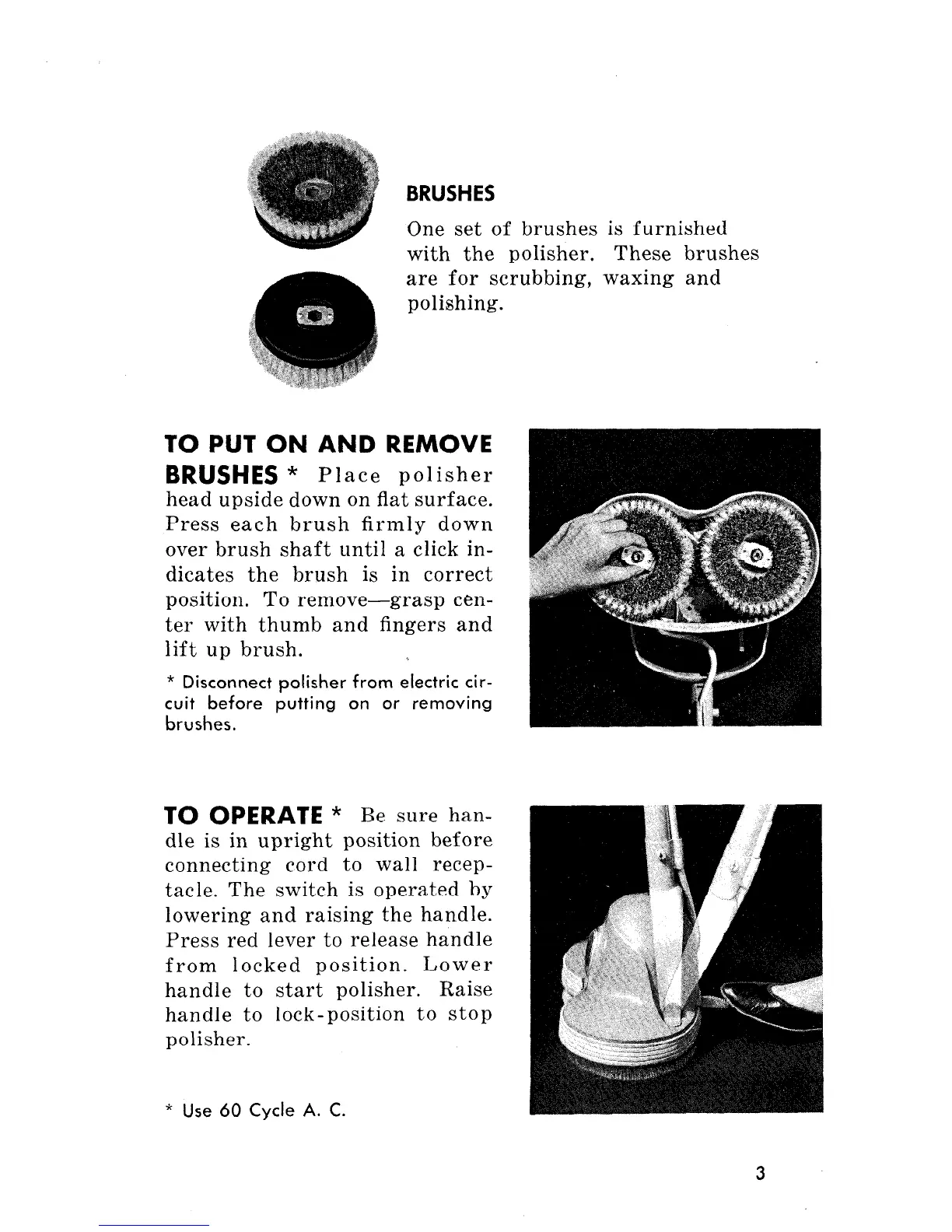
BRUSHES
One set of brushes is furnished
with the polisher. These brushes
are for scrubbing, waxing and
polishing.
TO PUT ON AND REMOVE
BRUSHES *
Place polisher
head upside down on flat surface.
Press each brush firmly down
over brush shaft until a click in-
dicates the brush is in correct
position. To remove-grasp cen-
ter with thumb and fingers and
lift up brush.
* Disconnect polisher from electric cir-
cuit before putting on or removing
brushes.
TO
OPERATE
* Be sure han-
dle is in upright position before
connecting cord to wall recep-
tacle. The switch is operated by
lowering and raising the handle.
Press red lever to release handle
from locked position. Lower
handle to start polisher. Raise
handle to lock-position to stop
polisher.
* Use 60 Cycle A. C.
3



 To Next Page