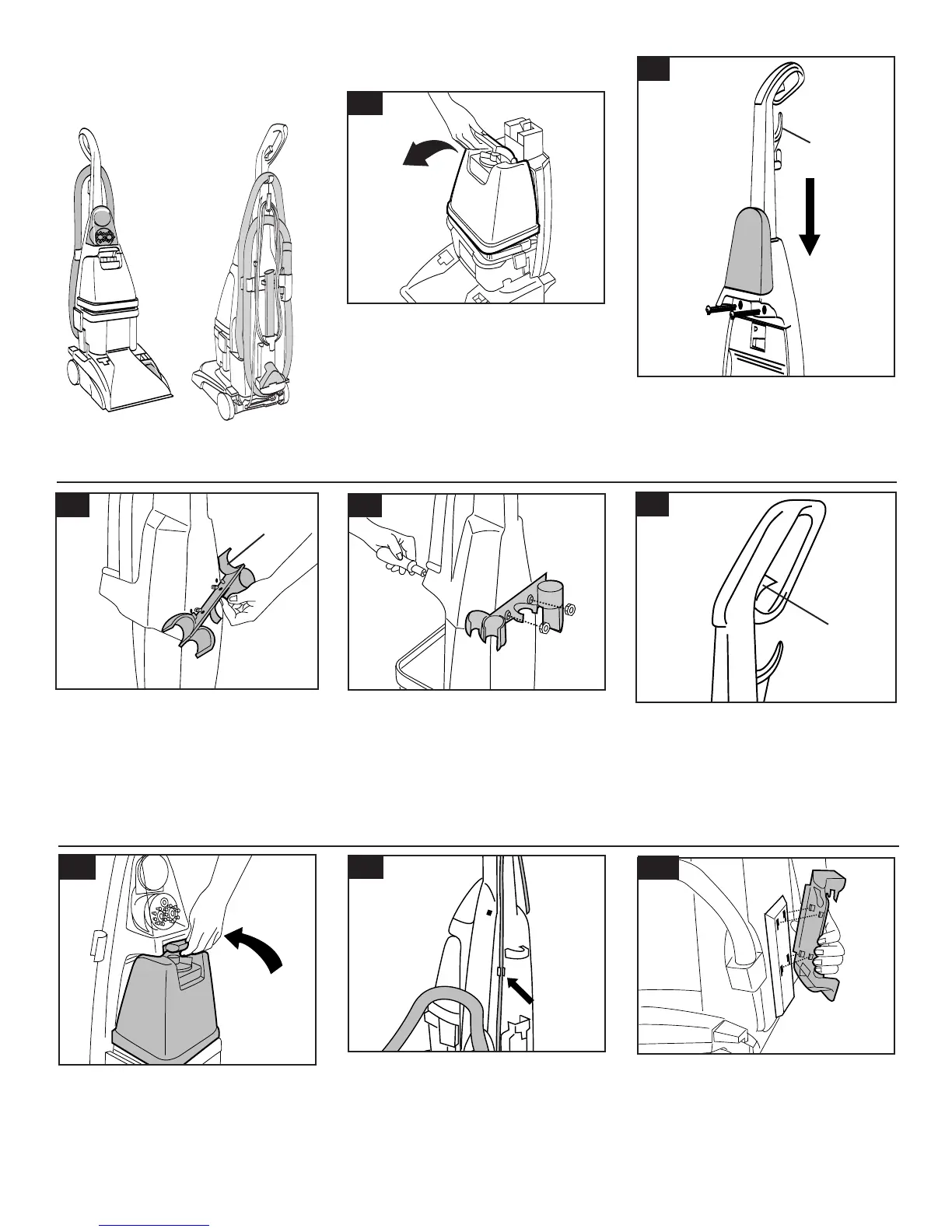
Attach hose holder
Position hose holder (B) onto handle by
matching tabs on rack with openings on
back of handle. Make sure holes for
bolts ar
e aligned.
4
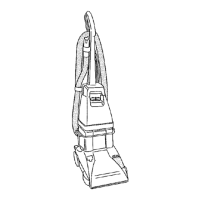
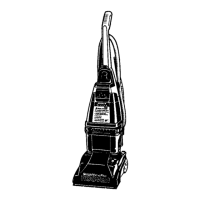
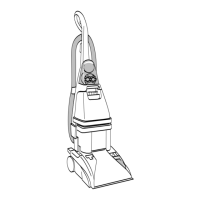
The assembled cleaner will look like
this drawing.
1
-2
Attach upper handle
Remove clean solution tank (upper tank)
from carpet cleaner.
With cord hook (A) to back of carpet clean-
er, push upper handle down onto lower
handle. Push
bolts into holes on front of
handle. If bolts will not go through hole
easily handle is not pushed completely
down.
1-3
1-6
1-7
1-8
1-4
1-5
1-9
When handle sections are completely
together, squeeze trigger (C) on upper
handle to snap trigger rod In place.
A
C
B
Replace clean solution tank (upper
tank) by positioning bottom first. Pr
ess
on tank handle to snap top of tank into
place.
Press cord into cord clip on back of
handle. Pull cord tight.
Place
nuts in recessed areas on back
of hose holder.
Hold each nut in place
while tightening each bolt securely
(fr
om the fr
ont of the handle) with a
Phillips screwdriver.
Only two nuts are needed on this
model. The extra nut is not requir
ed but
has been pr
ovided for your conve-
nience.
Attach tool holder
Remove tool and taped screw from
holder.
Insert projections on rack into slots on
back of cleaner
.
Assemble handle



 To Next Page