EasyManua.ls Logo

Hoover Heritage 5210 - User Manual

Hoover Heritage 5210
20 pages
Print Icon
To Next Page IconTo Next Page
Loading...
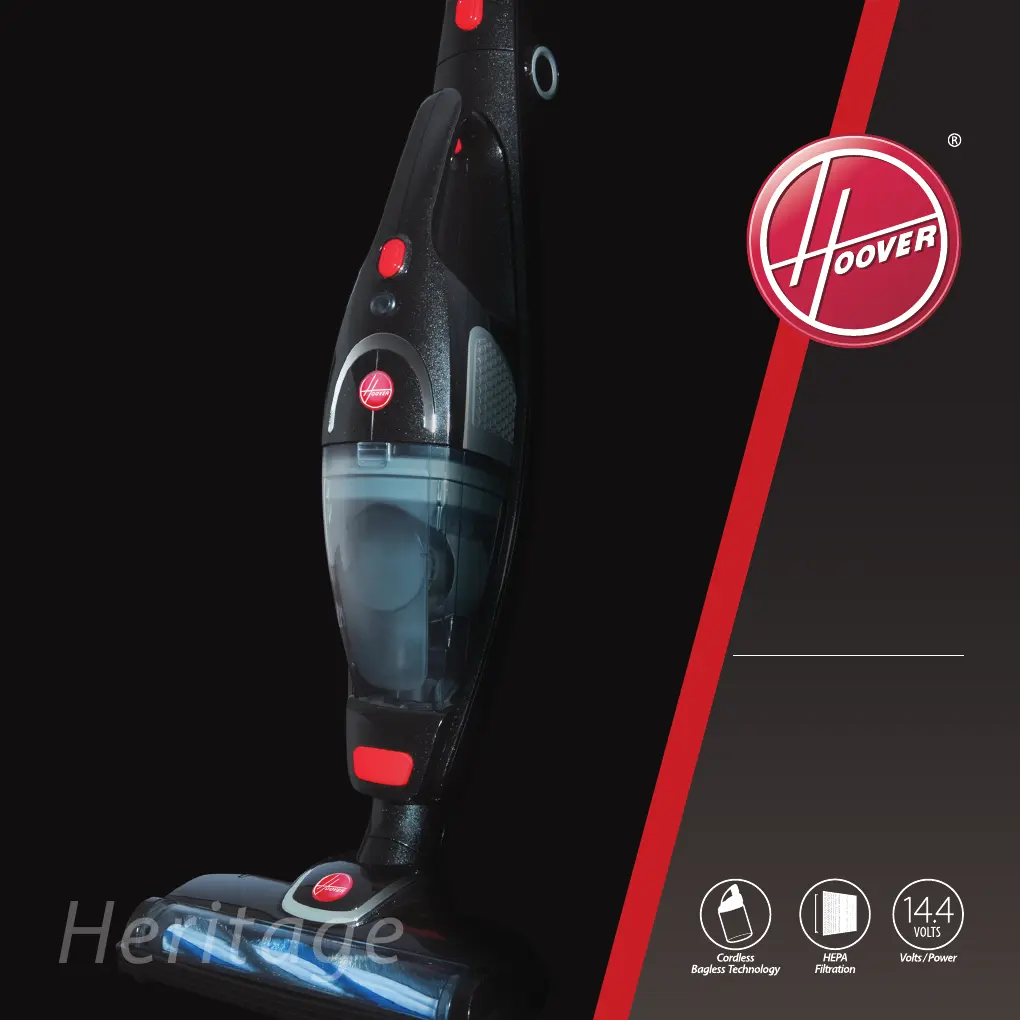
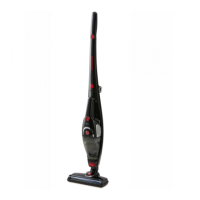
Heritage
5210
HERITAGE
Bagless Cyclonic Technology
Detachable Hand Vac
HEPA Filtration
Foldable Handle
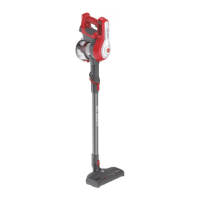
2-in-1 Cordless Stick Vac

Other manuals for Hoover Heritage 5210

Questions and Answers

  • L
    Louis NortonJul 30, 2025
    Why has my Hoover Vacuum Cleaner suction power decreased?
    • J
      Jaime AlexanderJul 30, 2025
      If your Hoover Vacuum Cleaner's suction power has decreased, check the dust cup to see if it's full and needs emptying. Also, inspect the HEPA filter for blockages and clean or replace it if necessary. Finally, check for any blockages in the air inlet tunnel or on the power brush roller and remove them.
  • C
    Christopher BensonAug 3, 2025
    Why has the suction power decreased in my Hoover Heritage 5210 Vacuum Cleaner?
    • C
      Courtney StoneAug 3, 2025
      A decrease in suction power in your Hoover Vacuum Cleaner may be due to a few reasons. First, check the dust cup to see if it's full and needs emptying. Also, the HEPA filter might be blocked and require cleaning or replacement. Lastly, inspect the air inlet tunnel and the turbo brush roller for any blockages that need to be removed.
  • S
    Stacy WilliamsAug 7, 2025
    What to do if my Hoover Vacuum Cleaner stick vac will not charge?
    • P
      Peggy PowersAug 7, 2025
      If your Hoover stick vacuum cleaner won't charge, first ensure the charger is correctly connected to the power socket. Also, check that the hand vacuum has been correctly assembled to the body of the stick vacuum.
  • M
    Matthew RodriguezAug 12, 2025
    What to do if my Hoover Heritage 5210 doesn't run long enough after charging?
    • J
      Jeffrey GonzalesAug 12, 2025
      If your Hoover Vacuum Cleaner isn't providing enough run time after being charged, ensure the stick vacuum has been fully charged for 6-8 hours. If the issue persists, the battery may need replacement. Please contact Hoover Customer Care for assistance.
  • A
    anna95Aug 16, 2025
    Why is my Hoover Vacuum Cleaner not charging?
    • E
      Eric MillerAug 16, 2025
      If your Hoover Vacuum Cleaner is not charging, check the following: Ensure the charger is correctly connected to the power socket and that the power plug on the charger is connected to the base of the charger. Also, verify that the hand vac has been correctly assembled to the body of the stick vac.
  • J
    Jerome ColeAug 20, 2025
    How to fix a Hoover Heritage 5210 Vacuum Cleaner stick vac that does not work?
    • T
      travis93Aug 20, 2025
      If your Hoover stick vacuum cleaner isn't working, check if the battery needs charging. Also, ensure the hand vacuum has been correctly assembled back into the body of the stick vacuum.
  • C
    Cody CampbellAug 25, 2025
    What to do if my Hoover Vacuum Cleaner stick vac does not work?
    • J
      Jordan CaseyAug 25, 2025
      If your Hoover Vacuum Cleaner stick vac is not working, consider these potential solutions: Check if the battery needs charging. Also, ensure the hand vac has been correctly assembled back into the body of the stick vac.

Summary

Before You Begin

Precautionary Measures

Important safety steps to prevent damage and ensure safe operation of the vacuum cleaner.

Safety Precautions & Warnings

Battery Use and Care

Guidelines for safely charging, storing, and handling the vacuum cleaner's battery.

Instructions for Use

Fitting the Hand Vac to the Body

Instructions on how to detach and attach the hand vacuum unit to the main stick body.

Fitting the Power Brush to the Body

Steps for attaching the power brush assembly to the main stick vacuum unit.

Foldable Handle Operation

How to use the handle release button to fold and unfold the vacuum cleaner's handle for storage.

Fitting the 3-in-1 Accessory

Detailed steps and diagrams for attaching the various components of the 3-in-1 accessory.

Charging the Cleaner

Step-by-step guide on how to charge the vacuum cleaner using the charging base.

Hand Vac Operation

Instructions on how to turn on, use, and turn off the detachable hand vacuum unit.

Stick Vac Operation

Instructions on how to turn on, use, and turn off the vacuum cleaner in its stick configuration.

Power Brush Operation

Information on using the power brush on different floor types and its safety switch feature.

3-in-1 Accessory Usage

Explains the specific uses of the Soft Brush, Crevice Tool, and Sofa Brush attachments.

Maintenance

Dust Cup and Filter System Cleaning

How to clean and maintain the dust cup and filter system for optimal performance.

Power Brush Cleaning

Instructions on how to clean the power brush roller and its cover.

Troubleshooting

Customer Care

Conditions of Warranty

Hoover Heritage 5210 Specifications

General IconGeneral
BrandHoover
ModelHeritage 5210
CategoryVacuum Cleaner
LanguageEnglish

Related product manuals