EasyManua.ls Logo

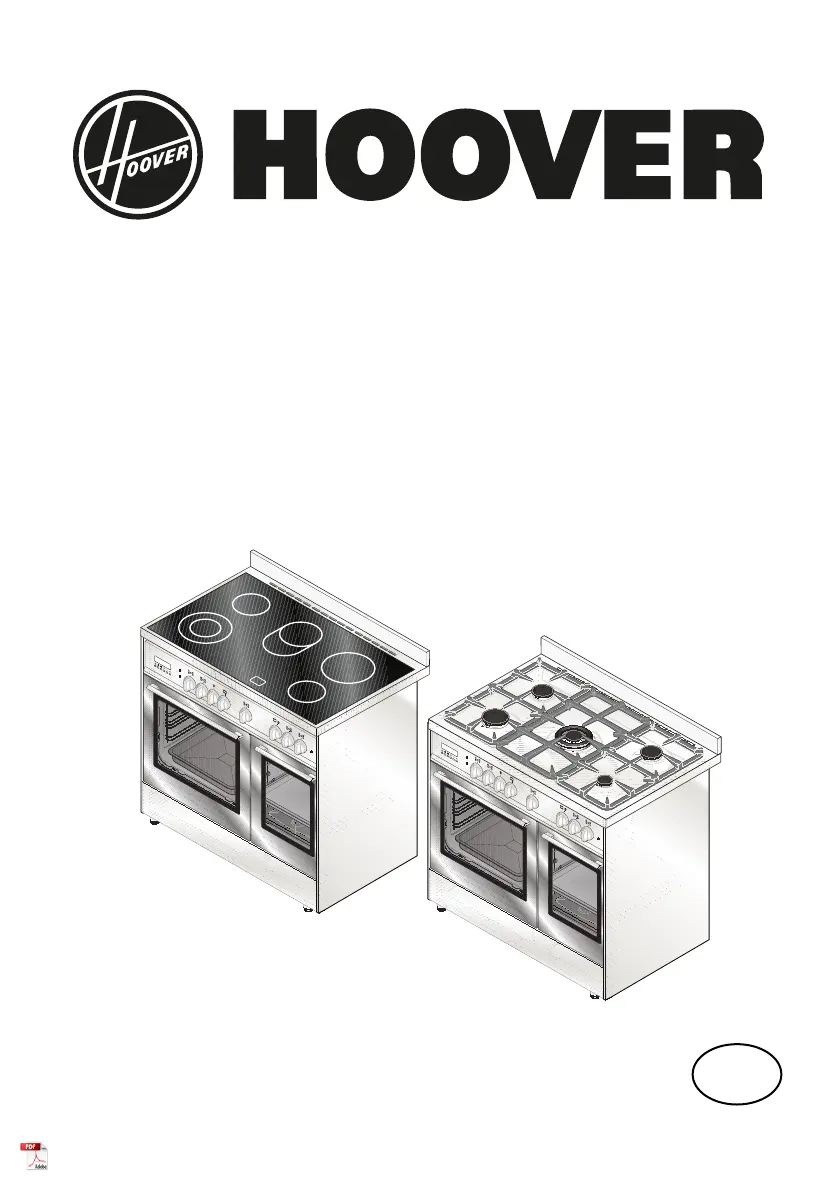
Hoover HVD9395IV - User Manual

Hoover HVD9395IV
32 pages
Print Icon
To Next Page IconTo Next Page
Loading...
INSTRUCTIONS AND ADVICE
FOR INSTALLING, USING AND SERVICING
OF COOKERS
461308219_001 07/2013
GB

Questions and Answers

  • D
    Daniel LyonsAug 10, 2025
    What to do if my Hoover HVD9395IV Cookers appliance is not working?
    • J
      Jordan PatelAug 10, 2025
      If your Hoover Cookers appliance isn't working, there are several things you can check. First, make sure the gas cock is open. Next, ensure the plug is properly inserted. Verify that the knobs are correctly set for cooking, and repeat the operations as described in the handbook. Finally, check the electrical system safety switches (RCD). If the system has failed, contact an electrician.
  • S
    smithgeorgeAug 20, 2025
    Why is the electric thermostat warning light not switching on during use in my Hoover HVD9395IV Cookers?
    • A
      Ann ClarkAug 20, 2025
      If the electric thermostat warning light isn't switching on during use in your Hoover Cookers, try turning the thermostat to a hotter temperature or turning the selector to a different function.
  • J
    Jason MathewsAug 30, 2025
    What to do if the residual heat warning light does not switch on during use of the ceramic glass hob in Hoover HVD9395IV Cookers?
    • K
      Kayla MyersAug 30, 2025
      If the residual heat warning light doesn't switch on during use of the ceramic glass hob in your Hoover Cookers, try turning the knob to a hotter temperature or turning the knob of another element.

Hoover HVD9395IV Specifications

General IconGeneral
Appliance placementFreestanding
Product colourIvory
Control typeRotary
Built-in displayNo
Hob typeGas
Number of burners/cooking zones5
Number of electric cooking zones0
Oven typeElectric
Number of ovens1
GrillYes
Convection cookingYes
RotisserieNo
Self-cleaningNo
Energy efficiency classA
Width900 mm
Depth600 mm
Height900 mm