EasyManua.ls Logo

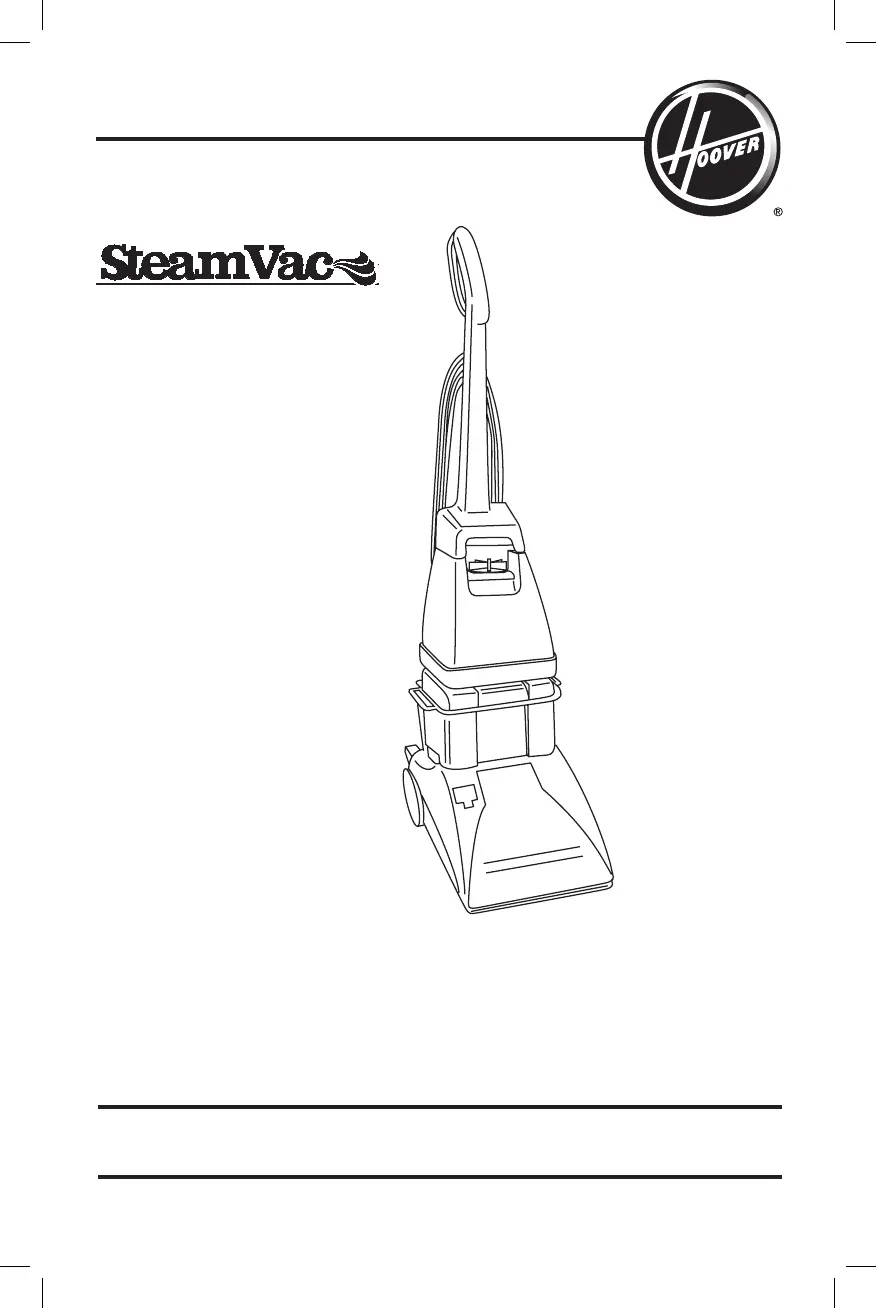
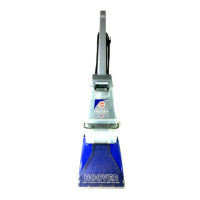
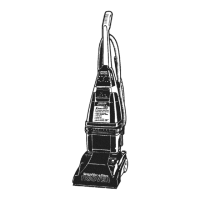
Hoover SteamVac F59149RM - User Manual

Hoover SteamVac F59149RM
64 pages
Print Icon
To Next Page IconTo Next Page
Loading...
www.hoover.com
OWNER’S MANUAL
Operating and Servicing Instructions

REMANUFACTURED F59149RM
IMPORTANT: READ CAREFULLY BEFORE ASSEMBLY AND USE.


THIS PRODUCT IS INTENDED FOR HOUSEHOLD USE ONLY.
IF USED COMMERCIALLY WARRANTY IS VOID.
Español - página E1
REMANUFACTURED

Questions and Answers

  • M
    meganwilliamsAug 8, 2025
    Why won't my Hoover SteamVac F59149RM turn on?
    • R
      Regina MillerAug 8, 2025
      If your Hoover Vacuum Cleaner won't run, there are several possible causes: * It might not be firmly plugged in, so ensure it is properly connected. * There may be no voltage in the wall plug. Check the fuse or breaker in your home. * A blown fuse or tripped breaker could also be the culprit. Replace the fuse or reset the breaker in your home.
  • T
    Travis BirdAug 15, 2025
    What to do if my Hoover Vacuum Cleaner has low suction?
    • C
      Carla ThomasAug 15, 2025
      If your Hoover Vacuum Cleaner has low suction, it could be due to several reasons: * The Dirty Water Tank might be full, triggering an automatic shut-off. Empty the Dirty Water Tank. * There might be a blockage in the tool at the end of the hose. Remove the tool and clear any obstructions. * The Dirty Water Tank lid may not be correctly positioned. Ensure the lid is securely in place. * The Dirty Water Tank front panel may not have been replaced after stair or upholstery cleaning. Replace the Dirty Water Tank front panel.
  • K
    Kelly LawsonAug 22, 2025
    How to fix a Hoover SteamVac F59149RM Clean Water Solution Tank that won’t dispense?
    • C
      Christine BarnettAug 23, 2025
      If the Clean Water Solution Tank on your Hoover Vacuum Cleaner isn't dispensing, consider these possibilities: * The Clean Water Solution Tank may not be firmly in place. Make sure the tank is securely locked in position. * The Clean Water Solution Tank could be empty. Refill the tank according to the instructions for the surface you're cleaning. * The Dirty Water Tank lid may not be correctly positioned. Ensure the lid is firmly in place. * The pump might need to be primed, especially when using a tool. Refer to the “Before Using Tool” section for instructions.
  • A
    Andrea GuerreroAug 30, 2025
    How to resolve Hoover Vacuum Cleaner brushes not rotating?
    • K
      Katherine SmithAug 30, 2025
      If the brushes or brush indicator on your Hoover Vacuum Cleaner won’t rotate during floor cleaning: * The indicator screen might be dirty. Remove the clear cover over the indicator, clean the screen, and then replace the cover. * The speed selector may be set to OFF. Move the speed selector to either Low or Hi.

Summary

Important Safety Instructions

Grounding Instructions

Explains how to properly ground the appliance to reduce electrical shock risk.

Cleaner Assembly

Carton Contents

Lists all parts included in the cleaner's packaging for user verification.

Attach Handle

Step-by-step guide on how to connect the upper and lower handle sections.

Attach Hose Holder

Instructions for attaching the hose holder, available on select models.

Attach Tool Holder

Steps for attaching the tool holder to the cleaner body.

Store Hose

Guide on how to properly store the hose on the cleaner.

Store Tool

Instructions for storing the cleaning tool securely on the machine.

How to Use Your Hoover SteamVac

Cleaner Description and Parts

Identifies and labels all parts of the carpet cleaner for user reference.

Transporting and Carrying Cleaner

Guidance on how to safely move and lift the cleaner between rooms.

Understanding the Water Tanks

Details on Clean Water and Dirty Water tanks, including filling and emptying procedures.

Brush Speed Selector Guide

Explanation of brush speed settings (HI, LO, OFF) for different cleaning needs.

Brush Indicator Function

How to interpret the brush indicator and troubleshoot non-rotating brushes.

How to Clean Your Carpet and Floors

Before You Begin Cleaning

Essential preparation steps and precautions before starting the cleaning process.

Carpet Cleaning Guide

Step-by-step instructions for effective carpet cleaning.

Using the Clean Surge Button

How to use the feature for dispensing extra solution on tough spots.

Picking Up Liquid Spills

Method for using the cleaner to extract small liquid spills from carpets.

Cleaning Bare Floors

Instructions for attaching and using the bare floor attachment for hard surfaces.

Attaching Bare Floor Attachment

Detailed steps for connecting the bare floor attachment to the nozzle.

Using Tools and Attachments

Overview of Tools

Overview of available tools and their specific uses for various cleaning tasks.

Attaching the Hose System

Detailed steps for connecting the hose to the cleaner system.

Attaching Cleaning Tools

Guidance on connecting various tools to the hose.

Priming the Pump Before Tool Use

Procedure to prime the pump and ensure solution flow to the tool.

Cleaning Carpeted Stairs

Specific techniques for cleaning carpeted stairs with the appropriate tool.

Cleaning Upholstery

Instructions for cleaning upholstery using the specialized tool.

After Using Tools and Attachments

Steps for draining the hose and disconnecting tools after use.

Post-Cleaning Procedures

Recommendations for drying and post-cleaning care of carpets and upholstery.

Maintenance and Care

Nozzle Cleaning

Method for clearing lint and debris from the cleaner's nozzle.

Brush Maintenance

Instructions for removing, cleaning, and replacing the agitator brushes.

Storage Guidelines

Proper procedures for storing the carpet cleaner.

Lubrication Information

Details on the motor's lubrication and why not to add more.

Troubleshooting Common Issues

Cleaner Not Running

Identifies common causes and solutions for the cleaner failing to power on.

Addressing Low Suction

Troubleshooting steps for addressing reduced vacuum power.

Helpful Reminders and Service

Key Usage Reminders

Key reminders for safe operation and effective use of the cleaner.

Obtaining Service and Parts

Guidance on how to get approved service and genuine replacement parts.

Cleaning Product Guide

Expert Carpet Solutions

Overview of professional-grade cleaning solutions for carpets.

Plus Carpet Solutions

Information on standard carpet cleaning solutions for everyday use.

Hard Floor Solutions

Details on specialized cleaning solutions for hard floor surfaces.

Product Warranty Information

Warranty Coverage Details

Details on the defects and conditions covered by the limited warranty.

How to Make a Warranty Claim

Procedure for submitting a warranty claim and seeking service.

Warranty Exclusions

Specifies exclusions from warranty coverage, such as misuse or commercial use.

Other Warranty Terms

Legal terms and conditions related to the product warranty.

Hoover SteamVac F59149RM Specifications

General IconGeneral
ModelF59149RM
CategoryVacuum Cleaner
Power12 amps
Cleaning Path Width12 inches
FeaturesSpinScrub technology

Related product manuals