EasyManua.ls Logo

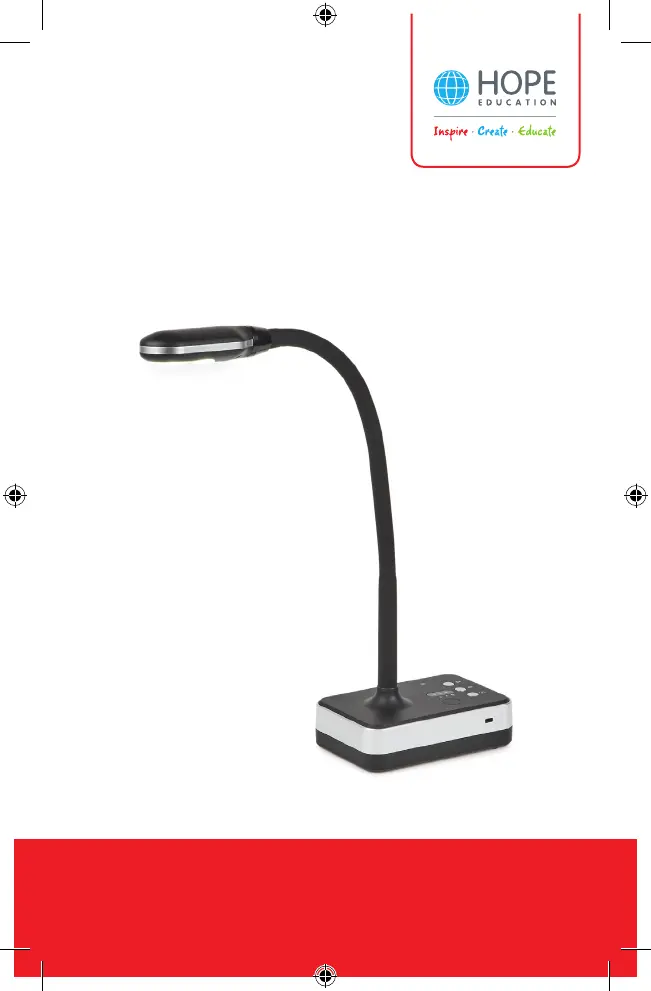
Hope Education 5MP USB visualiser - User Manual

Hope Education 5MP USB visualiser
12 pages
Print Icon
To Next Page IconTo Next Page
Loading...
The home of inspirational and innovative
resources for Primary & Early Years
5MP USB/WiFi Visualiser Models

Questions and Answers

Summary

Disclaimer

Hardware Introduction

USB Visualiser Features

Details the physical features and components of the 5MP USB visualiser, including camera, lights, and ports.

WiFi Visualiser Features

Details the physical features and components of the 5MP WiFi visualiser, including indicators, ports, and switches.

System Connection Diagram

Online Mode System Diagram

Illustrates how the visualiser connects to various devices like projectors and PCs for online use.

WiFi Visualiser Connectivity

How to Connect with WiFi

Provides step-by-step instructions for downloading the app and connecting the WiFi visualiser to a device.

Software Installation

System Requirements

Lists the minimum hardware and operating system specifications needed for the visualiser software.

Installation Steps

Outlines the procedure for installing the visualiser software, including temporary disabling of antivirus.

Hope Education 5MP USB visualiser Specifications

General IconGeneral
BrandHope Education
Model5MP USB visualiser
CategoryEducational Equipment
LanguageEnglish