G3-1500 DIGITAL
POCKET SCALE
The Hornady
®
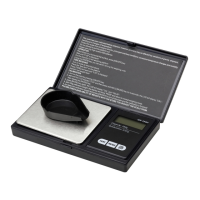
G3-1500 Digital Pocket Scale is a portable and precise scale. It features a large, easy-to-read backlit display,
and is quick to setup and calibrate. The precision load cell ensures 1/10 grain accuracy up to 500 grains with a max
reference measurement of 1,500 grains.
IMPORTANT SAFETY FUNCTIONS
WARNING - Before operating the unit, carefully read and understand the instructions. Contact Hornady Customer Service at
1-800-338-3220 with questions regarding the use of the G3-1500 Digital Pocket Scale.
• Internal components are very sensitive. Do not shake, drop, or overload unit.
• Handle unit with care, treating it as the sensitive instrument it is.
KEYPAD BUTTON FUNCTIONS
ON/ OFF (mechanical button) – Tap to turn on. Hold for three
seconds to turn off.
ZERO – Tap to zero scale.
UNITS/CAL – Tap to select measurements in grains (gn), grams
(g), ounces (oz) or carat (ct). Press and hold button to enter
calibration.
UNITS/CAL + ON/OFF (mechanical button) – Press and hold to
enter other function settings.
UNITS/CAL – Tap to toggle between settings.
ZERO – Tap to change the setting parameter.
BAT – This is the current level of your AAA batteries.
• “BAT - - -“ = Voltage > 2.8V
• “BAT - -“ = Voltage > 2.6V
• “BAT -“ = Voltage > 2.5V
• “BAT LO” = Voltage < 2.5V
BL – This indicates backlight setting.
• “BL AUTO” = Backlight will turn off automatically after 10 seconds of inactivity.
• “BL ON” = Backlight is on (default setting)
• “BL OFF” = Backlight is off
SLP – This indicates how long, in seconds, the unit will stay on during inactivity before powering off.
• 0s, 30s, 60s, 90s, 120s (default), 150s, 180s
POWER SUPPLY
Two AAA batteries (not included)

 Need help?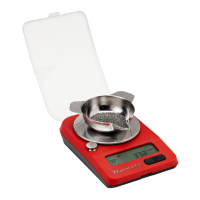

 To Next Page
 General