
 Need help?
Do you have a question about the Hornbach SMART HOME and is the answer not in the manual?
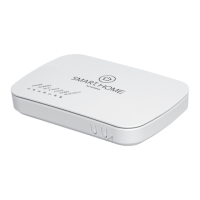
Steps for connecting the gateway, including ID code placement and power connection.
Guidance on creating a Hornbach customer account and logging into the Smart Home portal.
Instructions for activating the gateway via the SMART HOME by hornbach mobile application.
Steps to add new compatible devices to your Smart Home system via the app.
Essential safety guidelines, symbols, and warnings for operating the Smart Home gateway.
 General
| Frequency | 2.4 GHz |
|---|---|
| Protocol | Zigbee |
| Components | Gateway |
| App Support | Yes |
| Voice Control | Amazon Alexa, Google Assistant |
| Remote Access | Yes |
| Device Types | Lights, Sensors |

 To Next Page