Hospitex Diagnostics EOS Bravo and EOS Bravo Plus Service Manual
36
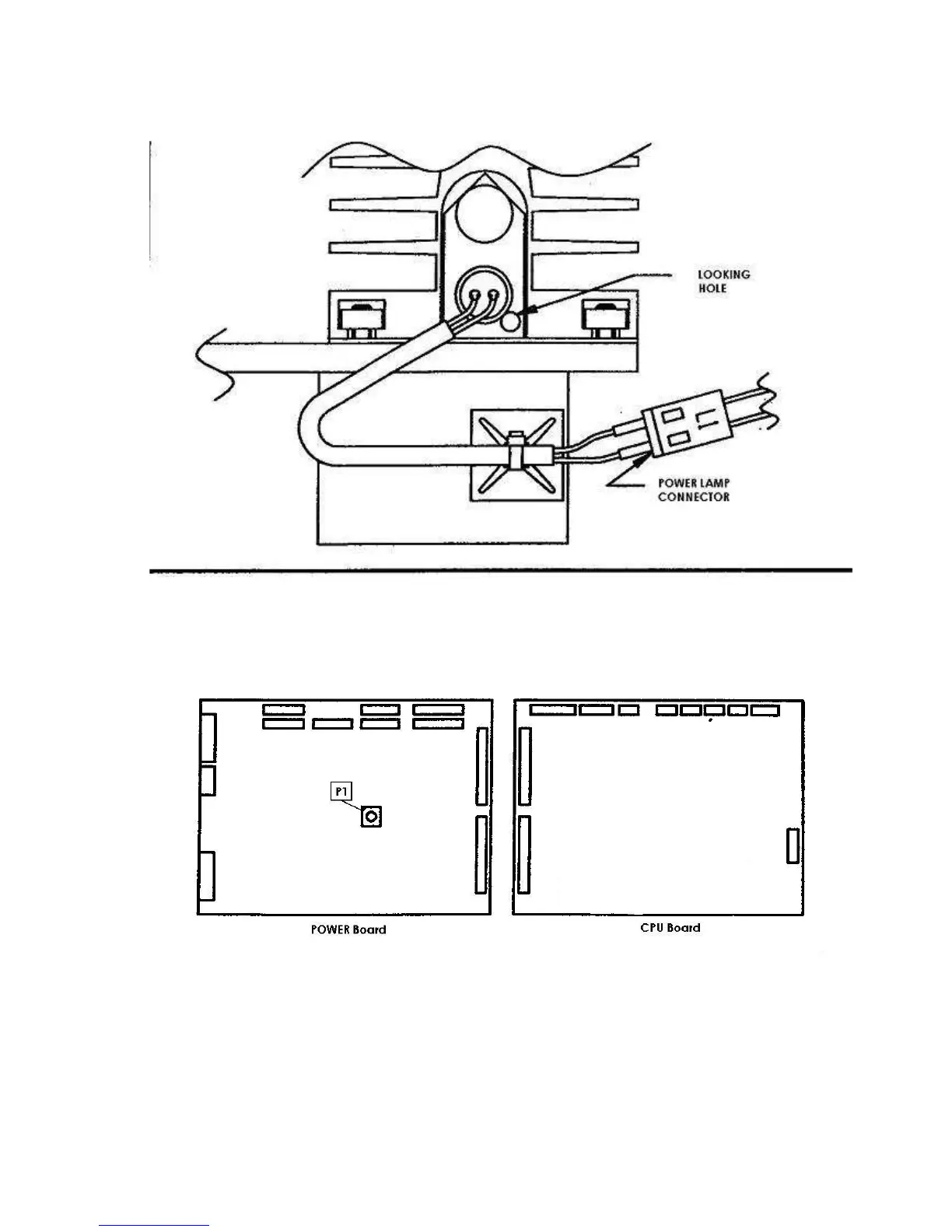
19) Control that the optical lamp is turned on looking at the hole present on the superior part of
its support.
20) regulate the lamp tension connecting the tester on the two pin of the cabling connector L1
present near to the lamp itself, without disconnecting it, and regulate the trimmer P1 on the
power board to obtain a value of the tension equal to +5,65 Vcc ± 0,05V.



 To Next Page