The battery icon indicates the charging state. While
charging, the charge indicates lightning icon.
Note: If the battery is powerless, the
battery icon will reappear after a few
minutes of charging.
2.6 Connect phone with PC
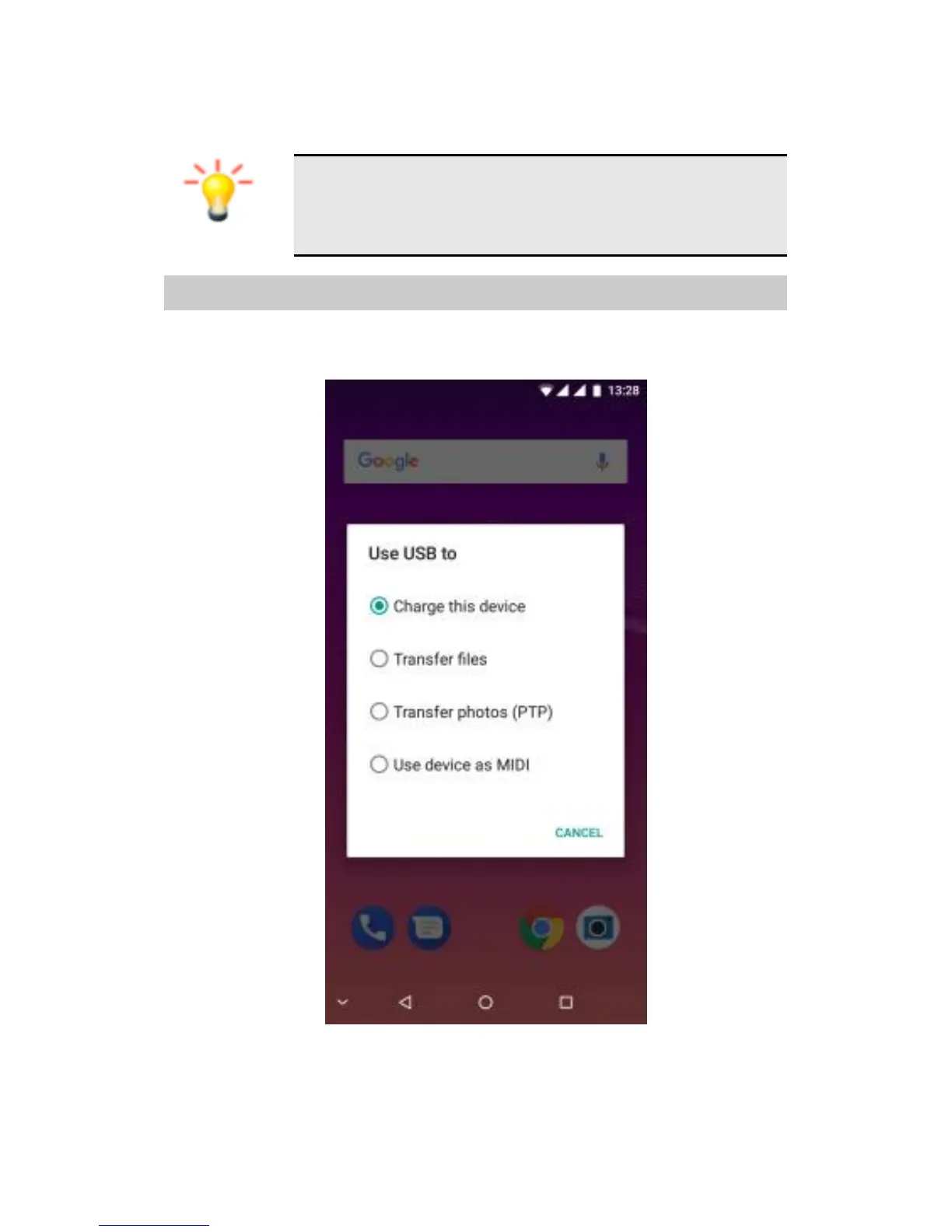
Once phone is connected to PC by USB cable and
the below screen will be showing:
You can only charge now. If you want to exchange/manage
data/pictures between your phone and PC, you can click
the MTP or PTP mode. For other mode, just eject the USB
cable.



 To Next Page