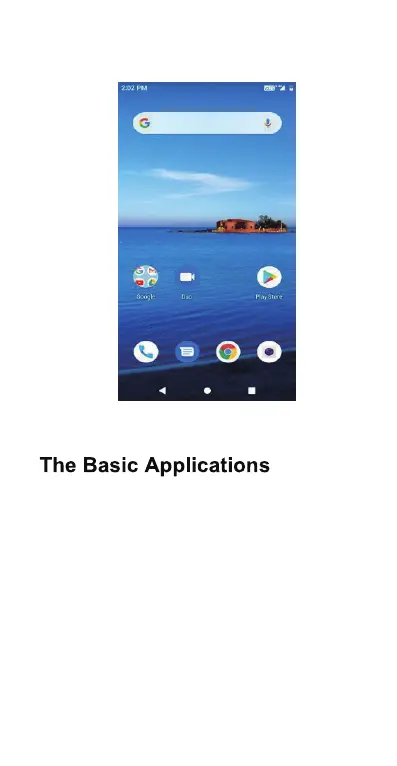
Ho me Scree n
phone message browser camera
Setup for the 1st time:
Click “start” to activate the “Setup Wizard”.
Connect to Wi-F i:
Enter Settings > Network & Internet > Wi-Fi.
Setup the screen lock:
Setting>Security & location>Screen lock
Unlock the screen:
Slide up the padlock icon.
Changing ringtone/audio sett ing:
Setting>Sound>Phone ringtone.
Transfer files to computer:
Connect via Bluetooth, an USB or an app.



 To Next Page