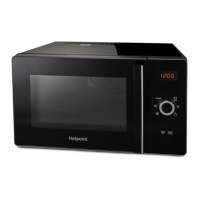
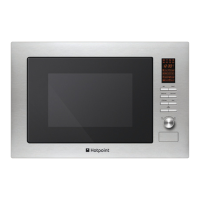
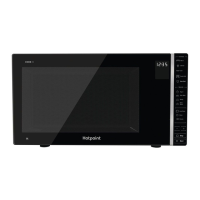
MWH 303 B
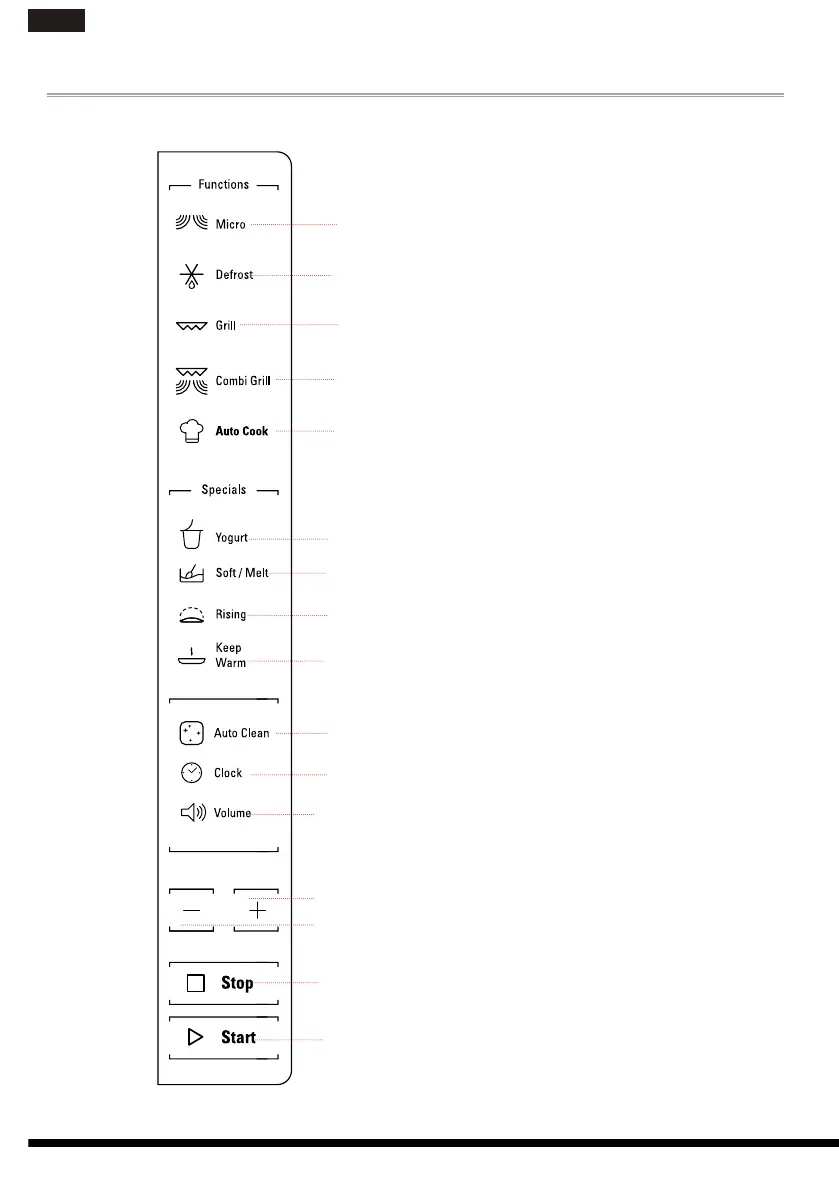
CONTROL PANEL DESCRIPTION
q
Micro
Use to set power level.
w
Defrost
To set defrost programs.
e
Grill
Press this button to access grill
cooking mode.
r
Combi Grill
Press this button to access one
of two combination cooking
settings.
t
Auto Cook
Use to access the automatic
recipes menu.
y
Yogurt
To set Yogurt function.
u
Soft/Melt
i
Dough Rising
Use to set Dough Rising fun-
ction.
o
Keep Warm
Use to set Keep Warm function.
a
Auto Clean
Use to clean oven.
s
Clock
Use to set the time of day.
d
Volume
Use to activate/deactivate beep
signal.
f
+/-
Use to input food menu code,
clock time, cook time, cook
weight.
g
STOP
Use to pause stop or cancel
cooking.
h
JET START
Use to start the cooking.
Use too set quick start program.
q
w
e
r
t
y
u
o
a
s
d
f
h
g
f
i
66
en
hotpoint.co.uk




 To Next Page