OTHER NOTES ON TIMER OPERATION
1. When cooking Automatically the Cook Period can be checked at any time simply by pressing the
Cook Period button.
2. When cooking Automatically the End Time can be checked at any time by simply pressing the End
Time button.
3. Having set a Cook Period and End Time an electronic device stores the information. The device
within the timer will switch the oven(s) on and off at the required times.
4. When setting an Auto Cooking Programme and a mistake is made, to clear:–
(a) Press & release the Manual button.
(b) Start the sequence again.
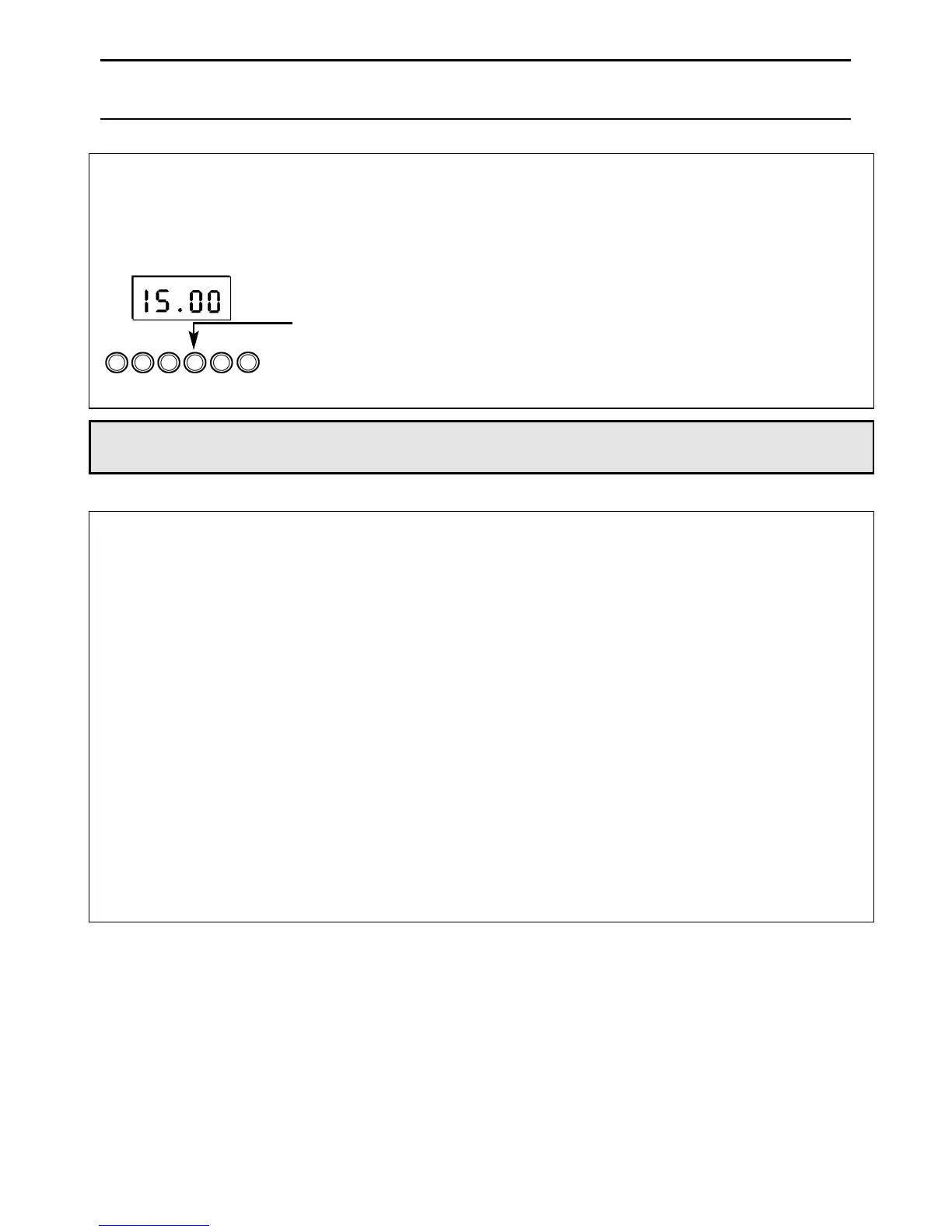
5. If at any time the display shows three flashing zero’s 0.00 and ‘Auto’, it is likely that the electricity
supply to the oven has been interrupted. Reset the timer to the correct time of day.
FFoooodd iinn tthhee oovveenn mmaayy,, tthheerreeffoorree,, nnoott hhaavvee bbeeeenn ccooookkeedd,, bbeeffoorree sseerrvviinngg cchheecckk ffoooodd iiss tthhoorroouugghhllyy
hheeaatteedd aanndd ccoommpplleetteellyy ccooookkeedd..
6. To set each function always press and hold the required function button and at the same time
press “+” or “–” buttons.
TO CANCEL AN AUTO COOKING PROGRAMME BEFORE
THE COOK PERIOD HAS FINISHED.
Step 1 Turn the oven control(s) to the OFF position.
Step 2 Press the Manual button to return the oven(s) to “Manual”
operation.
The ‘Auto’ symbol will go out.
Note 1 When cooking automatically the Cook Period can be checked at any time by simply
pressing the Cook Period button.
11
Oven Timer Operation


 To Next Page