HOW TO CHANGE COLOR PANELS
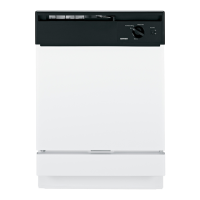
If you are redecorating, you can change your dishwasher’s front panel to
match or blend with your new colors by flipping it over. Each side of each
panel is a different color. You may also paint a panel with a color of your
own choice.
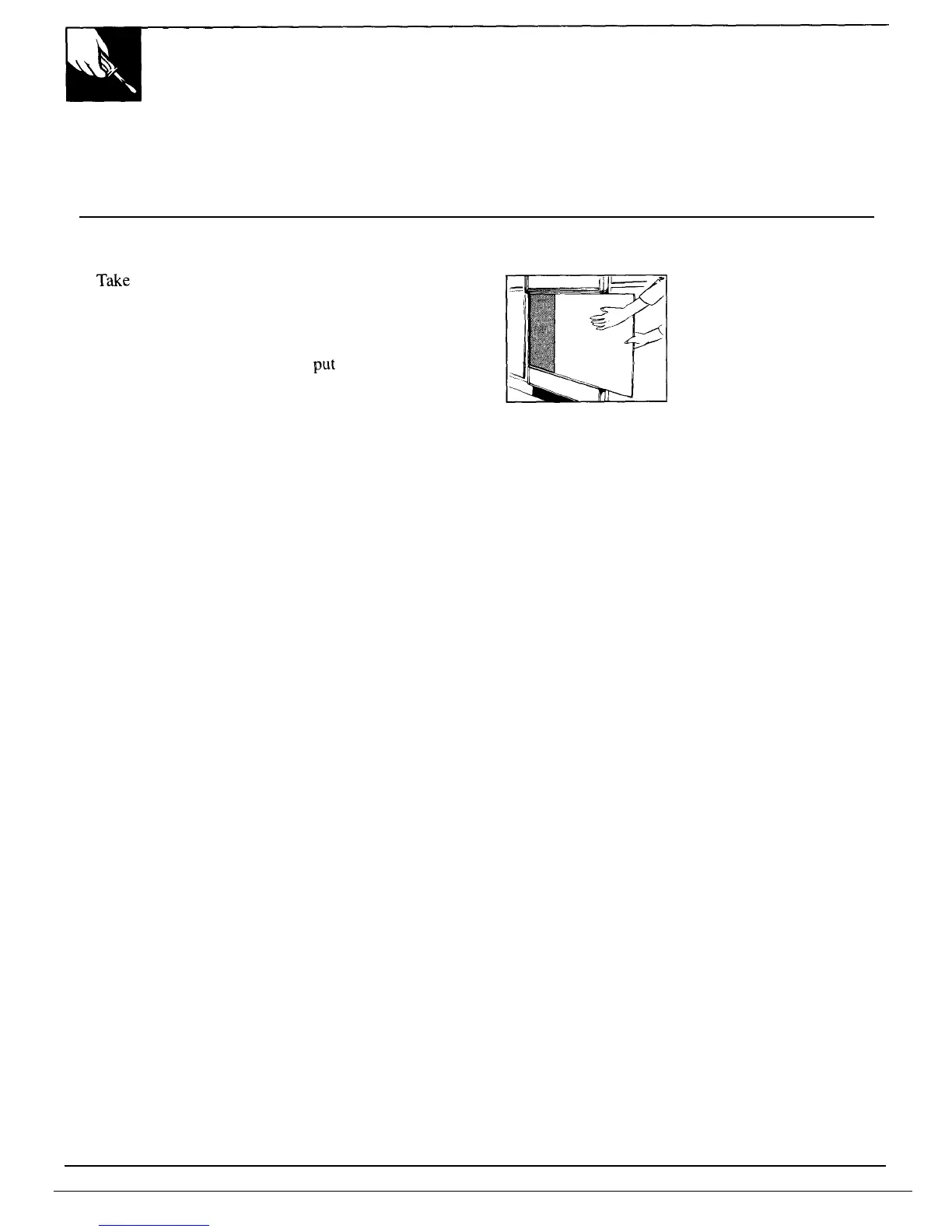
How to Change the Door Panel:
1. T&e out trim screws on either side of the
dishwasher door. Remove the side trim.
2. Slide the door panel out.
(Careful—edges may be sharp.)
3. Turn the door panel around and
put
the color you
want in front.
4. Replace the door panel, side trim and screws.
NOTE: Do not operate
dishwasher while changing
panels
or when lower access
panel is removed.
12



 To Next Page