4 49-1000546 Rev. 0
Starting the Freezer
1.Cleantheinsideofthefreezerwithamildsolutionof
bakingsodaandwater(seeCareandCleaning).
2. Connect cord to power outlet.
3.Makesurethetemperaturecontrolissetat4
(recommendedsetting)between1(leastcold)to7
(coldest).
4. Allow freezer to operate for at least 6 to 8 hours
before placing food inside.
USING THE FREEZER: Operation/Features
Operation
Features
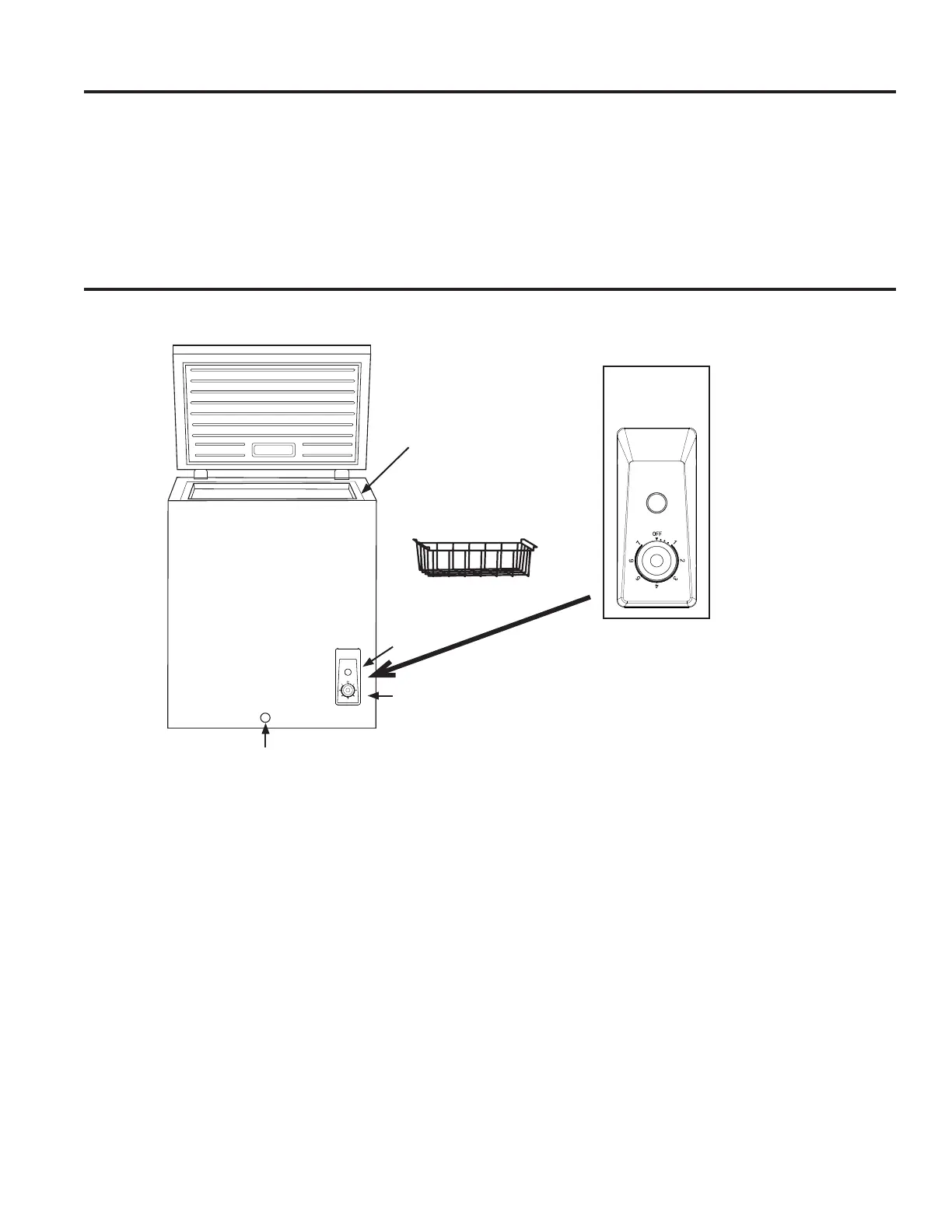
The control, located on the front of the freezer cabinet, is
anadjustabledialwithtemperaturesettingsrangingfrom
1(leastcold)to7(coldest)andOff.
1.Turnthetemperaturecontroldialto4(recommended
setting).
2.Allowthefreezertocoolforseveralhoursbefore
adding food.
Adjusting the temperature
1. Adjust the control dial to one of the adjacent settings 3
(lesscold)or5(colder).
NOTE: Exceptwhenstartingthefreezer,donotadjust
thecontrolmorethanonesettingatatime.
2.Wait24hoursbetweenadjustmentsforthefreezer
temperaturetostabilize.
Controls
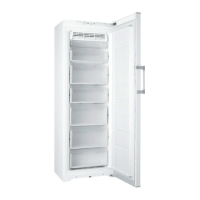
A.InteriorDrainPlug(notshown)
B.VinylCoatedWireBasket
C.PowerIndicator-greenlight
(HHM7SRWWmodelonly)
D.TemperatureControlAdjustment
E. ExteriorDrainPlug
A
B
C
D
E
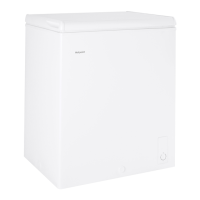
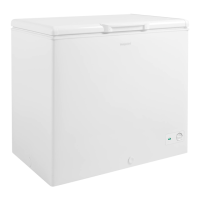
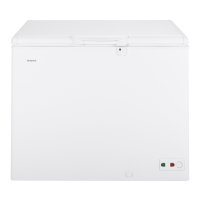
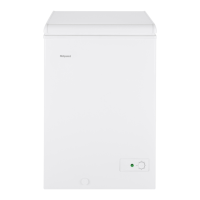
Models:
HHM5SRWW,
HHM7SRWW



 To Next Page