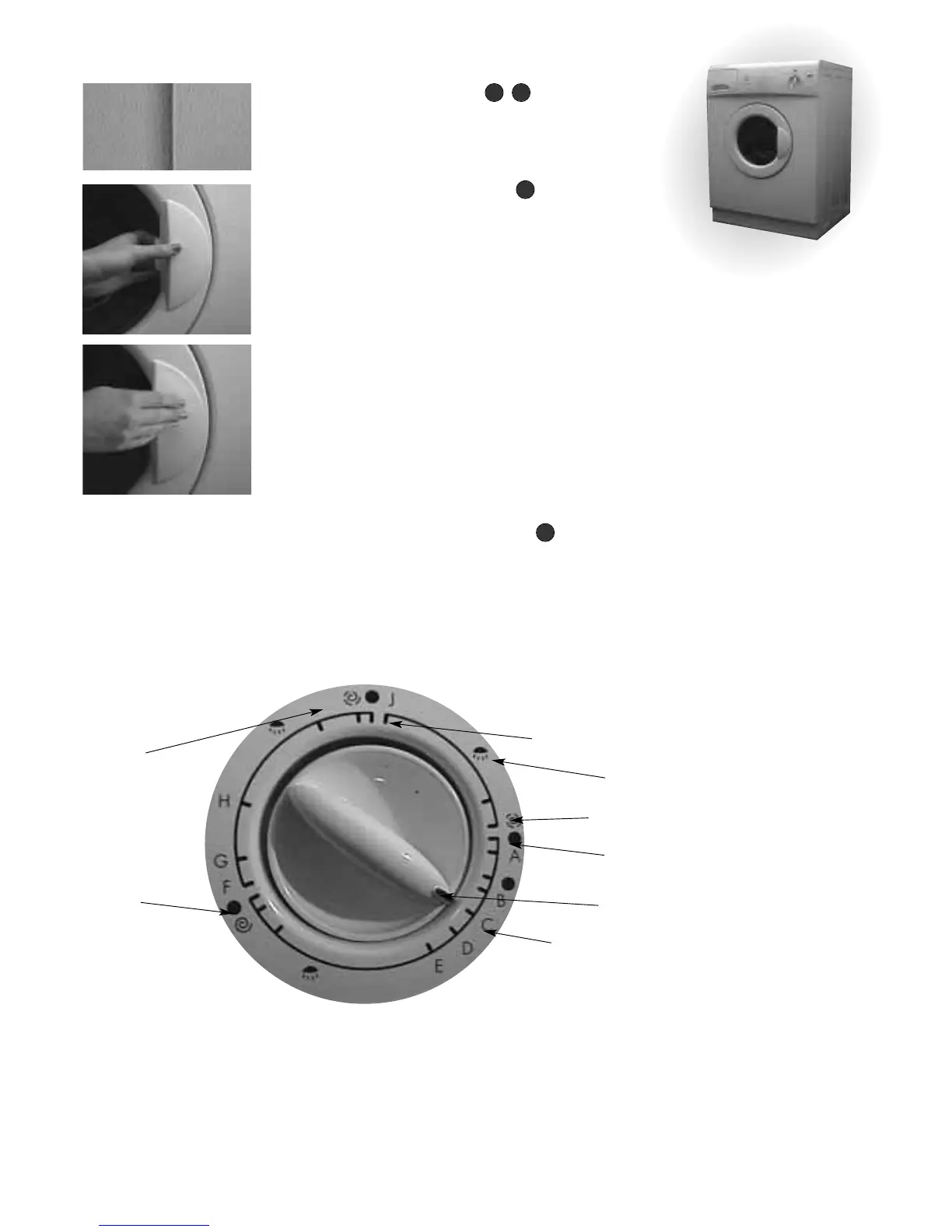
Button Selection
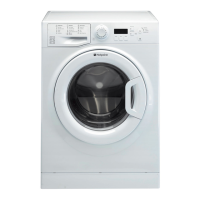
To select, press button and a colour band will become visible
(Fig 1).Press again to cancel.
Interlocking Door &
Release Lever
To Open...
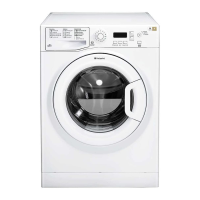
Grip the door release lever and pull open the door (Fig 2).
To Close...
Apply pressure at the 3 o’clock position (Fig 3) until the door
clicks.
Indicator Light...
When switched on the door will lock and after a few seconds
the indicator light will illuminate throughout the programme.
Approximately 1-2 minutes after the programme has finished
the indicator light will go out and the door can be opened.
WARNING: Do not attempt to open the door whilst the
indicator light is on.
Wash Dial & Symbols
Before selecting a programme, ensure the mains button is in the
‘OFF’ position.Turn dial slowly clockwise.You will hear a click as
the pointer aligns with the start of your chosen wash
programme, final rinse or spin.
Note: Failure to correctly align pointer at the start of a wash
programme will result in detergent not being dispensed.
2 4
5
3
Start of Wash, Final Rinse
& Spin Programmes
Rinses
Short Spin
End of
Programme
Pointer
Letters represent
programme
(see page 11)
Rinse Hold
(where applicable)
Long Spin
Fig 1
Fig 2
Fig 3
9


 To Next Page