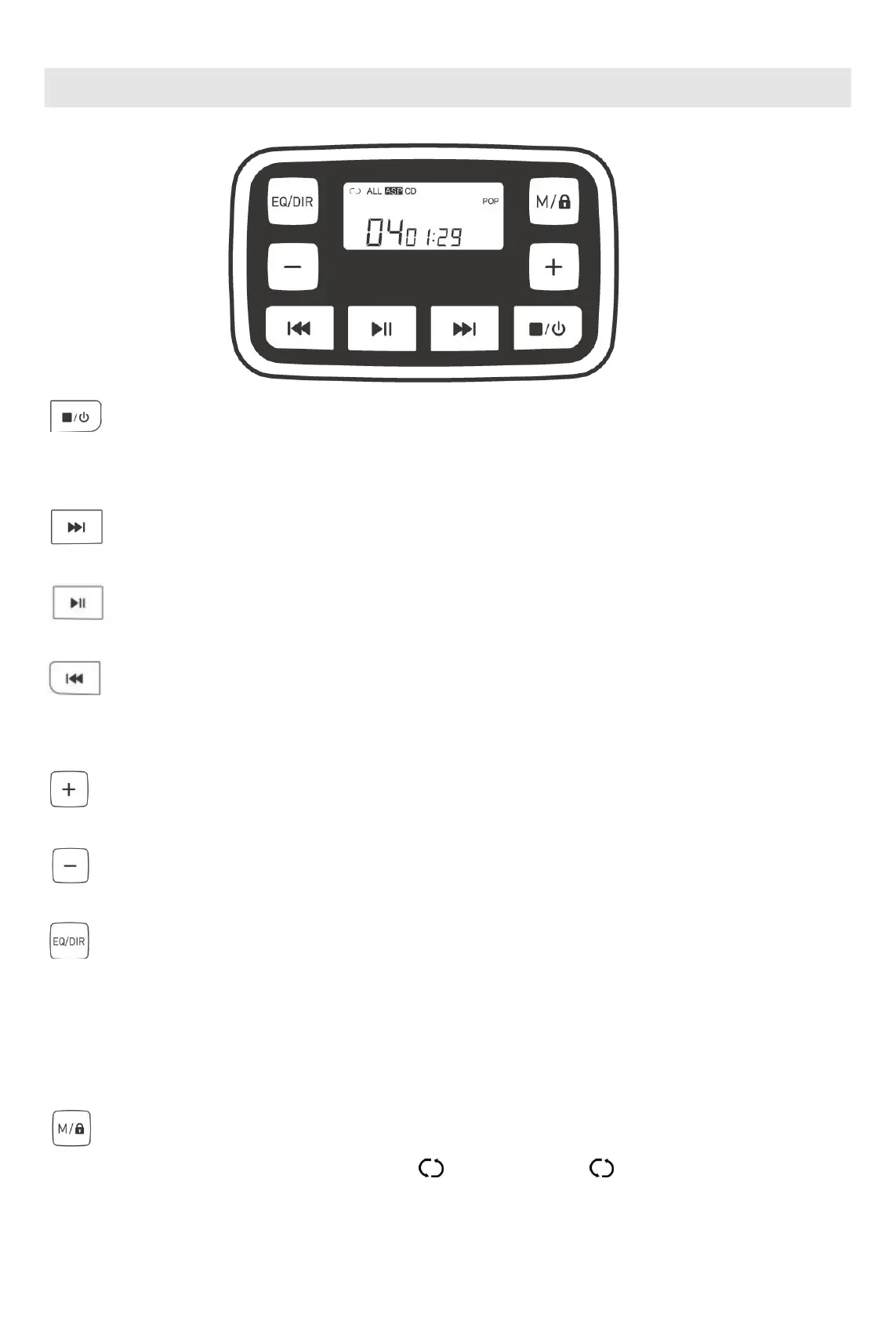
Button functions:
: Power-on/Power-off/Stop
Press and hold it for more than 3s to power ON/OFF this product. In case of no operation in 30s after this button is
pressed, the product will be automatically shut down.
: Next/Fast Forward mode
In the playback status, press it once to play next song. Press and hold it to enable the Fast Forward mode.
: Play/Pause
In the playback status, press it once to pause and again to continue playback.
: Previous/Fast Rewind mode
In the playback status, press it once to replay the current song or twice to play the previous song. Press and hold it to
enable the Fast Rewind mode.
: Volume +
In the playback status, press it once to increase the volume.
: Volume -
In the playback status, press it once to decrease the volume.
: EQ sound/MP3 song selection
In the playback status, press it to change as follows: (BASS) → (POP) → (JAZZ) → (ROCK) → (CLASS) →
(Reset).。
Press and hold it to select and play a DIR song. For DIR-free CDs, the DIR function of this product will be
unavailable.
: Playback/key locking
In the playback status, press it to change as follows: 1: single play loop; ALL: play all in loop; DIR: select
and play songs; INTRO: introscan; SHUF: play at any sequence and disable the playback mode. (Note: All modes



 To Next Page