are applicable to MP3 songs. For CDs, all modes are applicable except for DIR.)。
In the playback status, press and hold it until “HOLD” appears on the screen, and all buttons will be locked. Then,
press and hold it until “HOLD” disappears, and the buttons will be unlocked for normal operation.
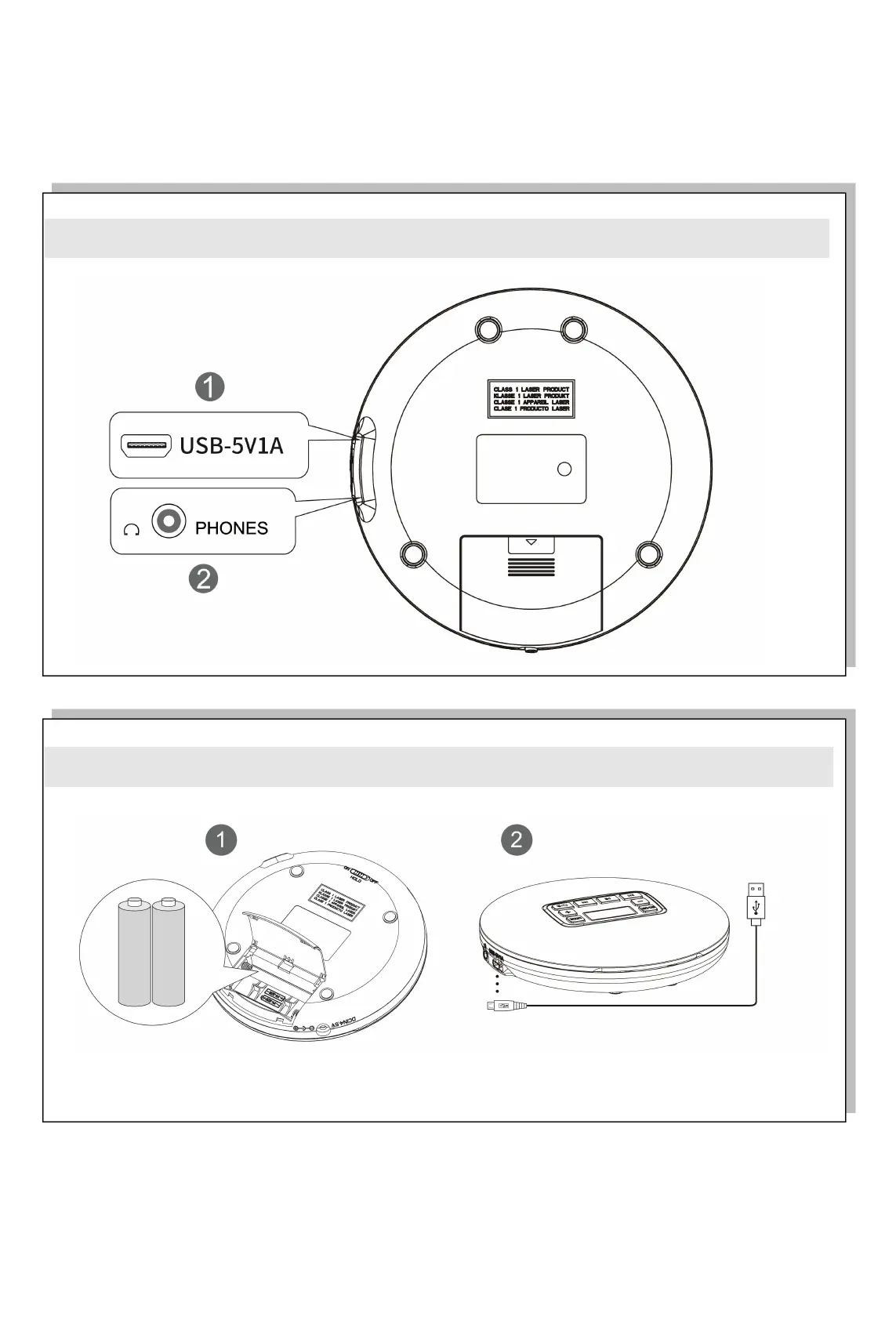
Back Buttons
Power supply:
Before turning on this product, please install 2*AA batteries or use 5V/1A power cable to connect.
※ Tips:
※ Do not apply any disc with serious scratches, fingerprints and dirt on surfaces; otherwise, discs cannot be played, the
CD player may fail, or the service life of the laser head may be affected



 To Next Page