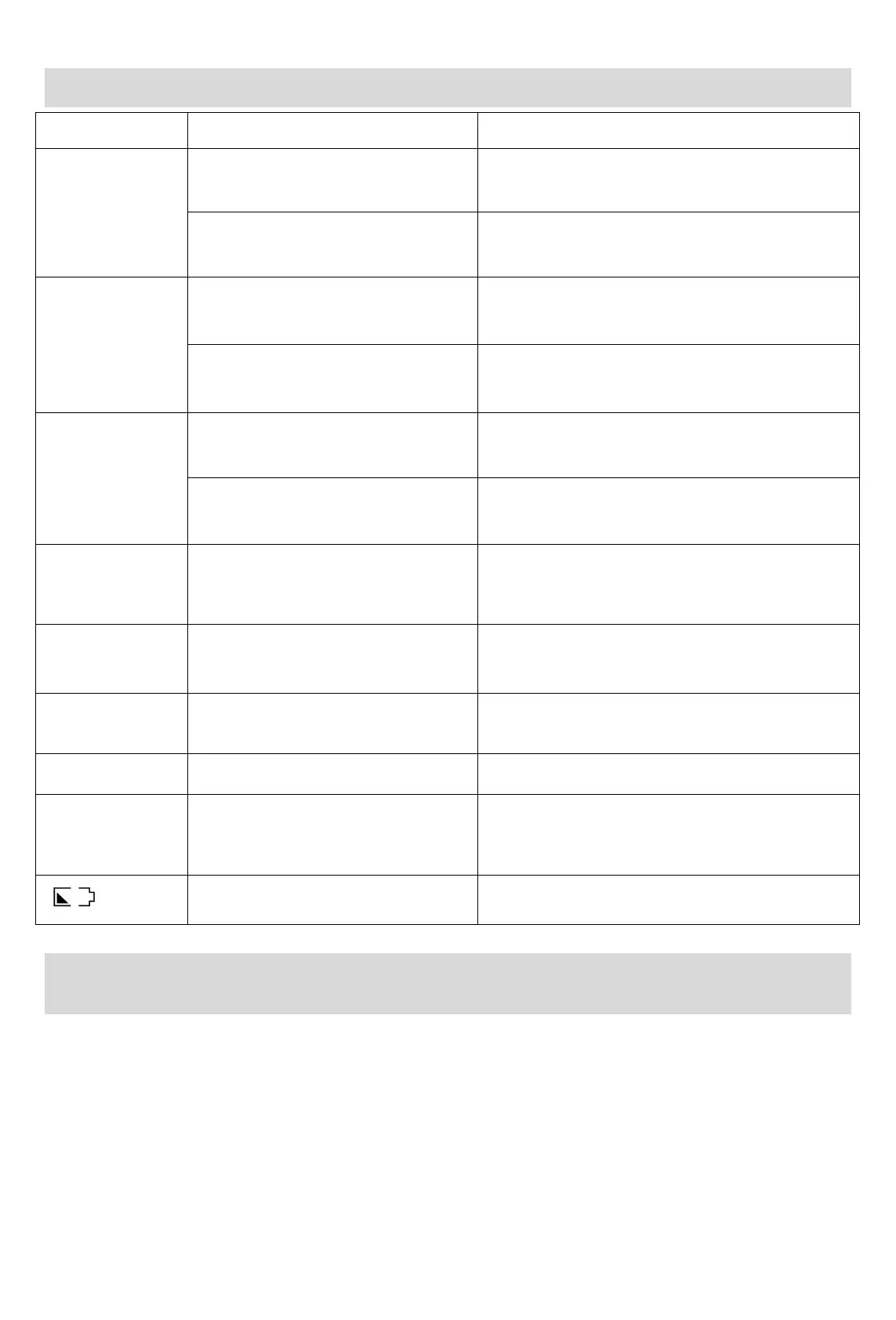
Analysis of Common Faults
Check whether the power cable is
connected properly.
Please connect it properly.
The product cannot be started due to low
power.
Check whether the batteries are installed
as indicated on the battery compartment
label.
Install new batteries.
Install the batteries correctly.
Check the disc for serious scratches,
cracks, fingerprints, dirt, etc.
Check whether the disc format is
supported by the CD player.
Use a disc supported by the CD player.
The headphone is not properly plugged
into the headphone port.
Re-plug or replace the headphone.
Check whether the volume of the CD
player is the lowest.
Increase the volume by pressing Volume +.
Check whether “HOLD” appears on the
screen in the playback mode.
Press and hold the button in the playback mode for
unlocking (“HOLD” on the screen disappears).
Playback stop or
automatic shutdown
Check whether the ALL mode is enabled.
If this mode is not enabled, the CD player will stop
working or automatically shut down after playing the
current song.
Check whether the disc is clean without
scratches.
The upper cover is not closed properly.
Close the upper cover again.
The product fails to read the disc or no
disc is available.
The product is running out of power.
Replace AA batteries in a timely manner.
Aftermarket Information
HONGFUTAI E-TECH(SHENSHEN)CO.,LTD
ADD:Room 201, Building F, ICC Industrial City, Hourui Community, Hangcheng Street, Baoan District,
Shenzhen, Guangdong, China
Web Address:www.hottaudio.com
E-mail:info@hottaudio.com
Are you satisfied with the product?if you have any auestion,please contact us by Email message.
We will reply all within 24 hours.



 To Next Page