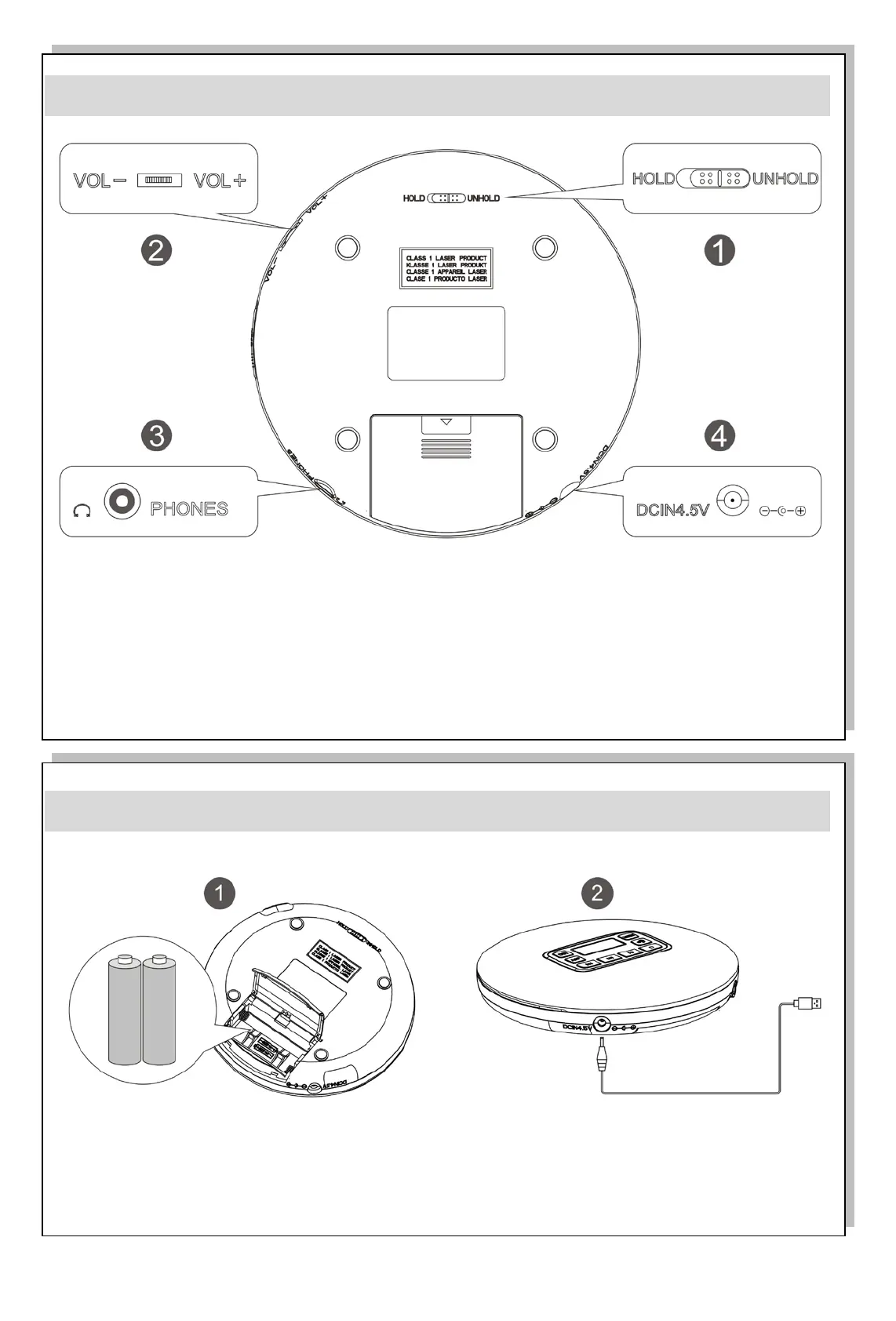
Back function introduction
HOLD/UNHOLD button: lock/unlock switch control, HOLD>lock; UNHOLD>unlock.
To play the device, you need to pull the button to the UNHOLD position.
VOLUME +/- button: Volume control switch, the volume can be adjusted in the playback state.
PHONES: earphone interface
DCIN4.5V: power supply input
Charging instructions:
To power on the play device, you may use the dry battery 3V (2X1.5V LR6/AA) or the USB
5V power supply wire.



 To Next Page