select play; INTRO browse play; SHUF play and release mode in any order. (Note: All playback
modes of the MP3 disc are available. The CD disc has no playback except the DIR track area.
Other playback modes are available.)
:EQ sound mode
Short press to skip to: (BBS-mega bass) → (POP-popular) → JAZZ-jazz) → (ROCK-rock and roll)
→ CLASSIC-classic) → (return back to original state)
+ :PGM programming mode
In the play state, short press the
button, then press the MODE
( )
button to display the
PGM font into the programming mode. Press the
and
key to switch the song to select the
song, press the MODE
( )
button to confirm the selected song, and press the
key to play
the song selected in the programming mode. (Note: CD disc or MP3 discs support up to 64
songs)
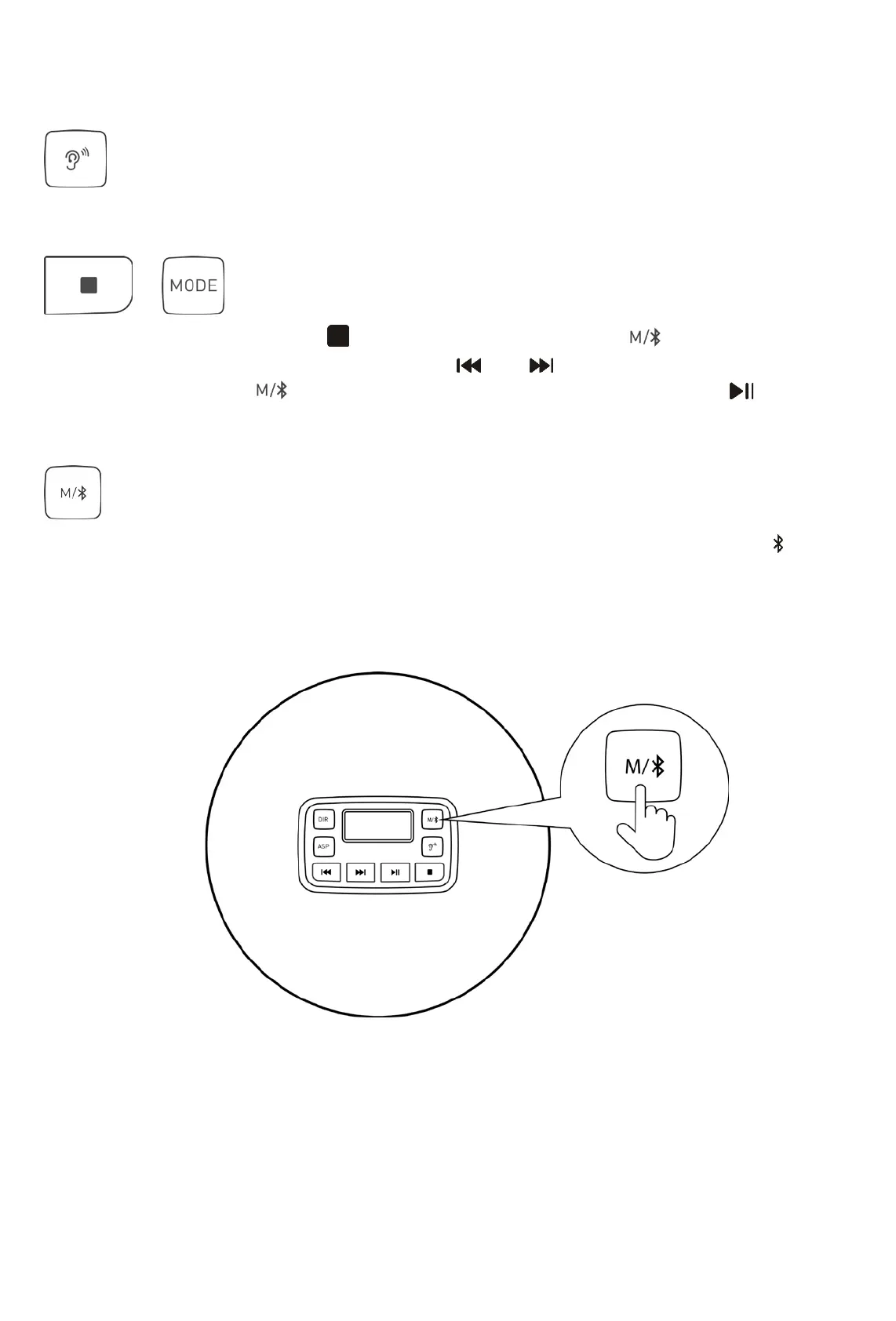
: Bluetooth mode (if you have this configuration), as shown in the following figure
In the play state, press and hold 1-3 seconds to turn on the Bluetooth device. The icon flashes
and enters the pairing mode. It will automatically connect with the Bluetooth headset or Bluetooth
audio that is turned on within about 50s. Long press to switch to reconnect or disconnect the
Bluetooth transmitter function, the paired device can be automatically reconnected when booting.



 To Next Page