Buttons and controls
OVERVIEW
The display
CD A CD-DA has been inserted.
MP3 An MP3 CD has been inserted.
Displays the total number of title or the current track(CD-DA).
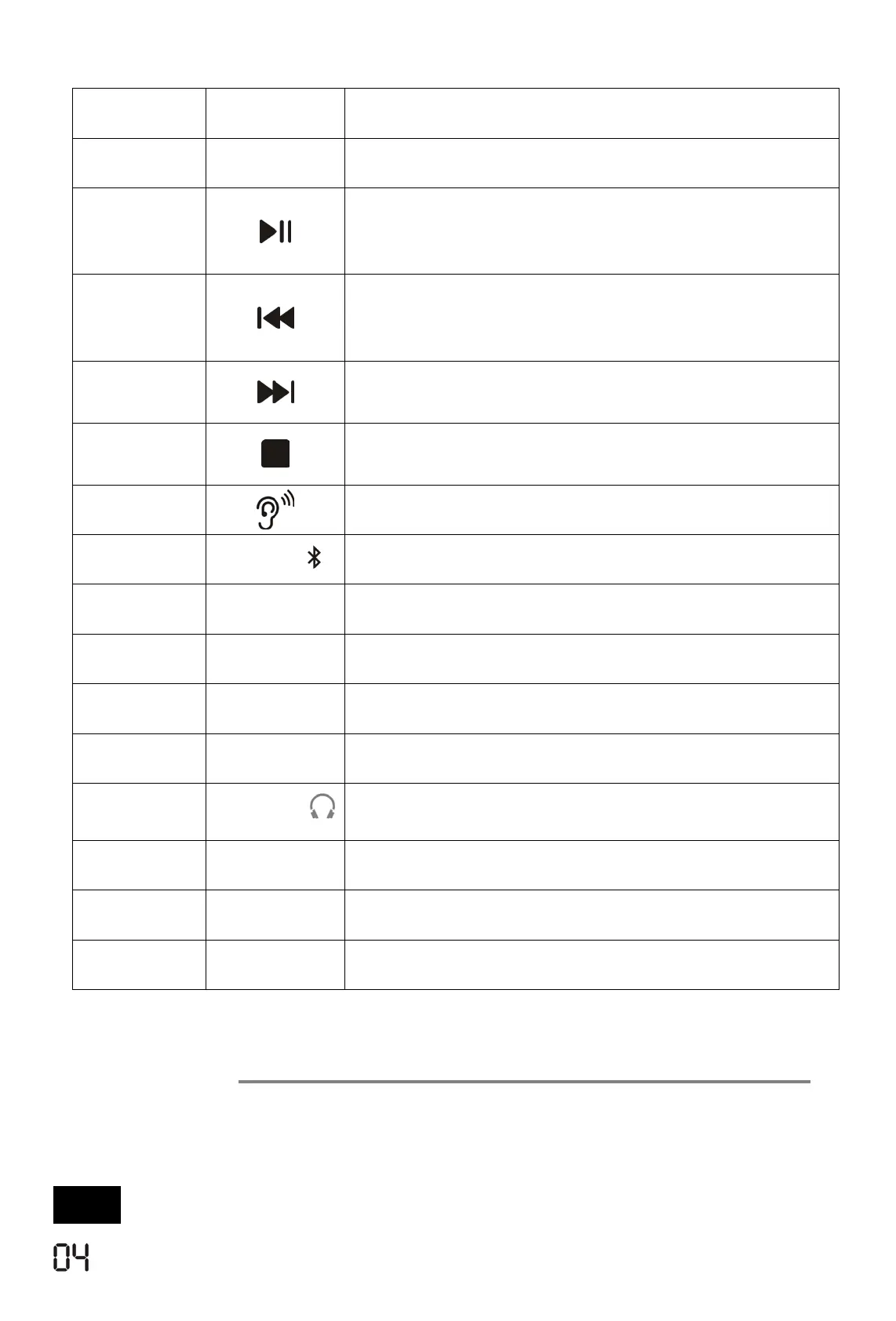
Model No. Mark Descriptions
1
HOLD
Lock button switch.(Not power switch button)
2
Starts and pauses play back.
(
“HOLD” button turned at “OFF”
position before powering on
)
3
Press once to replay the current song ,Short
press twice to select previous song ,Long Press
4
Short press to select the next song; Long press
to fast forward
5
Press once, ends playback; press twice switches
the device off
6
Selects sound effects
7
MODE
Selects several playback options
8
ASP
Switches the anti-shock system on/off
9
DIR
Select the next album, only for MP3 format
10
LCD
LCD Display
11
OPEN
Opens the CD lid
12
PHONES
Headphone jack for connecting a headphone set
with a jack plug(Ø3.5mm)
13
USB 5V
Charging input
14
VOL- /VOL+
Adjusts the volume
15
RESET
The reset hole
- 3 -



 To Next Page