7 Bluetooth
Press into BT interface, Long press to exit.
7.1. Menu Options
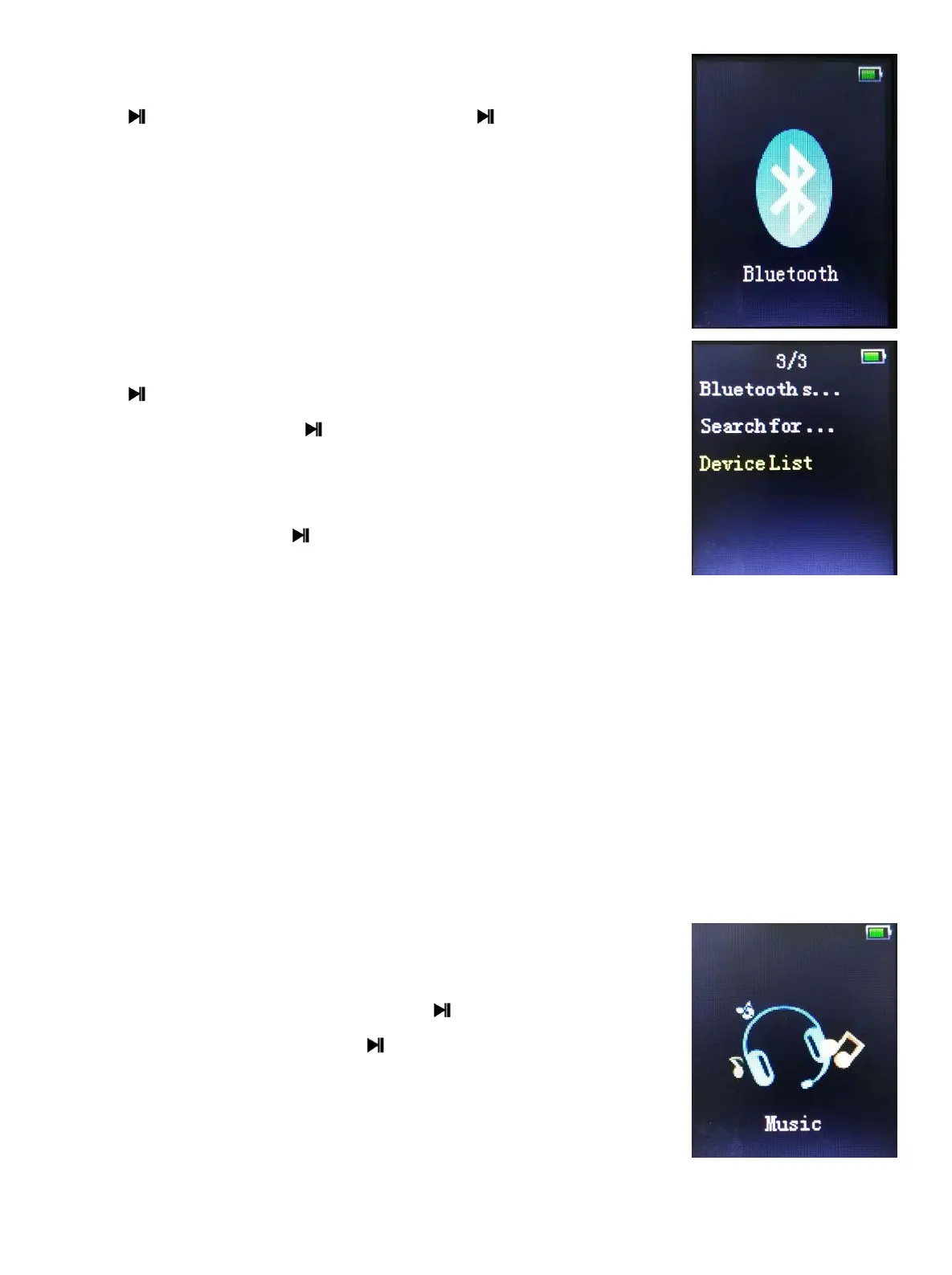
Enter Bluetooth interface to see the operation interface.
Press [/] to browse the options, contain “Bluetooth
ON/OFF” “Search device”“Pairing device list”
[Bluetooth switch control]:
Press to enter, press [/] to choose
[Search device]: press to enter and the searching
interface shows up, if a device is found, then it will be listed
in the device list.
[Device’s list]: press to operate the player. Press [/]
to choose the device, and enter the device menu interface.
It will list the available operation options according to the status of the device.
When the device is in the Usable status, it can be paired with the device.
When the device is in the Paired status, you can choose [Disconnect].
When it is connected successfully, it will show the playing interface.
[All music]: press the Centre Key to enter, and you can choose the music from
the list to play.
[BT now playing]: when there is a device in the connected status, press the
Centre Key to enter player view.
8 Music
1. Choose music application press to enter the music
playing interface, long press can exit.
2. Support breakpoint play and Background Audio.
Breakpoint play means: the system will enter the playing
interface where you previously exited. Only support this
function in the Now Playing List. Background Audio means when the player is
playing the music in the background, it can run other functions at the same time
- 6 -



 To Next Page