EasyManua.ls Logo

hoxter ABRA 6.1 - User Manual

Default Icon
88 pages
Go to English
Print Icon
To Next Page IconTo Next Page
Loading...
ABRA 6.1
Installations- und Bedienungsanleitung DE 2
Installation and operating instruction EN 14
Návod k instalaci a obsluze CZ 26
Manuel dinstallation et d’utilisation FR 38
Installatie- en gebruikershandleiding NL 50
Instrukcja montażu i obsługi PL 62
Istruzioni di installazione ed uso IT 74

Table of Contents

Questions and Answers

Summary

Introduction to ABRA 6.1 Control Unit

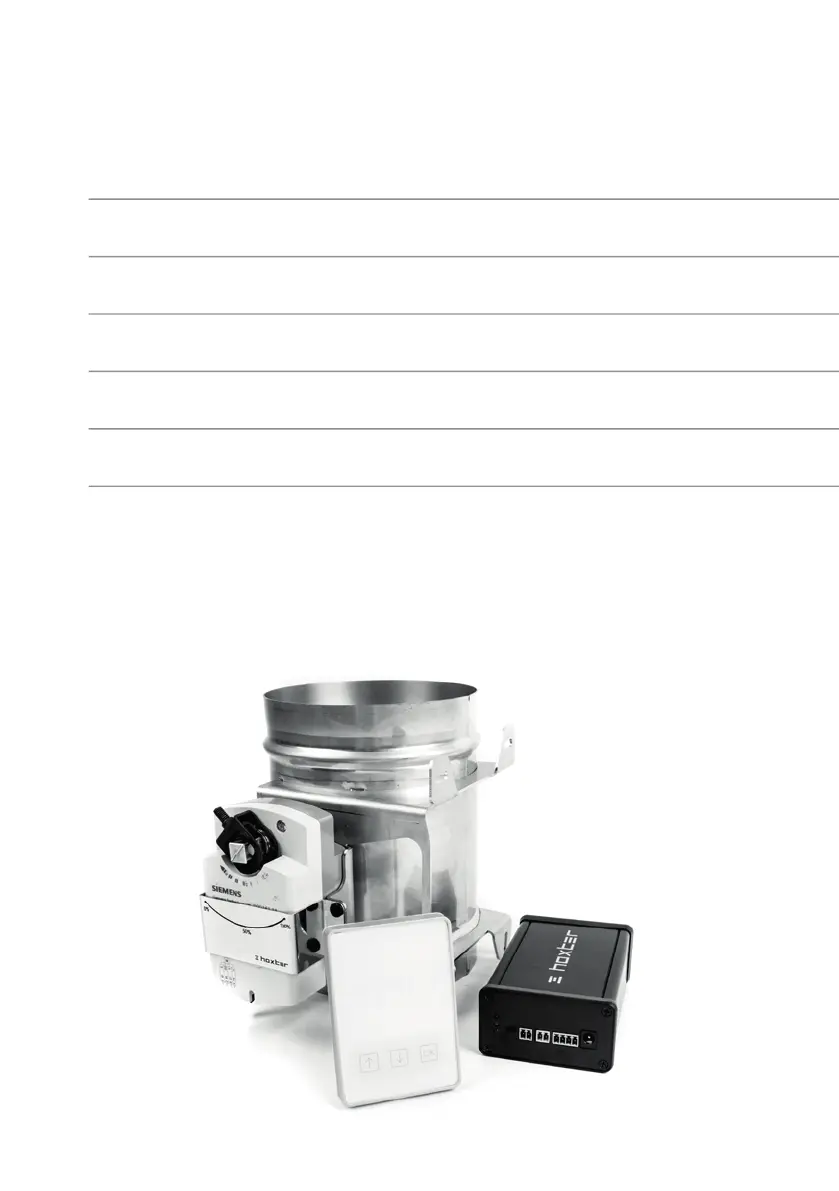
Description of ABRA 6.1 Device Components

Description of Inputs and Control Diode

Details on the inputs and control diode of the ABRA 6.1 unit.

Display Unit Overview

Information regarding the display unit, its power, and signal range.

Door Sensor Installation and Components

Details about the door sensor, its magnetic counterpart, and mounting.

Air Inlet Flap Specifications

Specifications for the air inlet flap, including materials and dimensions.

High-Temperature Sensor Details

Information on the high-temperature sensor's range, resistance, and cable length.

Power Supply Adapter Information

Details on the power supply adapter's input, output, and heat resistance.

Installation Procedures for ABRA 6.1

Door Sensor Installation Guide

Step-by-step guide for installing the door sensor and its components.

High Temperature Sensor Installation

Instructions for correctly installing the high-temperature sensor.

Air Inlet Flap Installation

Guidance on connecting the air inlet flap to the fireplace or stove.

Control Unit Connection Steps

Steps for connecting the control unit, power supply, and other components.

Setting Up the ABRA 6.1 System

Product and Communication Channel Setup

Procedure for initial setup, including battery access and channel configuration.

STD Program Configuration

Details on the default 'Std' program for automatic combustion control.

UNI Program Configuration

Configuration options for the 'Uni' program to adjust active burning phases.

Test Program for Air Flap Functionality

Using the 'tEst' program to verify the functionality of the air flap.

Operating the ABRA 6.1 Control Unit

Information Displayed During Operation

Explanation of the three basic values displayed during operation.

Alarms and Warning Messages

Overview of alarm and warning messages displayed on the unit.

Troubleshooting ABRA 6.1 Issues

Warranty Information for ABRA 6.1

hoxter ABRA 6.1 Specifications

General IconGeneral
Brandhoxter
ModelABRA 6.1
CategoryControl Systems
LanguageEnglish