3
Presentazione del prodotto e dei comandi
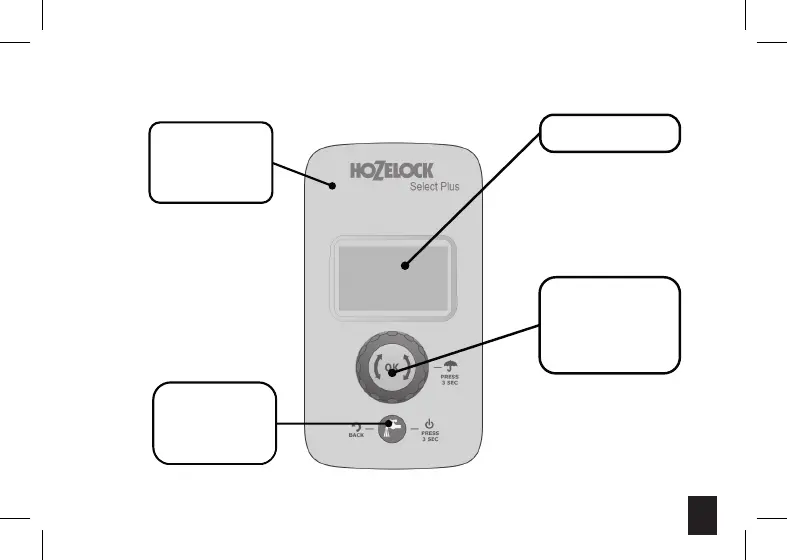
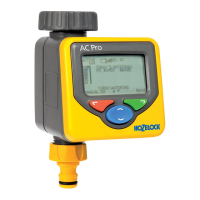
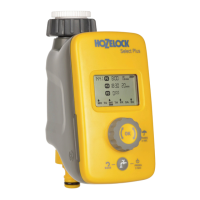
LCD Screen
Rotary Dial
Rotate and Push
Used to adjust the settings
on your timer.
Select Plus
Water Now
Use this button to water
immediately. Also used to
go back a step when
programming.
Removable front panel.
Gently pull the panel away
from the valve body to
remove it.
Select Plus
Irrigazione
immediata
Utilizzare questa rotella per
procedere all’irrigazione
immediata.
Utilizzata anche per tornare
indietro di un passo durante la
configurazione.
Rotella
Girare e premere
Permette di regolare le
impostazioni del timer
Display LCD






 To Next Page