HP recommends
Windows Vista
®
Business
1.
HP Presentation button with LED indicator
11.
HP Info / HP QuickLook button
2.
Volume mute button with LED indicator 12.
Wireless on/off with LED
3.
Volume scroll zone with up/down LED indicators
13.
ExpressCard/54 slot or Smart Card Reader
4.
Pointstick
14.
Pen slot
5.
Pointstick buttons
15.
Ambient light sensor
6.
Hard drive / optical drive activity / HP 3D DriveGuard LED
16.
Dual-microphone array
7.
Battery charging LED
17.
Internal WWAN antenna
8.
Power/standby LED
18.
Two internal WLAN antennas
9.
Power on/off
19.
Integrated camera (select models)
10.
USB 2.0 port (powered)
20.
HP Night Light
21.
External WWAN antenna
QuickSpecs
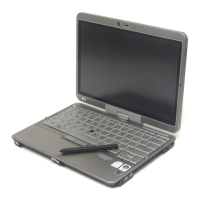
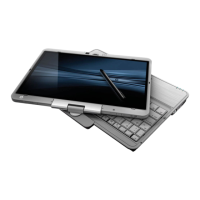
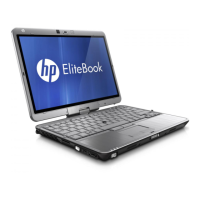
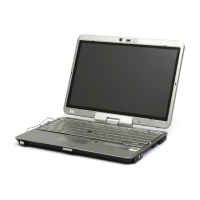
HP Compaq 2710p Notebook PC
Overview
DA - 12718 North America — Version 24 — August 20, 2008
Page 1

 Need help?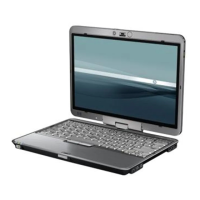

 To Next Page
 General