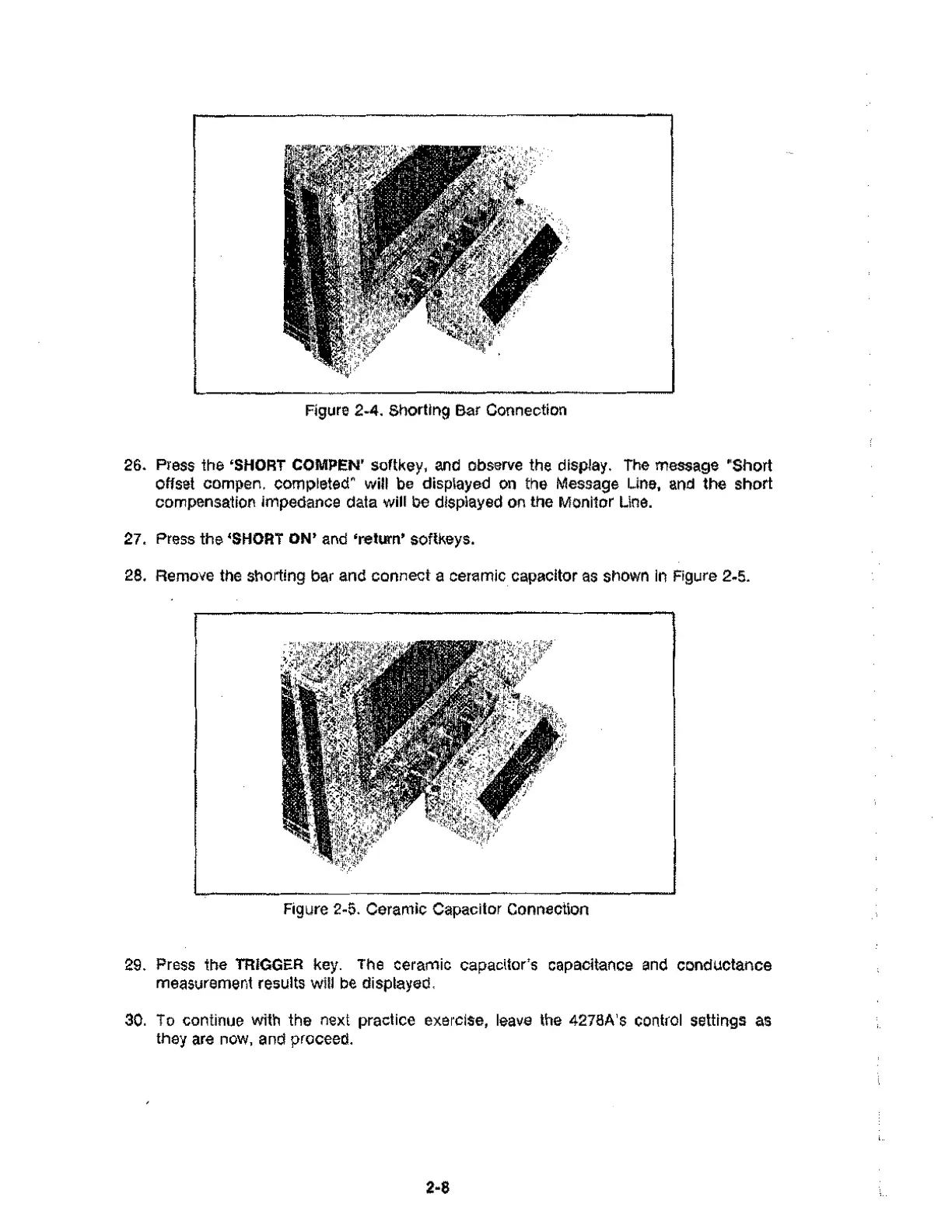
Figure 2-4. Shorting Bar Connection
26. Press the 'SHORT COMPEN' softkey, and observe the display. The message "Short
offset compen. completed" will be displayed on the Message Line, and the short
compensation impedance data will be displayed on the Monitor Line.
27. Press the 'SHORT ON' and 'return' softkeys.
28. Remove the shorting bar and connect a ceramic capacitor as shown in Figure 2-5.
Figure 2-5. Ceramic Capacitor Connection
29. Press the TRIGGER key. The ceramic capacitor's capacitance and conductance
measurement results will be displayed.
30. To continue with the next practice exercise, leave the 4278A's control settings as
they are now, and proceed.
2-8



 To Next Page