CCOU? SOFTKEY LABEL: NOT ASSIGNED
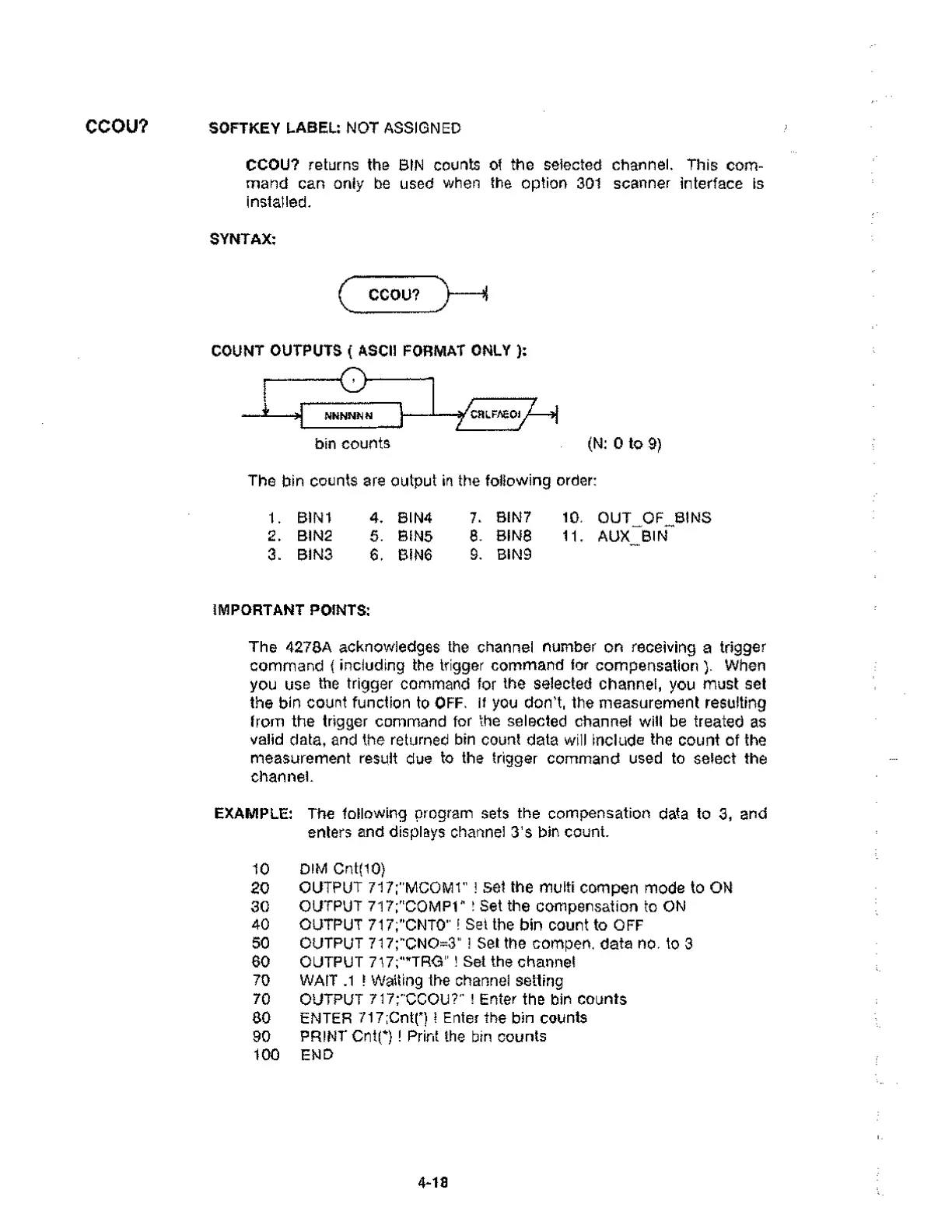
CCOU? returns the BIN counts of the selected channel. This com-
mand can only be used when the option 301 scanner interface is
installed.
SYNTAX:
CCOU?
COUNT OUTPUTS ( ASCII FORMAT ONLY ):
NNNNN N
bin counts
CR LFAEOIA-A
(N: 0 to 9)
The bin counts are output in the following order:
1. BIN1 4. BIN4 7. BIN7 10. OUT_OF__BINS
2. BIN2 5. BIN5 8. BINS 11. AUX BIN
3. BIN3 6. BIN6 9. BIN9
IMPORTANT POINTS:
The 4278A acknowledges the channel number on receiving a trigger
command ( including the trigger command for compensation ). When
you use the trigger command for the selected channel, you must set
the bin count function to OFF, If you don't, the measurement resulting
from the trigger command for the selected channel will be treated as
valid data, and the returned bin count data will include the count of the
measurement result due to the trigger command used to select the
channel.
EXAMPLE: The following program sets the compensation data to 3, and
enters and displays channel 3's bin count.
10 DIM Cnt(10)
20 OUTPUT 717;"MCOM1" ! Set the multi compen mode to ON
30 OUTPUT 717;"COMP1" ! Set the compensation to ON
40 OUTPUT 717;"CNTO" ! Set the bin count to OFF
50 OUTPUT 717:"CNO=3" 1 Set the compen. data no. to 3
60 OUTPUT 717;"TRG" ! Set the channel
70 WAIT .1 ! Waiting the channel setting
70 OUTPUT 717;"CCOU?" Enter the bin counts
80 ENTER 717;Cnt(*) I Enter the bin counts
90 PRINT CM(*) Print the bin counts
100 END
4-18



 To Next Page