NNNNNNNNNNN
YES
NNNNNNNN
NO
3.
Press
NNNNNNNNNNN
YES
to clear all of the list sweep points and limits.
Printer Function
Perform the following steps to print out the display page using the
PRINT DISP mo de.
1. Connect the HP 4284A to the printer using an HP-IB cable.
2. Set the printer to the Listen Only mo de.
3. Set the talk only mo de to ON on the
SYSTEM CONFIG
page.
4.
Press
4
MEAS SETUP
5
and
NNNNNNNNNNNNNNNNNNNNNNNNNNNNNNNN
LIST SETUP
to display the
LIST SWEEP
SETUP
page.
5. Move the cursor to the
SYS MENU
eld.
6. Press
NNNNNNNNNNNNNNNNNNNNNNNNNN
more 1/2
.
7.
Press
NNNNNNNNNNNNNNNNNNNNNNNNNNNNNNNN
PRINT DISP
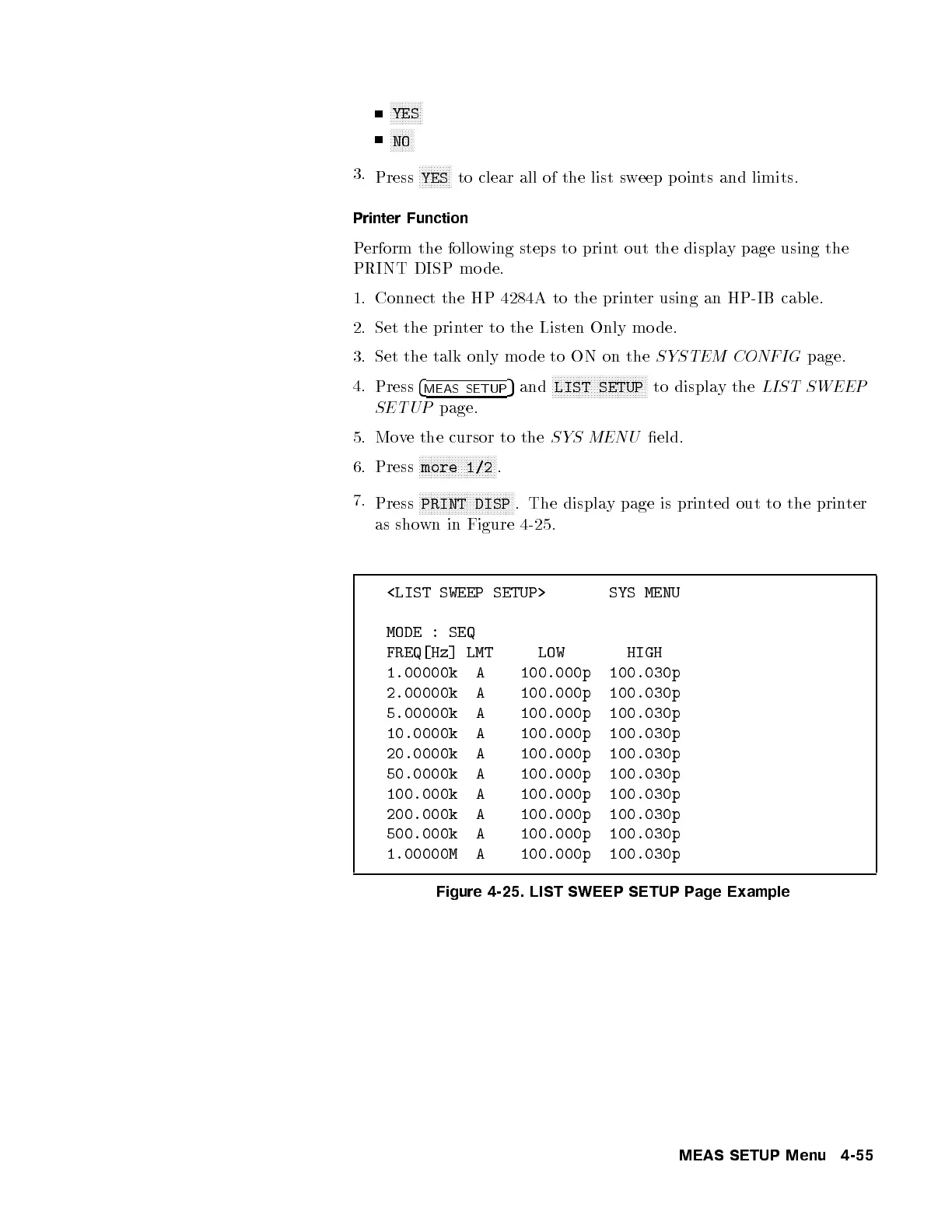
. The display page is printed out to the printer
as shown in Figure 4-25.
<LIST SWEEP SETUP> SYS MENU
MODE : SEQ
FREQ[Hz] LMT LOW HIGH
1.00000k A 100.000p 100.030p
2.00000k A 100.000p 100.030p
5.00000k A 100.000p 100.030p
10.0000k A 100.000p 100.030p
20.0000k A 100.000p 100.030p
50.0000k A 100.000p 100.030p
100.000k A 100.000p 100.030p
200.000k A 100.000p 100.030p
500.000k A 100.000p 100.030p
1.00000M A 100.000p 100.030p
Figure 4-25. LIST SWEEP SETUP Page Example
MEAS SETUP Menu 4-55



 To Next Page